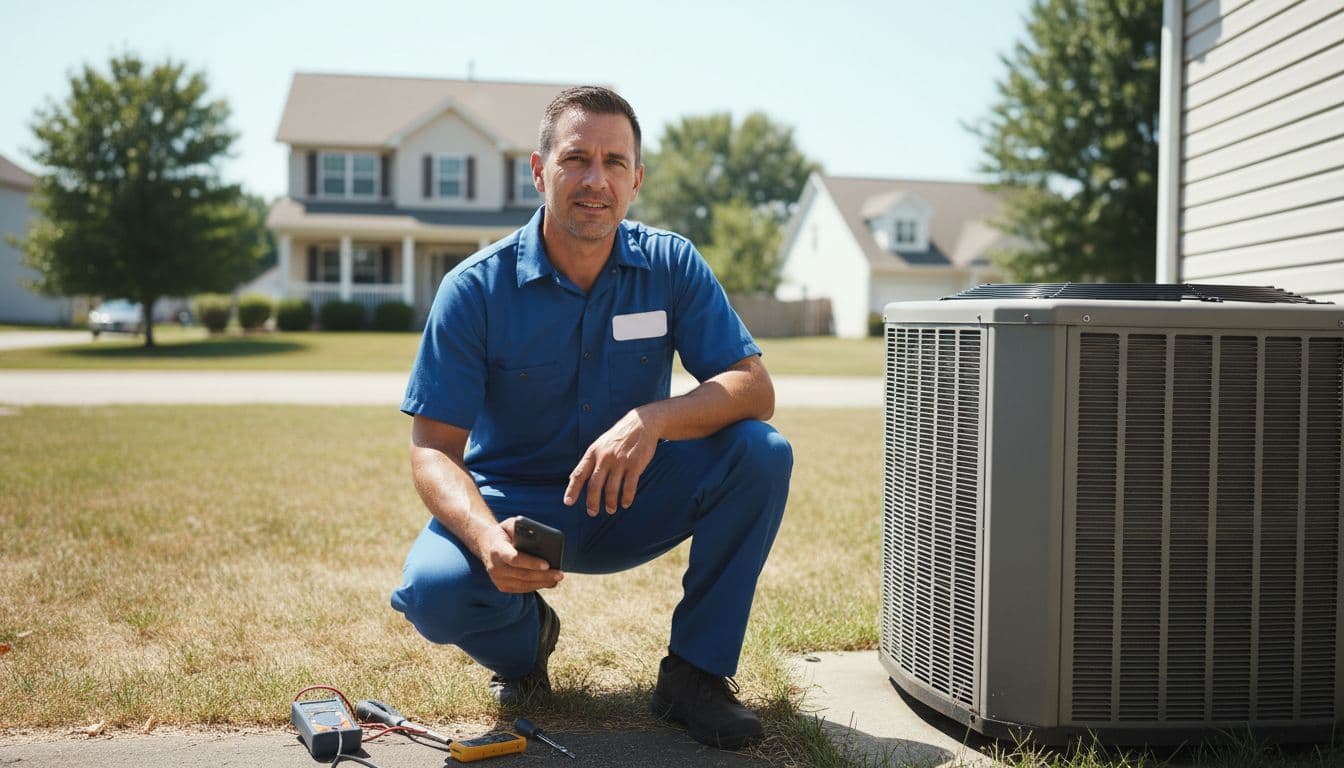
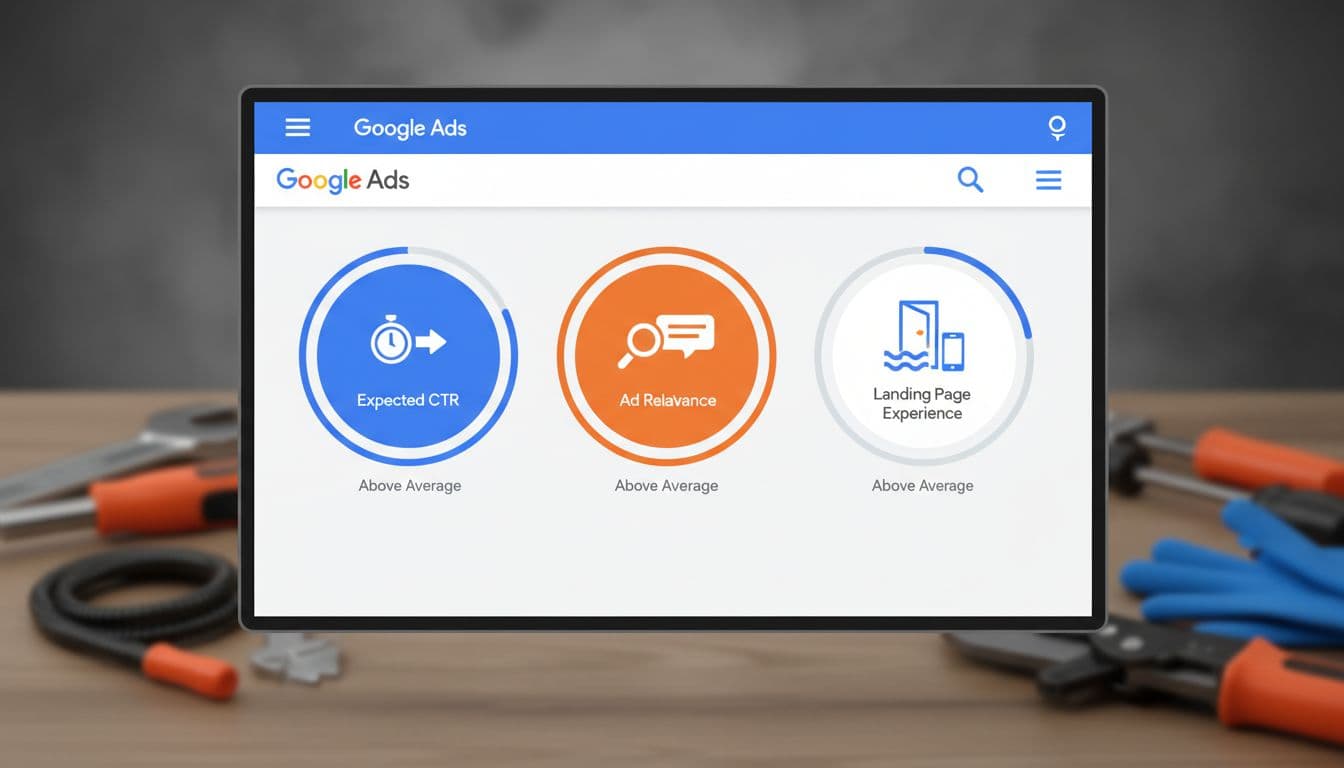
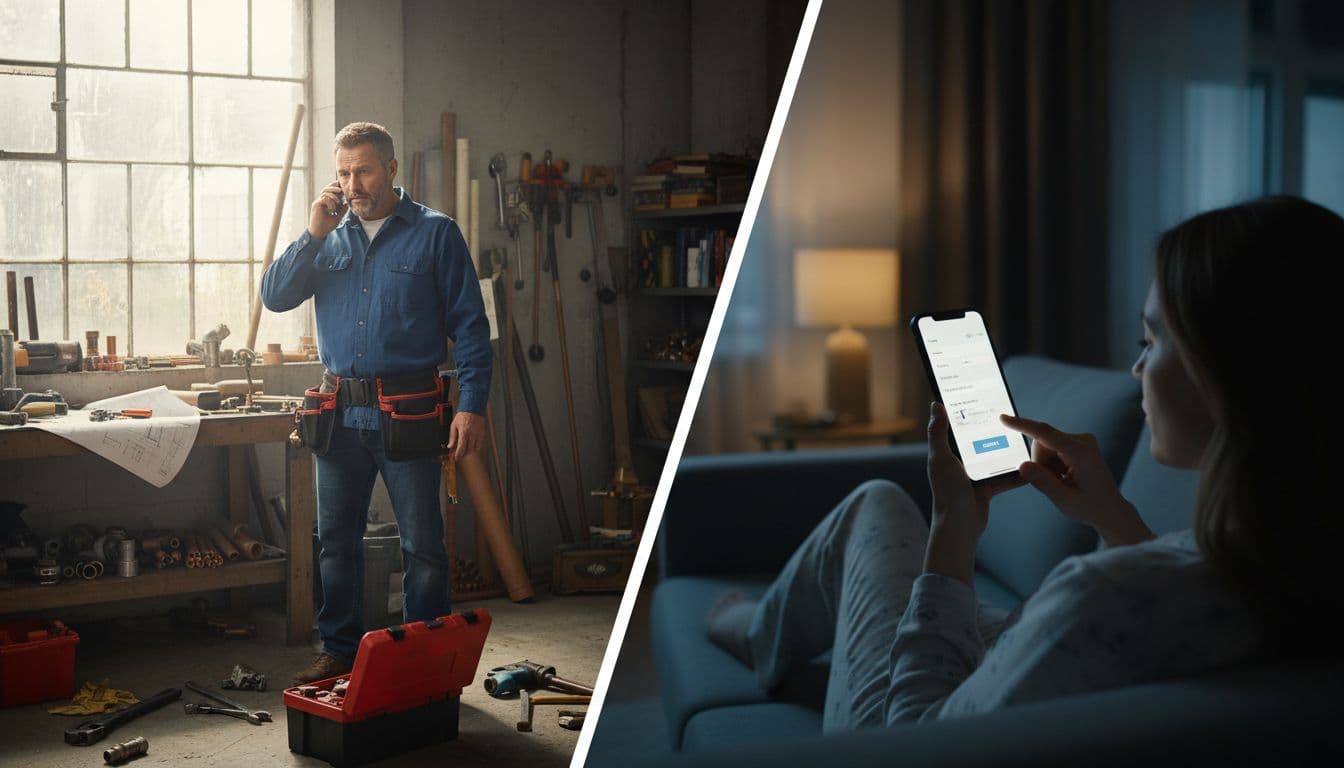
Most home services companies don't lose Local Services Ads leads because demand is weak. They lose them because the setup is loose, the map is too wide, or the phone sits unanswered.
That matters more in 2026. Local services ads optimization now depends on a verified Google Business Profile, strong review flow, and fast lead handling. Start with the foundation, then tighten the account.
Key Takeaways
- Build a complete, verified Google Business Profile first—it's now required for Local Services Ads and powers rankings, reviews, and trust signals.
- Tighten service areas to proximity-strong zones and select job types based on profit margins and close rates to avoid weak leads.
- Respond to leads in minutes (under 5 for emergencies) and request Google Business Profile reviews right after jobs to maintain top performance.
- Pace budgets by lead type and day, screen/dispute invalid leads, and track offline conversions in your CRM for real revenue insights.
- Treat Local Services Ads as an extension of your local SEO: fix the foundation before scaling spend.
Why Local Services Ads work differently in 2026
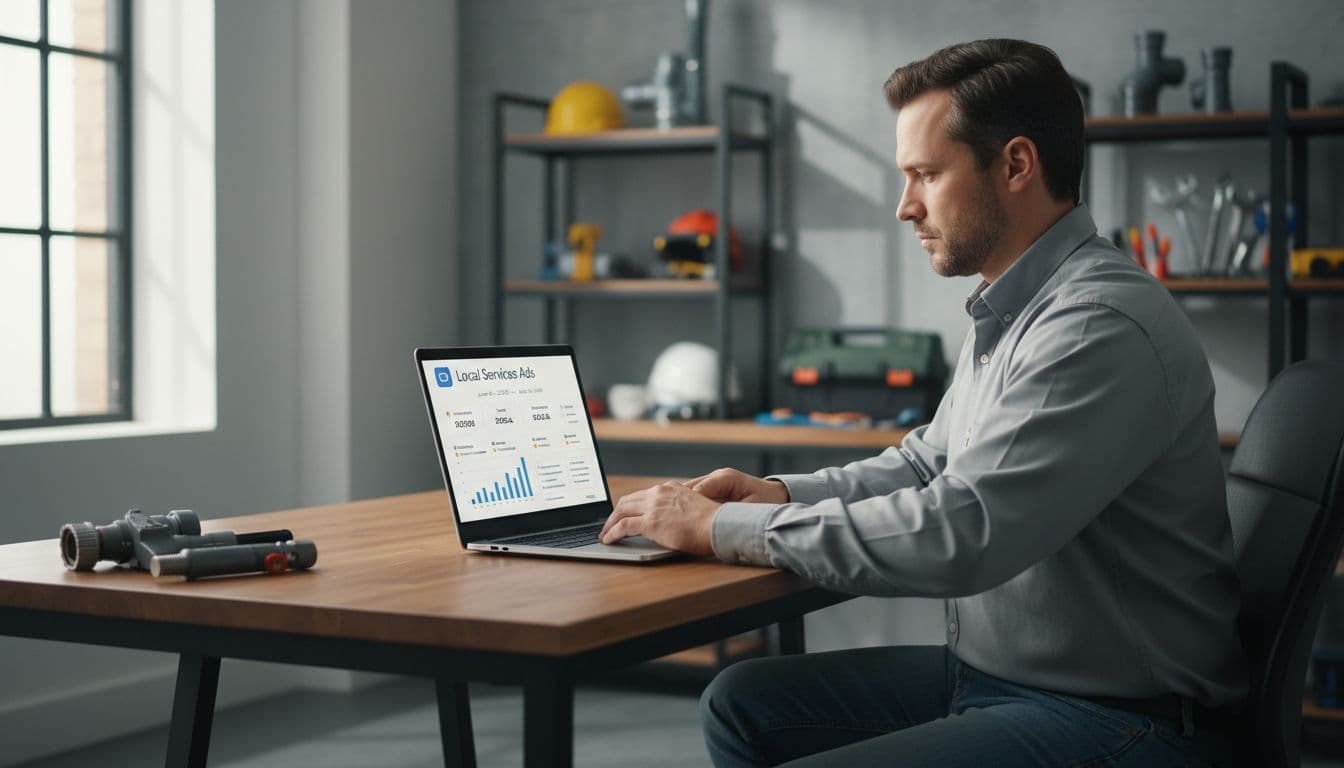
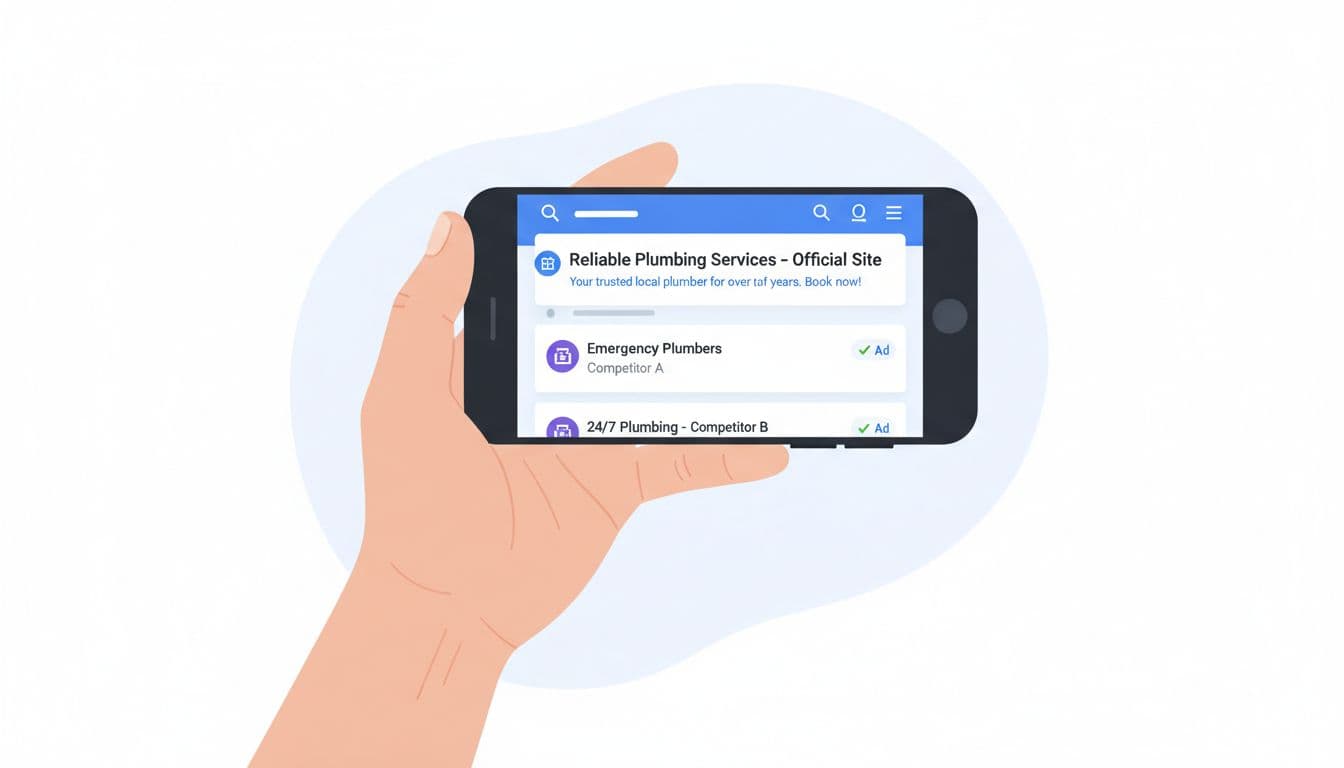
Local Services Ads still sit at the top of the Google search results page, and you still operate on a pay-per-lead model. But the rules have tightened in the local search landscape for contractors. A Google Business Profile with the Google Verified badge is now required to run, and reviews live under that Google Business Profile instead of a separate LSA review system.
So, if your Google Business Profile is thin or suspended, your Local Services Ads can stop cold. That's why smart operators now treat Local Services Ads like an extension of their Google Business Profile, not a side channel.
A good rule is simple: fix trust signals first, then scale spend. The old LSA app is gone, too, so teams should manage leads in the web dashboard and tie that flow to dispatch and CRM. If you want a broader view of current setup standards, this contractor LSA setup guide and this complete Local Services Ads guide both line up with what contractors are seeing in the field.
Build a complete profile before you touch budget

Profile completeness is not busywork. It's your storefront, your proof, and a major ranking factors contributor.
Start by matching your business name, phone, license details, hours, and service list across LSA and Google Business Profile, which directly impacts your ad rankings. Then add high-quality photos. A plumber with fresh water heater installs looks more credible than a profile with three dusty stock shots from 2022.
Keep this checklist tight:
- Fill every service field that matches real jobs you want.
- Remove old numbers, old addresses, and weak photos.
- Complete license verification and background checks to build trust.
- Link the verified Google Business Profile and use its review link.
- Check hours, holiday coverage, and emergency availability.
This also helps the rest of your local search visibility. A strong profile supports Maps, branded search, and your wider local SEO for home services.
If your profile feels half-finished, your ad rankings usually look half-finished too.
Pick job types and service areas with margin in mind
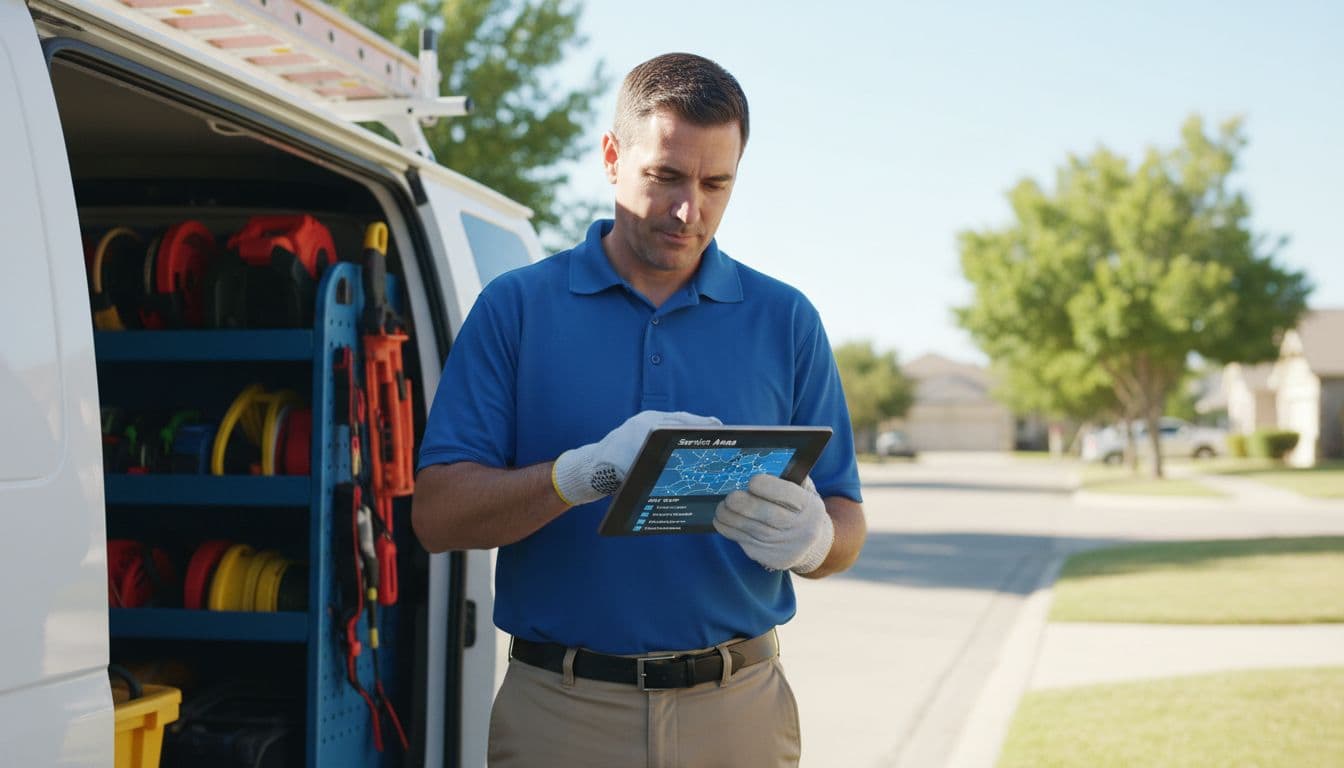
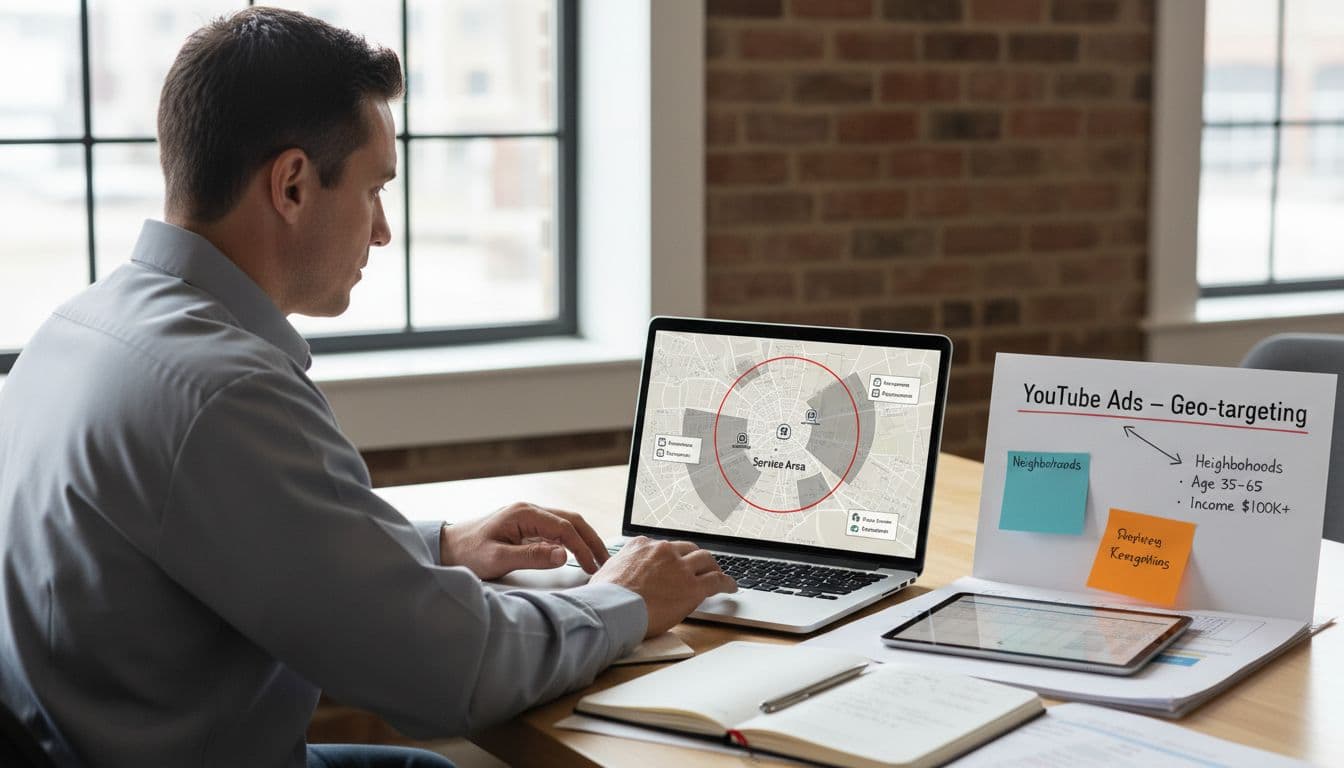
Many owners think bigger coverage means more leads. In practice, it often means more weak leads. In Local Services Ads, Google heavily favors proximity to the customer, so tight service areas usually beat a giant map.
Choose job types based on profit, close rate, and crew strength. If your HVAC team wants installs but keeps paying for low-value thermostat calls, trim the list. If your plumbing team closes drain calls fast, keep them, but separate after-hours coverage from standard work in your scheduling rules.
This quick comparison helps pick job types and service areas:
| Vertical | Best Job Types | Service Areas Strategy |
|---|---|---|
| Plumbers | Drains, leaks, water heaters | Tight radius around fast-response zones |
| HVAC | Repair, replacement, tune-ups | Focus on dense neighborhoods with tech coverage |
| Electricians | Panels, rewires, EV chargers | Target areas with higher-ticket home upgrades |
| Roofers | Inspections, repairs, replacements | Narrow to storm-hit or high-demand service pockets |
The same logic behind Google Ads location targeting strategies applies here. Cut the edges first. Then expand only after close rates hold up and Absolute Top Impression Rate improves in competitive zones. For vertical-specific ideas, compare this plumbing LSA playbook with this HVAC LSA guide.
Grow reviews steadily and answer leads fast
Customer reviews now carry even more weight because they sit on your Google Business Profile. That means customer review quality and velocity both matter. Ten old five-star customer reviews won't carry a slow month forever.
Ask for the customer review right after the job, while the result is fresh. Text the GBP review link within two hours. Train techs to ask for an honest review about speed, clean-up, and communication. Those details help more than bland praise.
At the same time, responsiveness and response time can make or break LSA performance.
A slow answer turns a paid lead into a donation to Google.
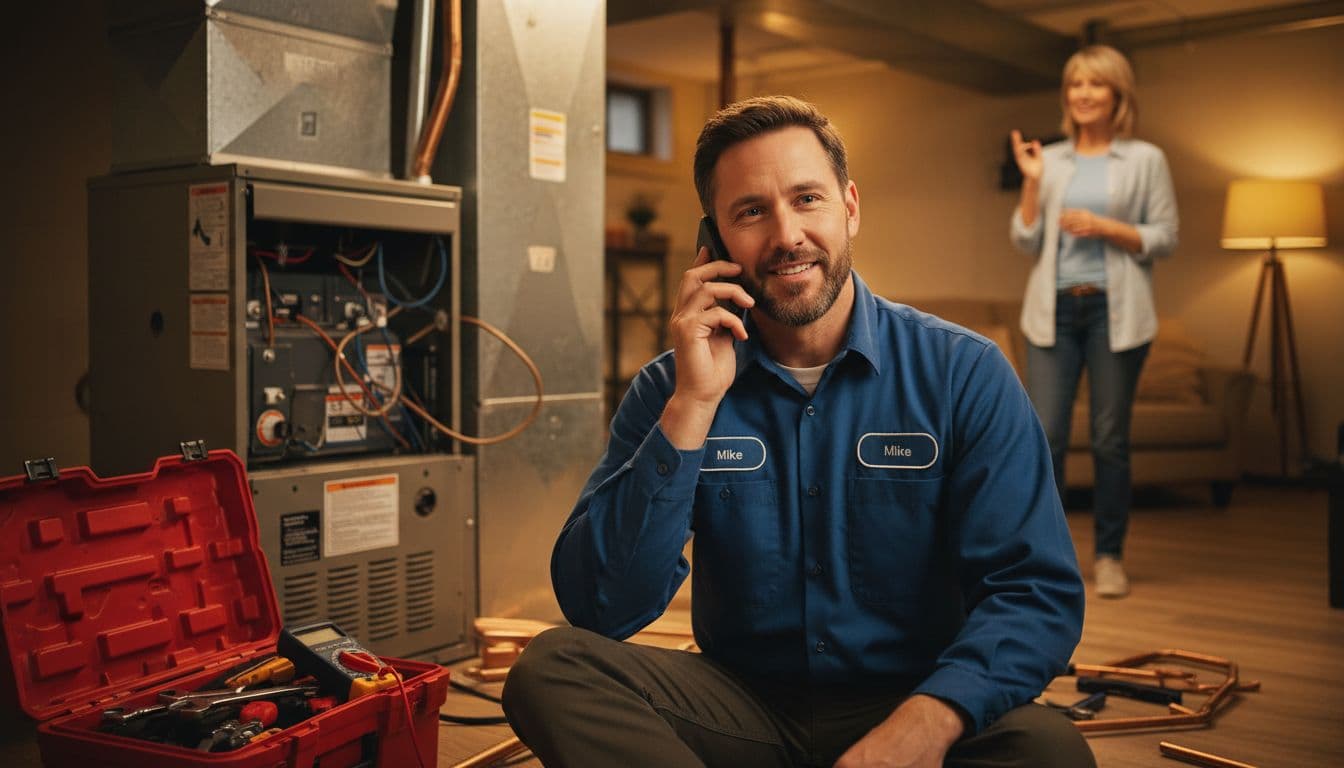
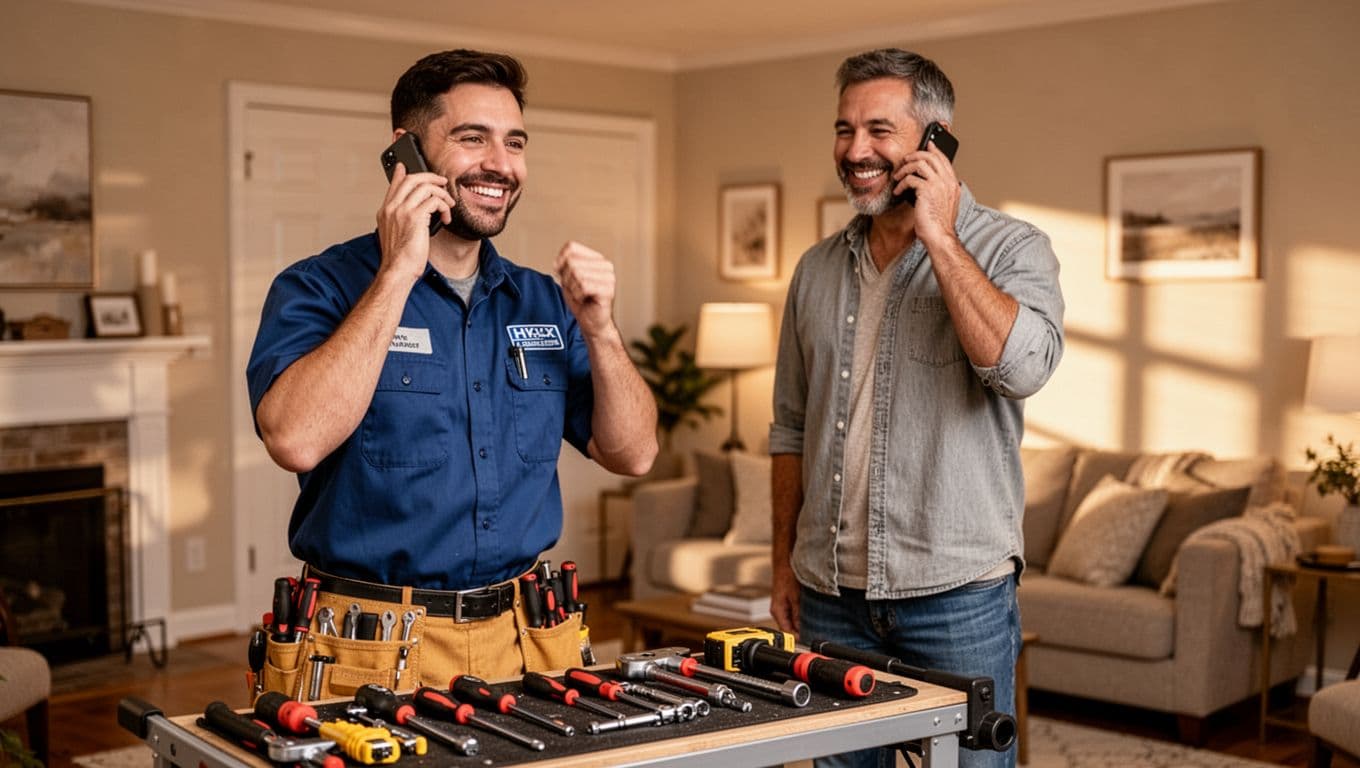
Set a real response standard for top responsiveness. For emergency trades, that means under five minutes during staffed hours. For cleaners or landscapers, same-hour follow-up may be fine, but it still needs ownership. Handling message leads promptly is as important as answering phone calls. Fast follow-ups on missed calls boost your booking rate. Missed calls should route to dispatch, then to backup staff, not a dead voicemail box.
Frequently Asked Questions
What’s required to run Local Services Ads in 2026?
A verified Google Business Profile with the Google Verified badge is now mandatory, and reviews live there instead of a separate LSA system. The old LSA app is gone, so manage everything via the web dashboard tied to your dispatch and CRM. Incomplete or suspended profiles will halt your ads cold.
How should I choose service areas and job types?
Focus on tight radii around fast-response zones and high-margin jobs your crews excel at, like drains for plumbers or repairs for HVAC. Wider maps often deliver weak leads since Google favors proximity. Test and trim based on close rates and Absolute Top Impression Rate before expanding.
Why is fast lead response so critical?
Slow answers turn paid leads into lost opportunities, while top responsiveness boosts rankings and booking rates. Aim for under five minutes on emergencies and same-hour follow-ups otherwise, routing missed calls to dispatch. Handling messages promptly is as key as phone calls.
How do I track true performance beyond leads?
Tag leads as booked, sold, or bad fit, dispute invalids quickly, and upload offline conversions to show revenue like $350 repairs or $9,000 installs. Review cost per lead, ROAS, and close rates weekly by job type. Pace spend to avoid burning budget on low-value days or types.
How can I grow reviews effectively?
Request honest Google Business Profile reviews via text link within two hours post-job, focusing on speed, clean-up, and communication. Steady velocity and quality outweigh old stars, directly impacting LSA rankings. Train techs to ask while results are fresh.
Pace spend, screen leads, and grade revenue offline

More budget isn't always better. If lead quality drops after you widen service areas or add weak job types, you're buying volume, not profit.
Watch pacing by day and by lead type. If Mondays burn half the weekly budget, cap lower-value coverage or tighten the map. Roofing may need burst budgets after storms. Cleaning companies often do better with steadier pacing through the week.

Then build a lead-screening routine with call quality analysis:
- Tag each lead as booked (including direct booking), estimate, sold, bad fit, or disputed.
- Dispute invalid leads fast, especially wrong service, spam, duplicate, or outside-area calls.
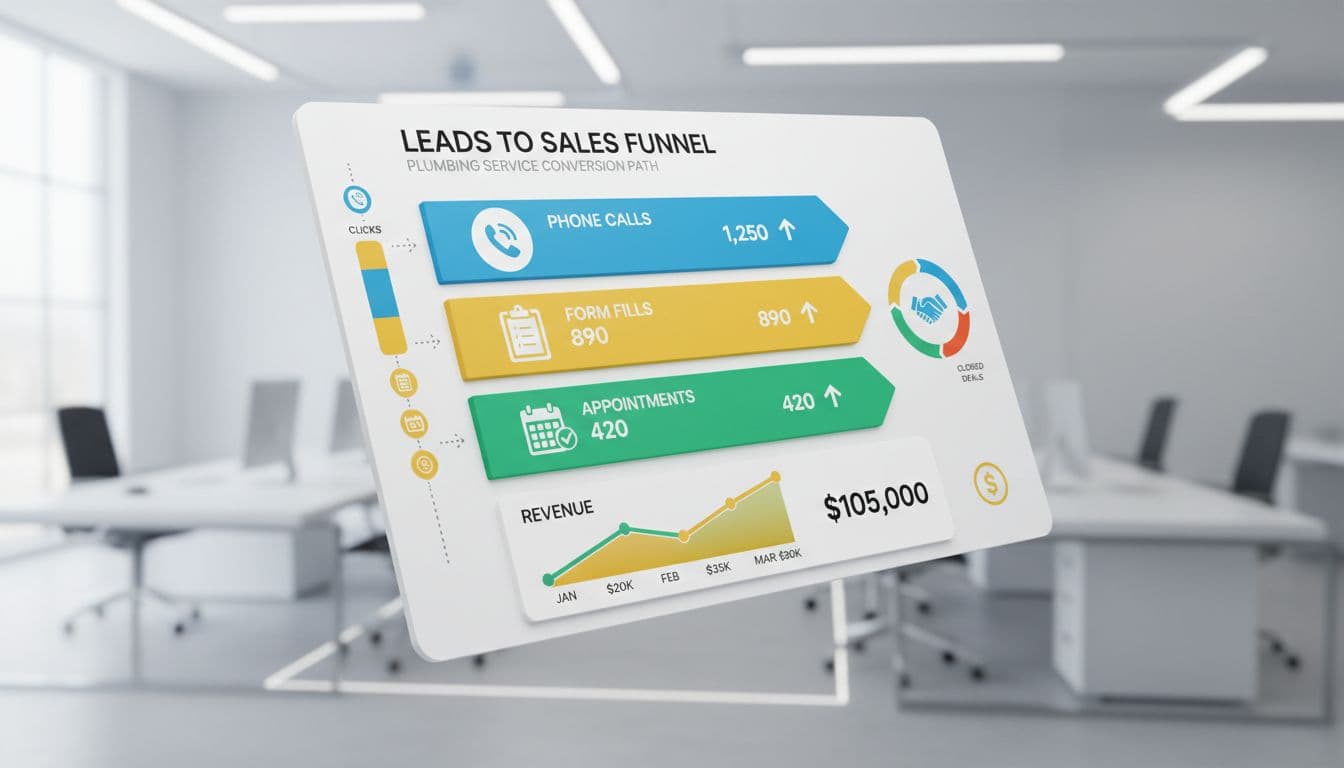
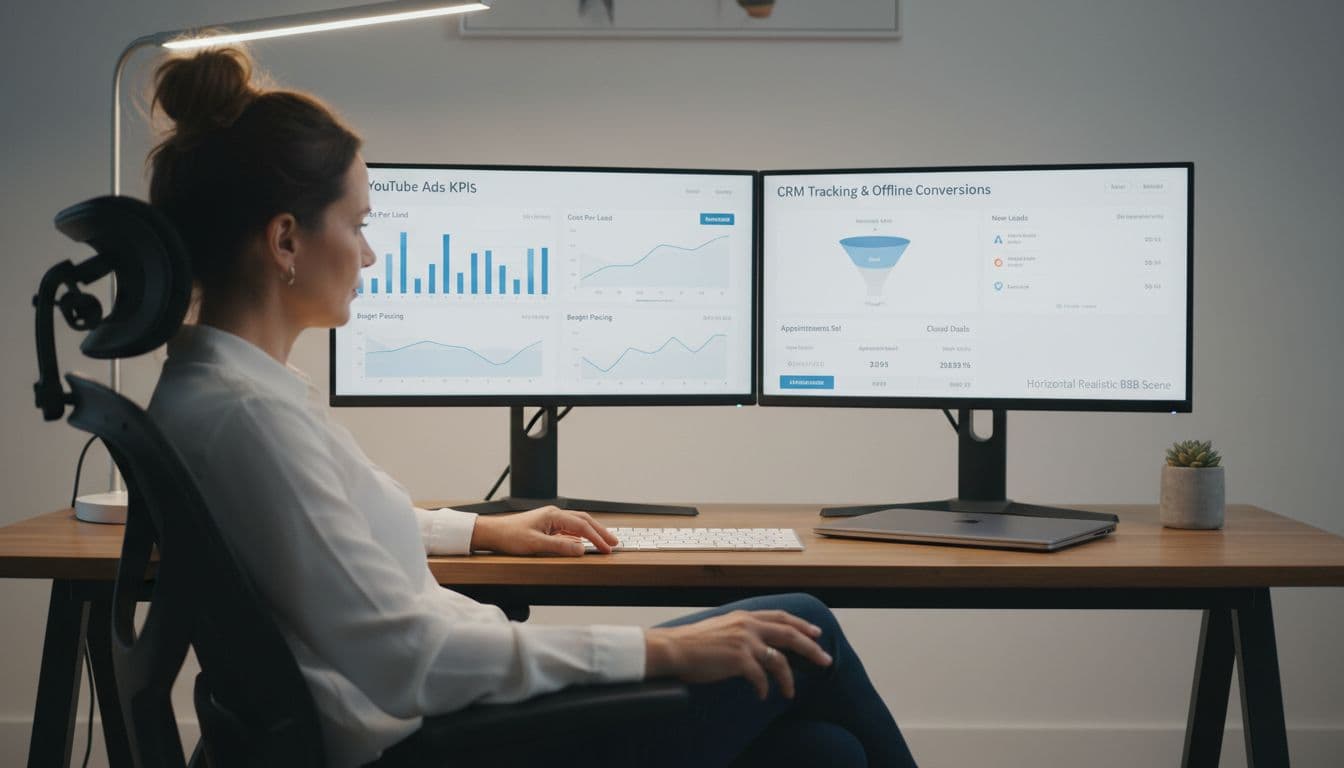
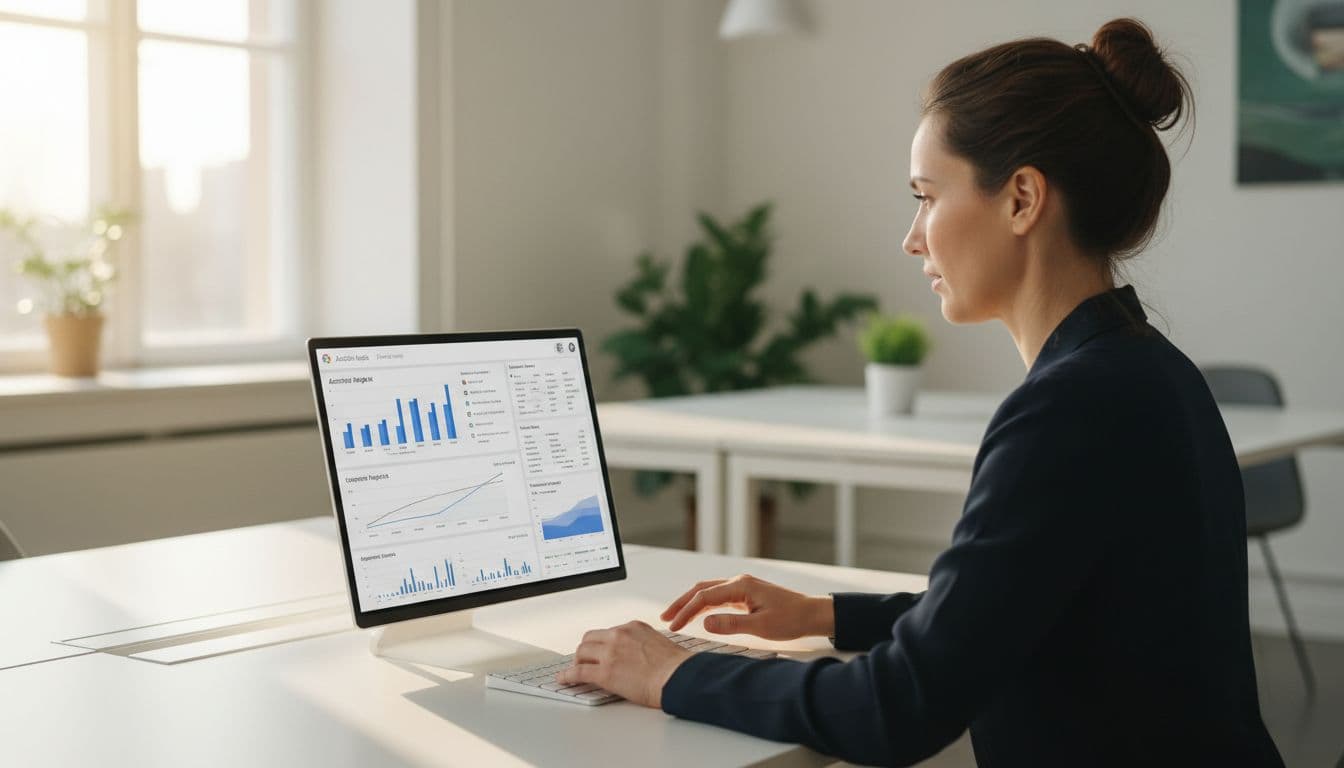
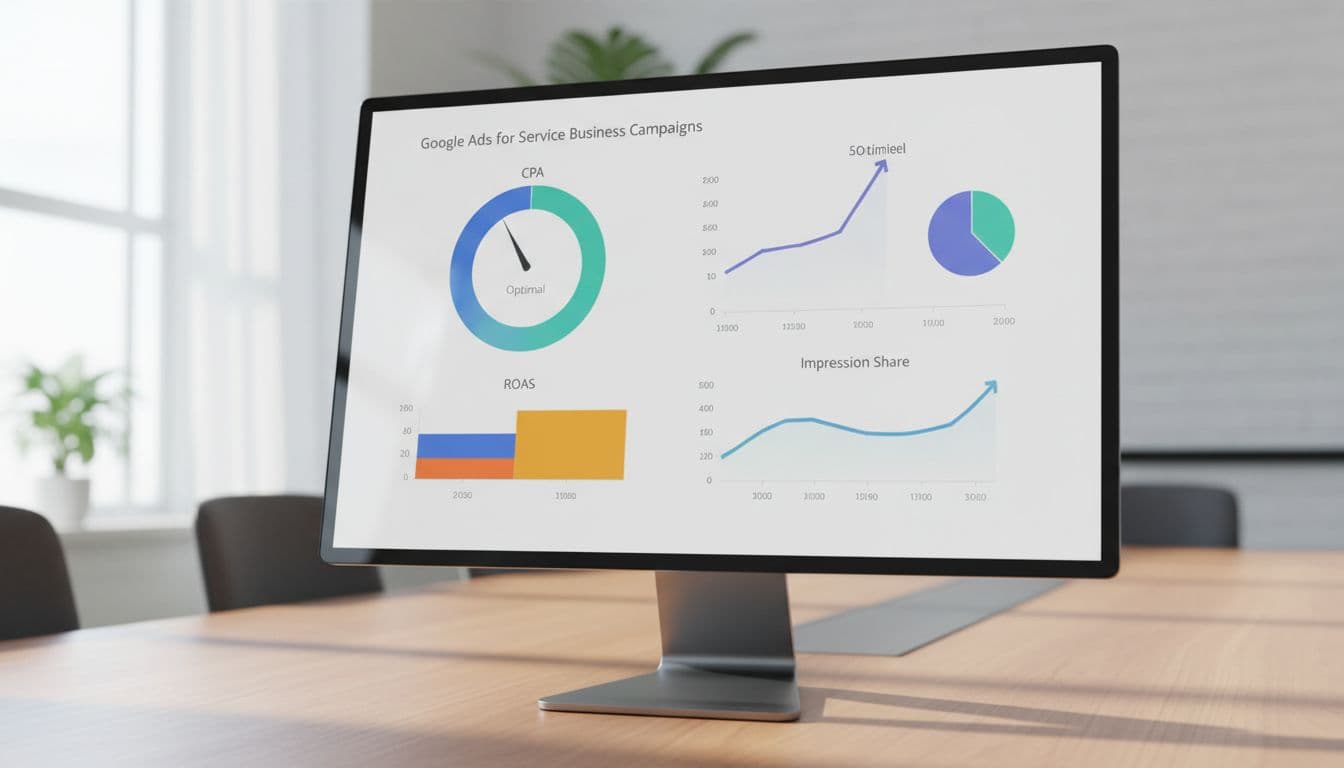
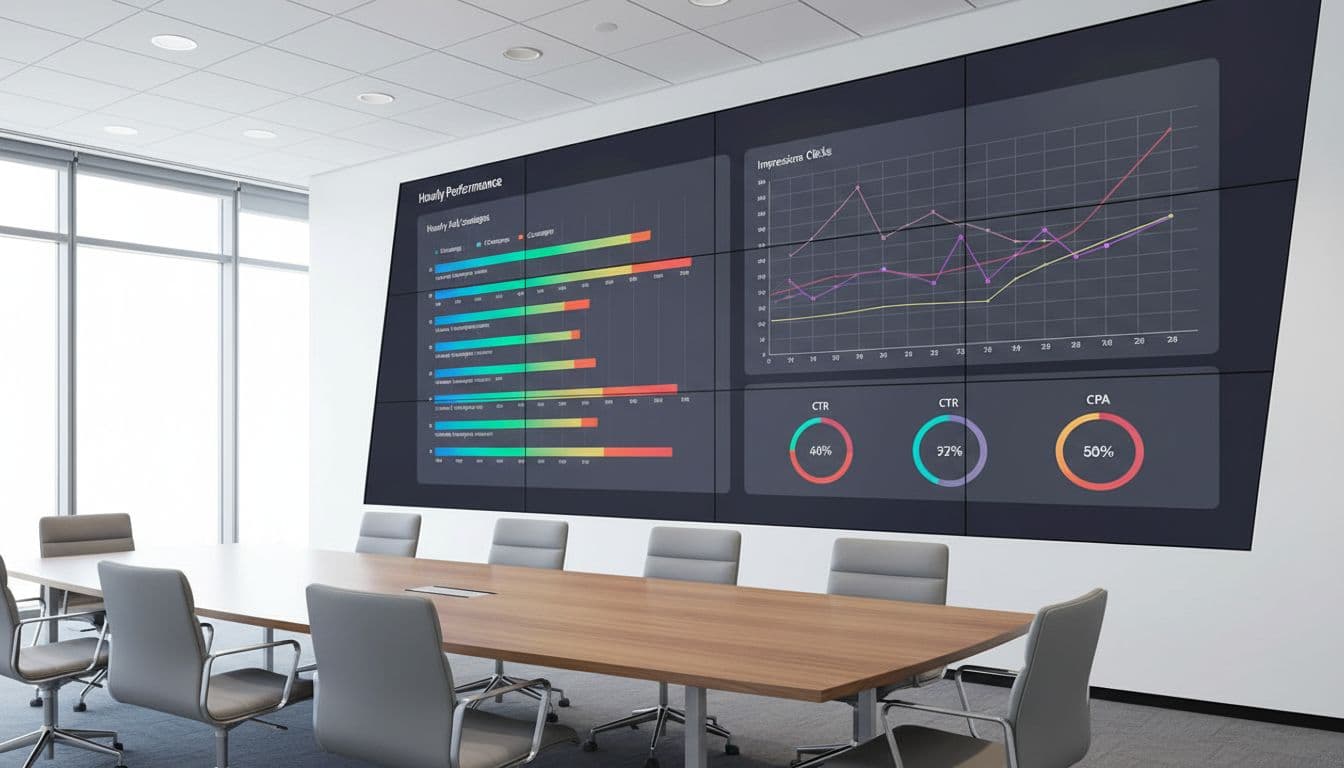
- Review close rate, cost per lead, return on ad spend, and sold revenue by job type every week.
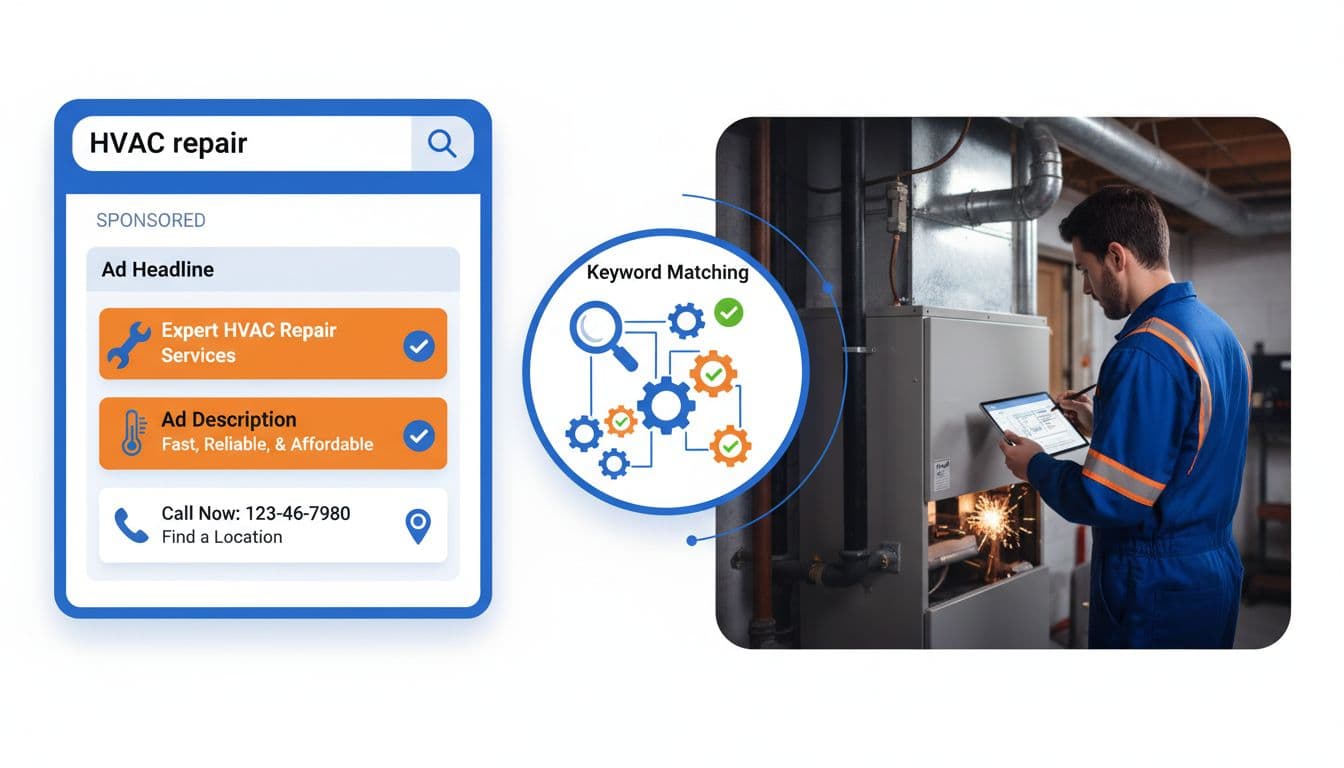
This is where offline conversion quality matters. Google can count a lead, but only your CRM shows whether that lead became a $350 repair or a $9,000 install, revealing your true lead quality. Also, if Local Services Ads work beside Search campaigns, keep those campaigns clean with a negative keywords template for home services.
The shops that win in 2026 aren't chasing every lead. They're screening, disputing, and feeding budget toward the calls that turn into real jobs.
Local Services Ads can still be a strong channel for plumbers, HVAC companies, electricians, roofers, cleaners, and landscapers in home services. But the account only works when the business behind it works fast and stays tight.
Start this week with three moves: clean up your profile, shrink your service area to your best zones, and set a hard response-time rule. Better input creates better leads for Local Services Ads.