Good ecommerce alt text describes the product details a shopper needs when they can’t see an image. Name the item, add meaningful visual differences, and keep the wording concise.
For a Kolkata retailer selling clothing, jewellery, or homeware, that means describing the actual photograph rather than repeating search terms. Useful detail comes first, whether someone uses a screen reader or their browser can’t load your images.
Start by deciding what each image contributes to the page.
What Ecommerce Alt Text Needs to Do

The HTML alt attribute (alt) holds image alt text; choose its wording based on the image’s purpose and surrounding content.
Alt text is a text alternative, not a caption
Screen readers announce alt text so visually impaired shoppers can understand images without seeing them. Browsers can also display it when network errors, content blocking, or broken image URLs prevent loading.
Unlike captions, alt text usually stays hidden during ordinary browsing. An image title or filename doesn’t replace it.
Don’t begin with “image of” or “picture of,” because screen readers generally announce the image element already. Spend those words on details that help someone understand the product.
Decide whether the image carries information
An informative image adds facts, such as a bag’s shape or a fastening detail. Describe that information.
A functional image operates a link or control. Its accessible name should communicate the destination or action.
A decorative image adds appearance without meaning. Give it an empty alt attribute, alt="". Leaving the attribute missing can cause some screen readers to announce the filename.
W3C’s alt decision tree applies these distinctions to different page contexts.
Write Product and Variant Alt Text
Describe the product type, colour, known material, and defining feature. In lifestyle images, include visible context only when it helps identify what the image shows.
Describe the product, not the file
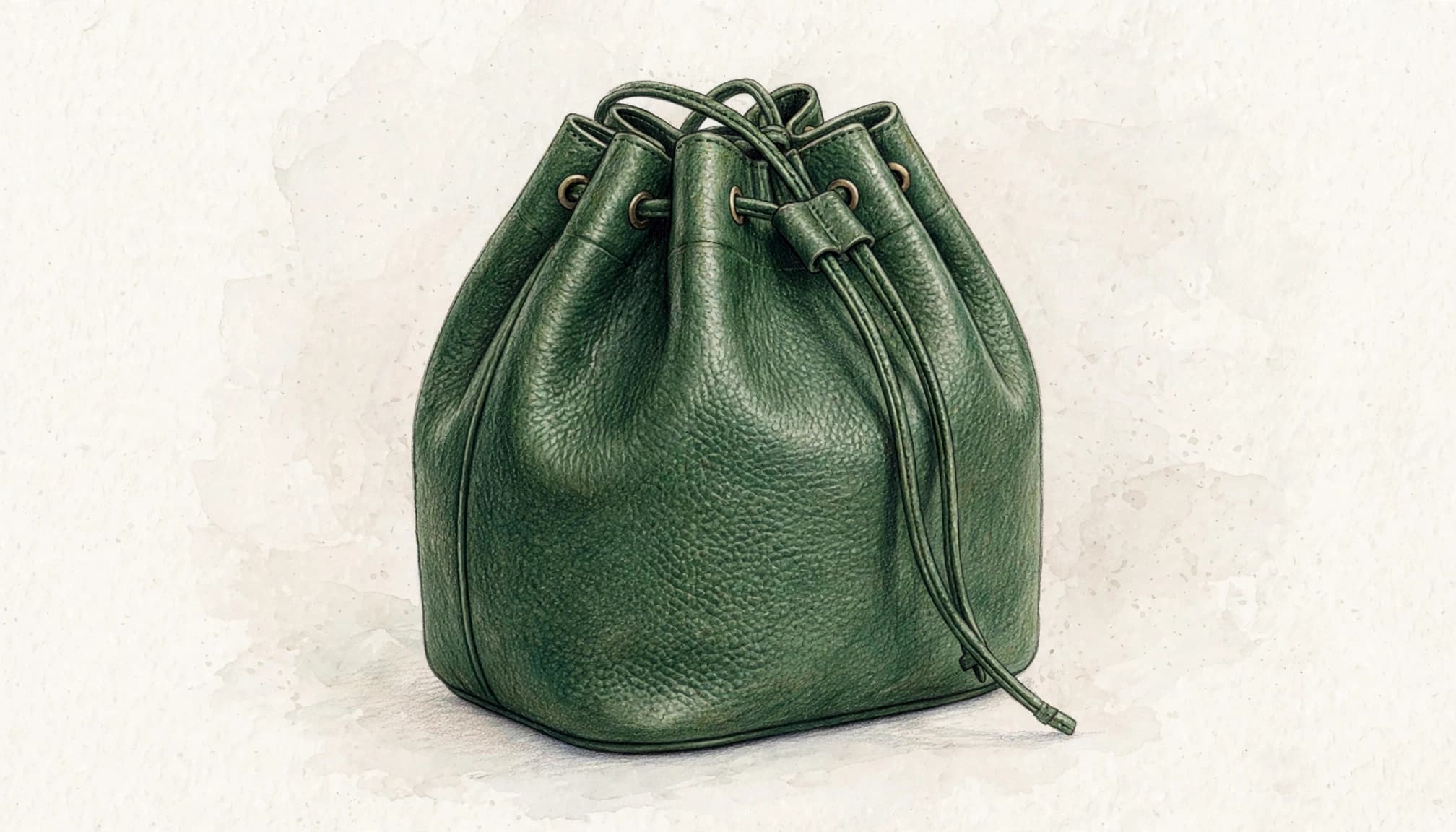
“Vegan leather bucket bag in forest green with drawstring top” gives shoppers useful information. However, use “vegan leather” only when your product records confirm it. Appearance alone can’t establish material composition.
These examples show the difference.
| Image | Weak alt text | Useful alt text |
|---|---|---|
| Main product photograph | “bag-final-02” | “Vegan leather bucket bag in forest green with drawstring top” |
| Detail photograph | “Green bag” | “Close-up of the bucket bag’s drawstring closure” |
| Different colour | “Buy best bag Kolkata” | “Tan vegan leather bucket bag with drawstring top” |
The strongest wording changes with the view. A close-up should explain the detail it reveals rather than repeat the main photograph’s description.
Keep sales claims and delivery promises in your product description copy, where shoppers can find them directly.
Give variant images their own details
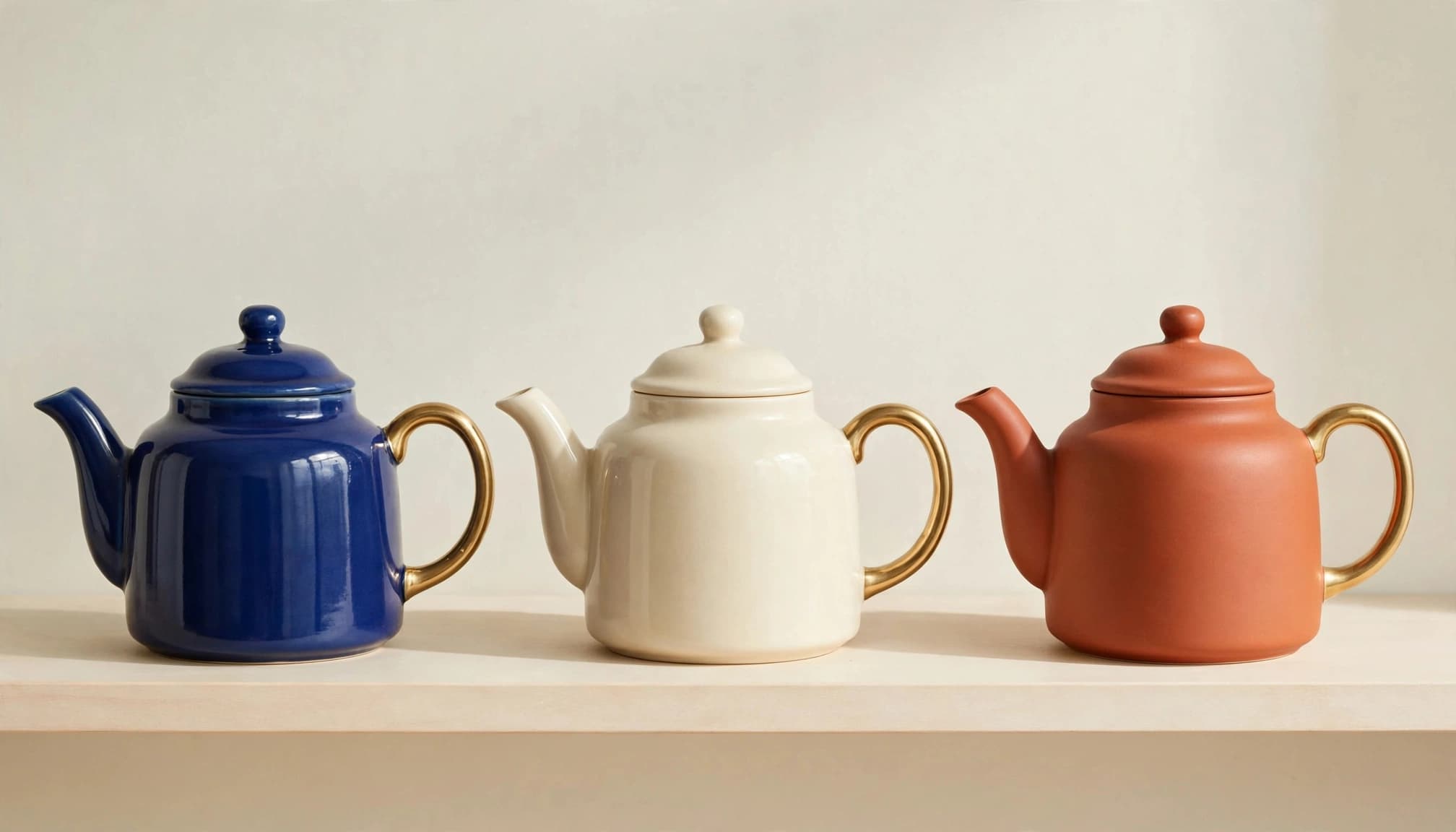
For product variants, describe each image’s visible difference, whether that’s colour, hardware, pattern, or finish. Don’t copy the same product name across every gallery image.
When a collection image shows several options together, describe the group: “Ceramic teapots in blue, cream, and terracotta with gold-coloured handles.”
For individual product cards, describe the pictured option. Keep the displayed colour consistent with the selection shoppers reach after clicking.
Our product variant SEO guidance covers the separate question of whether those options need distinct search landing pages.
Handle Logos, Swatches, Banners, and Complex Graphics
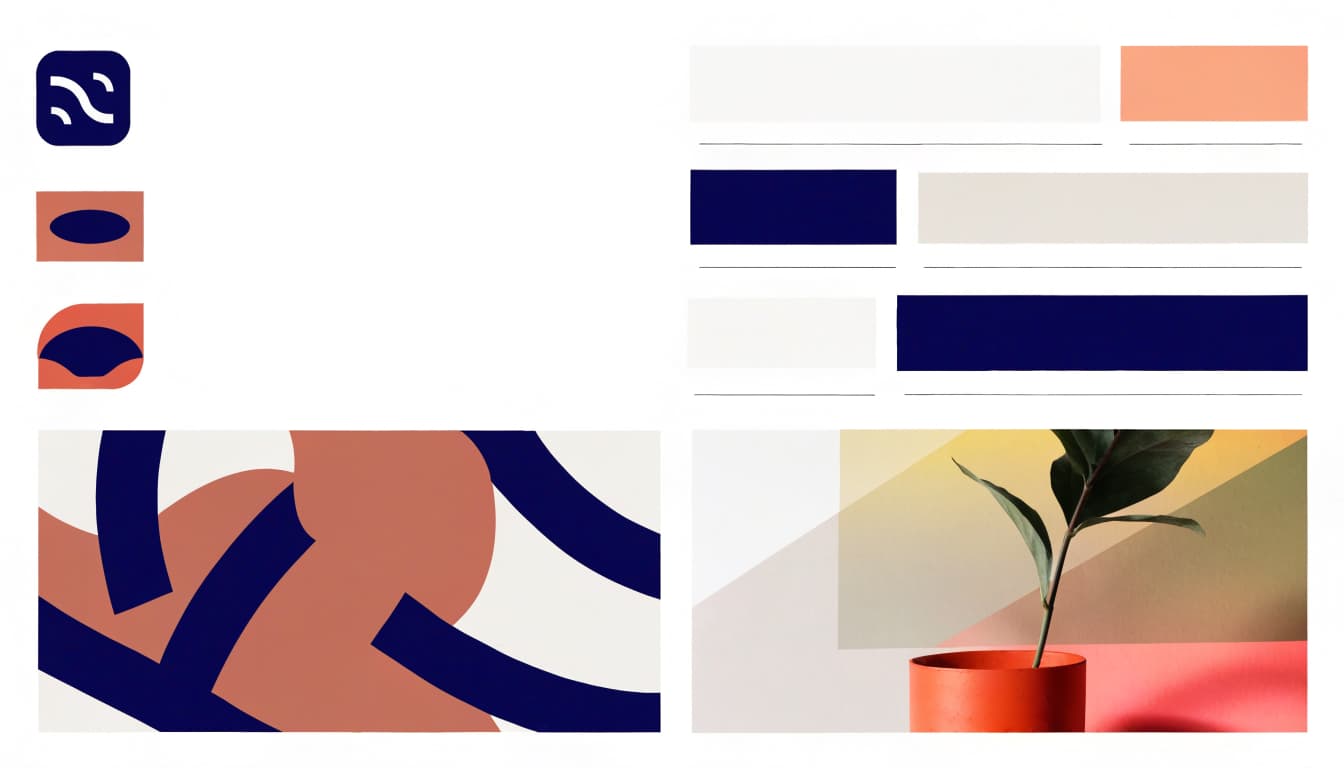
Complex images, such as banners and charts, may need an accessible text alternative plus equivalent page content.
Functional and decorative images need different treatment
Functional images operate as controls or convey information, while decorative images add no useful information and can use empty alt text.
A logo needs the brand name: “Chandler Honey logo,” rather than “logo” alone. A linked cart icon needs an accessible name such as “View shopping cart.”
Unlike decorative images, colour swatches are controls, so shoppers need each colour’s name and selected state. Use a visible or programmatic label such as “Forest green.” Don’t rely on colour pixels or alt text alone to make the selector accessible.
In Baymard’s Lowe’s example, the product photograph, “new lower price” badge, and “5.0 out of 5 stars with 305 reviews” receive separate descriptions. The thumbnail repeats the product photo and needs no separate description, so it can be treated as one of the decorative images.
Turn charts and embedded text into accessible content
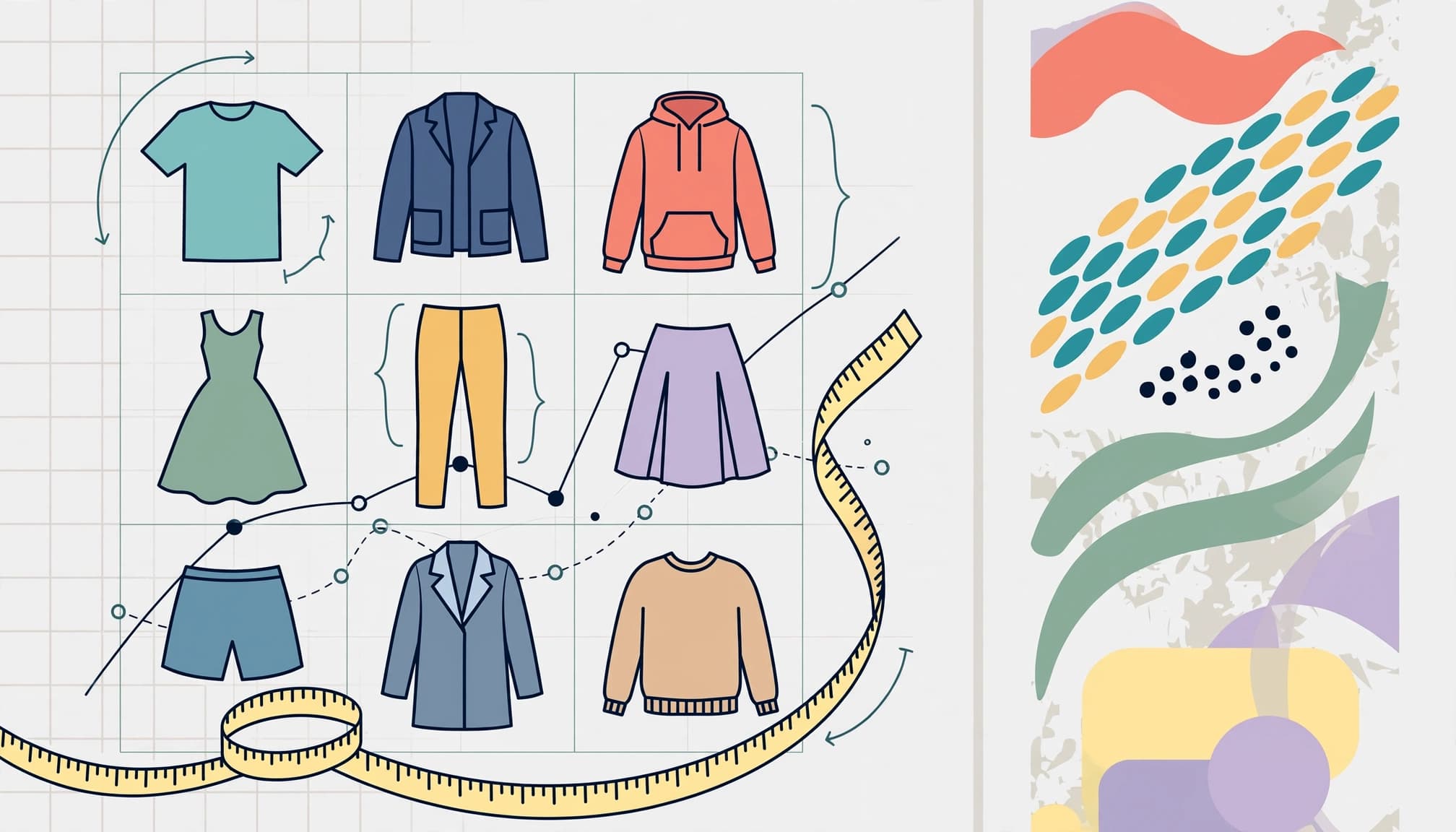
Baymard’s ecommerce accessibility research found that 55% of 33 top-grossing sites failed to describe informational images adequately. It also found that 64% used text embedded in images, which screen readers couldn’t read.
If sale wording exists only inside a banner, repeat it word for word in the alternative text. Include conditions needed to understand the offer.
For size charts and specification sheets, publish the information in an HTML table with proper headers. Use brief alt text such as “Shirt size chart; measurements appear in the table below.”
For Indian shoppers, identify centimetres or inches explicitly. Don’t squeeze an entire measurement chart into one long description.
How Alt Text Supports Accessibility and SEO

WCAG’s non-text content requirement calls for equivalent text alternatives as part of accessibility compliance, with exceptions that include decoration. WCAG is a technical standard, not a law by itself.
In the United States, the ADA creates accessibility obligations for covered businesses. The Department of Justice’s web accessibility guidance identifies missing text alternatives as a barrier. Ecommerce businesses have also faced website-accessibility lawsuits.
For Kolkata businesses, legal compliance depends on where they operate and whom they serve. Don’t assume every Indian shop automatically falls under the same US requirements.
Alt text also gives search engines useful context for image search. Google Images guidance on image SEO recommends descriptive wording and warns against keyword stuffing.
“Brown leather sandals with buckle straps” provides context when it matches the photograph. Adding “cheap shoes best footwear Kolkata online shopping” makes the description harder to use.
Alt text doesn’t guarantee rankings or a fixed traffic increase. Pair it with accurate product information and broader website accessibility improvements, including usable forms and keyboard navigation.
Add Alt Text in Shopify and Review at Scale
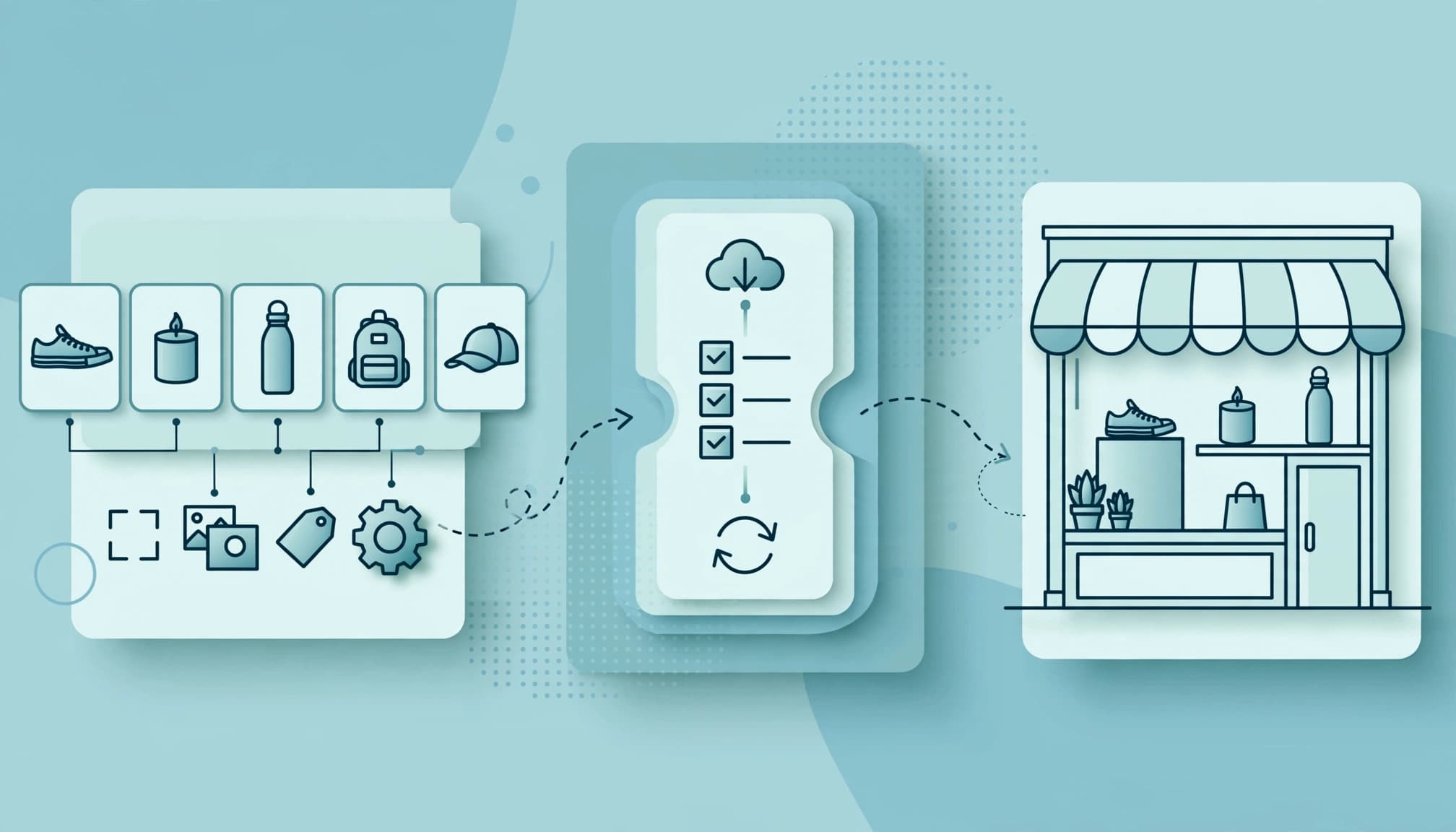
Shopify’s product-media instructions recommend 125 characters or fewer, although the field accepts up to 512. Treat 125 as a practical target, not a universal screen-reader cutoff.
To edit product media:
- Open the product in Shopify admin.
- Select the image in its media section.
- Enter the description in the alt text field.
- Save the change.
Edit theme images through the theme editor. Product-media changes don’t automatically repair banners, icons, or other images managed separately by the theme.
For larger catalogues, maintain a review sheet containing the product, image reference, selected variant, proposed description, and approval status. Start with missing descriptions on important product and collection pages.
AI-generated alt text can provide a first draft, but models often see only pixels. They can miss why an image appears or invent materials and product properties.
Supply approved product data alongside each image. Then compare the draft with the photograph and page context before publishing. Flag uncertain materials, unreadable banner wording, and duplicate descriptions for human review.
Finally, test the rendered storefront. A saved admin field doesn’t prove the theme exposes the right description to shoppers.
Key Takeaways
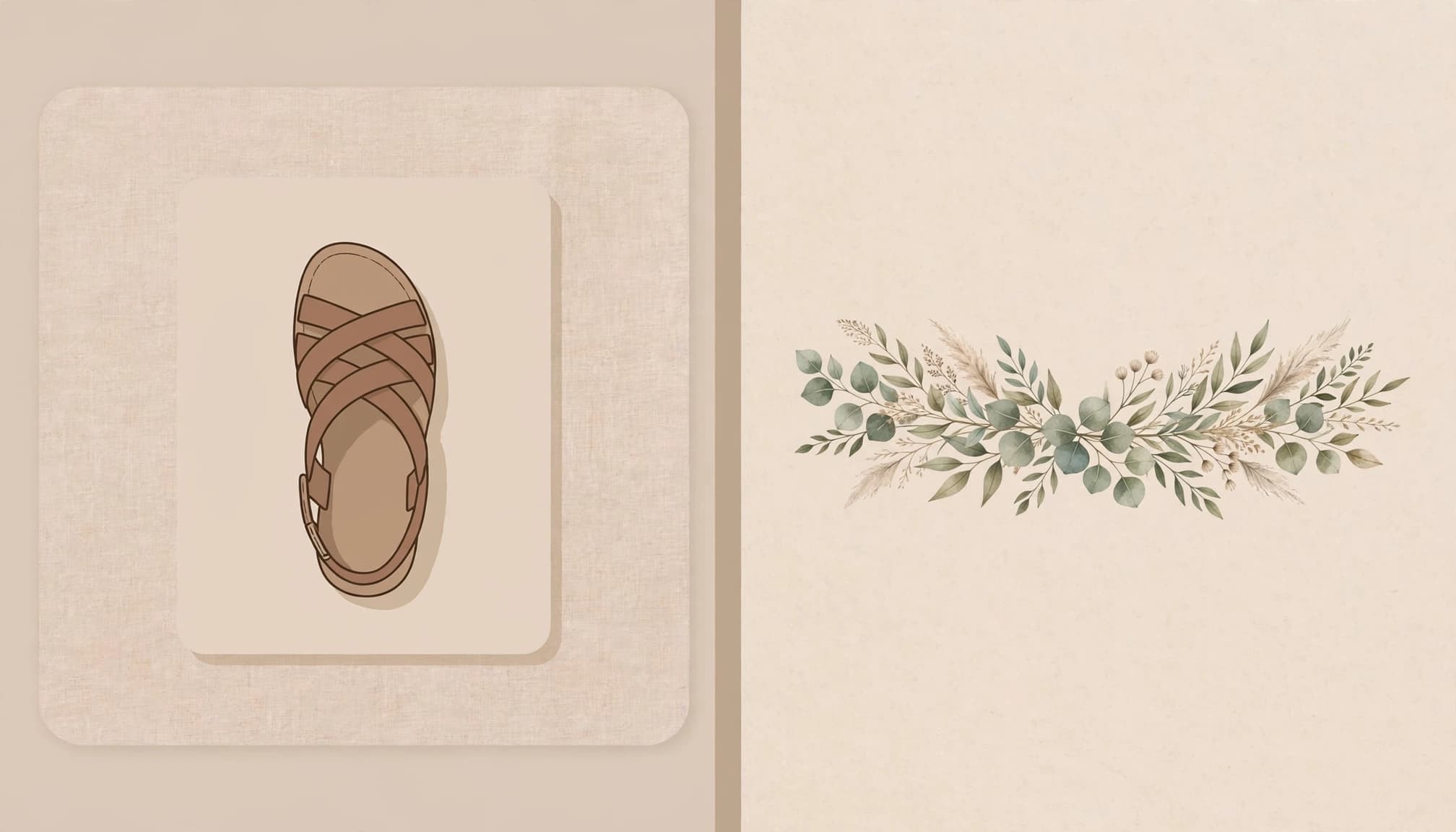
Good descriptions explain what the image contributes. Product photos need identifying details; controls need action labels; decorative images need empty alternatives.
An image that repeats a product title isn’t automatically decorative. Its colour, shape, or detail view may still provide information the title doesn’t contain.
Keep image descriptions consistent with the selected variant and approved product facts.
Frequently Asked Questions

Should product images repeat the product title? They can share useful identifying words. However, alt text should describe the pictured view. Use an empty alternative only when the image adds no information and its surrounding context already supplies its purpose.
Do screen readers stop after 125 characters? There isn’t a universal cutoff across screen readers. Concise descriptions remain easier to follow, while complex information belongs in accessible page content.
Can AI handle the entire catalogue? AI can produce drafts quickly, but it can’t reliably judge page purpose from an isolated image. Human review should catch incorrect colours, unsupported material claims, and descriptions assigned to the wrong variant.
Should alt text include local keywords? Include a location only when it helps explain the image. A shop’s Kolkata address usually belongs in its contact details, not every product description.
Pre-Publish Checklist
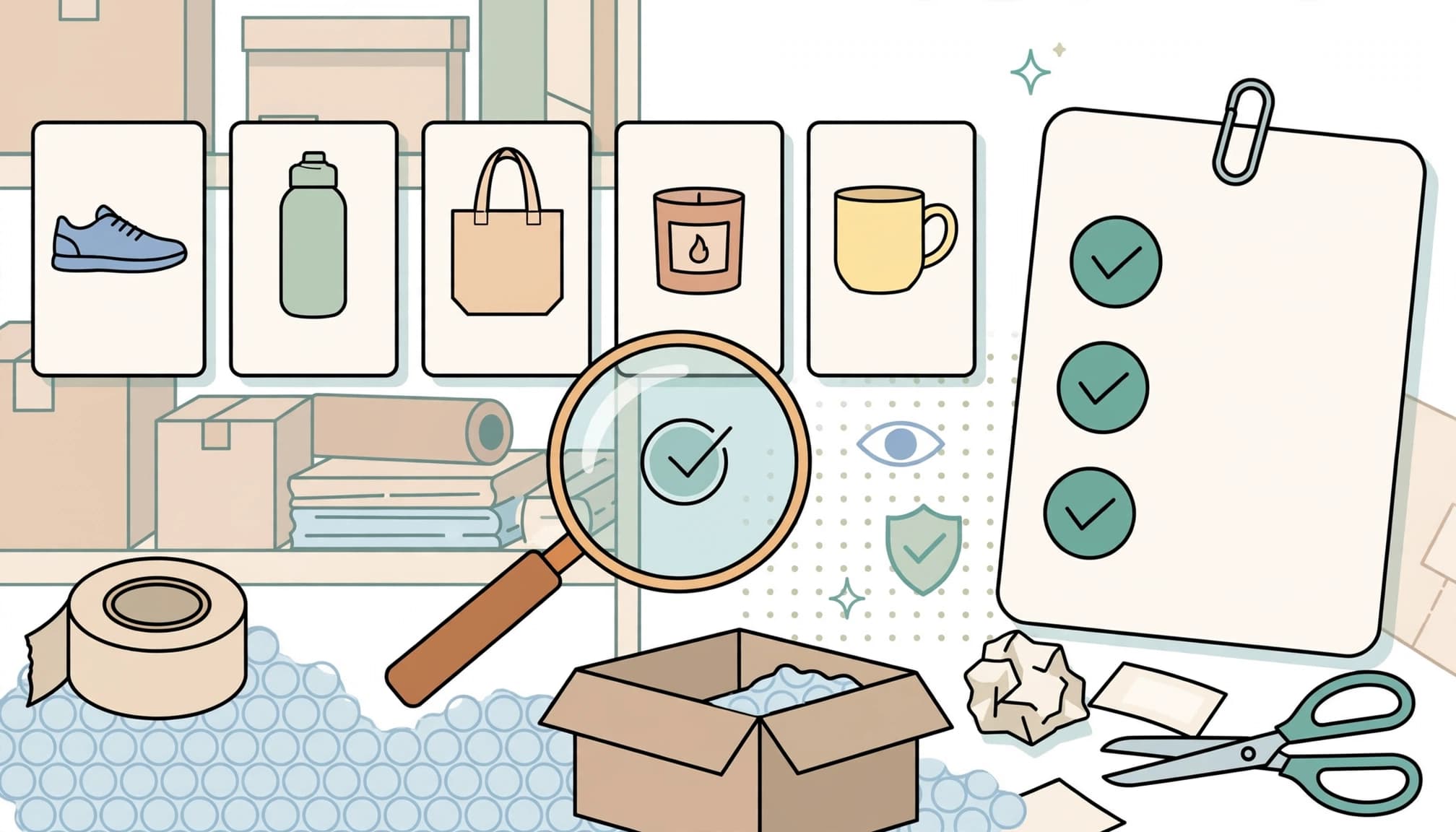
Before publishing, review the images in their actual page context.
- Informational photographs describe the visible product and distinguishing details.
- Variant descriptions match the pictured colour, finish, or hardware.
- Decorative images have
alt="", while linked images have meaningful accessible names. - Essential banner wording has an equivalent text alternative.
- Size charts and specifications appear in accessible tables with clear units.
- AI drafts contain no invented materials, features, or promotional claims.
- Screen-reader testing covers product cards, galleries, and swatch controls.
Automated scans can find missing attributes. They can’t reliably judge whether your wording helps someone choose a product.
Write Alt Text That Helps Shoppers

Descriptive alt text gives shoppers the visual information they would otherwise miss. Describe meaningful differences, keep product facts accurate, and move complex details into accessible page content.
Make context and accuracy the standard for every catalogue update.
If your store needs help connecting product content with ecommerce management, Get In Touch With Us.