For a Kolkata business, email marketing can promote appointments, products, or festive offers, but email deliverability affects whether your marketing budget produces useful responses.
Start with verified sender identity, permission-based contacts, and consistent sending. Then check the signals that reveal problems before your next campaign reaches the whole list.

Key Takeaways

- Authenticate your business domain before launching campaigns, even when your mailing list is small.
- Separate mandatory sender requirements from recommendations such as double opt-in and gradual volume increases.
- Make list hygiene a routine check, keeping unsubscribed contacts, invalid addresses, and suspicious form submissions out of automated marketing.
- Monitor complaints, bounces, and conversions together. A high delivery rate alone doesn’t prove a strong inbox placement rate.
Assign responsibility for each check. Your website developer might manage DNS, while your marketing team owns consent, content, and suppression rules.
Email Delivery and Email Deliverability Are Different

Email delivery means the receiving server accepted your message. Email deliverability concerns where that accepted message lands, such as the inbox or spam folder.
Gmail’s Promotions tab is an inbox category, so appearing there doesn’t mean your campaign failed. Primary-tab placement isn’t something an agency or platform can guarantee.
Mailbox providers assess domain reputation and IP reputation, authentication, complaints, and recipient behavior. Spam filters can affect where accepted mail lands, and a subject-line change alone won’t fix problems like an old, unpermissioned database.
Your email delivery percentage usually measures server acceptance. Treat it separately from inbox placement rate, which requires additional testing and recipient evidence.
Authenticate Your Sending Domain

Use a business-domain sender address and complete your email platform’s email authentication process. According to Gmail’s email sender guidelines, all senders need SPF or DKIM; bulk senders need both, plus DMARC.
Google also requires TLS and valid forward and reverse DNS records. With a managed platform, confirm which infrastructure checks the provider handles.
SPF and DKIM Verify the Sender

SPF identifies servers permitted to send for a domain. DKIM adds a cryptographic signature that receiving systems can verify.
Follow the DNS values supplied by your platform rather than copying another company’s records. Publish one SPF record per domain, combining authorized services correctly.
After DKIM setup, send a real test message. In Gmail, open “Show original” to inspect authentication results. Repeat this check whenever you change providers, add sending tools, or alter DNS.
Use DMARC to Align and Protect Your Domain
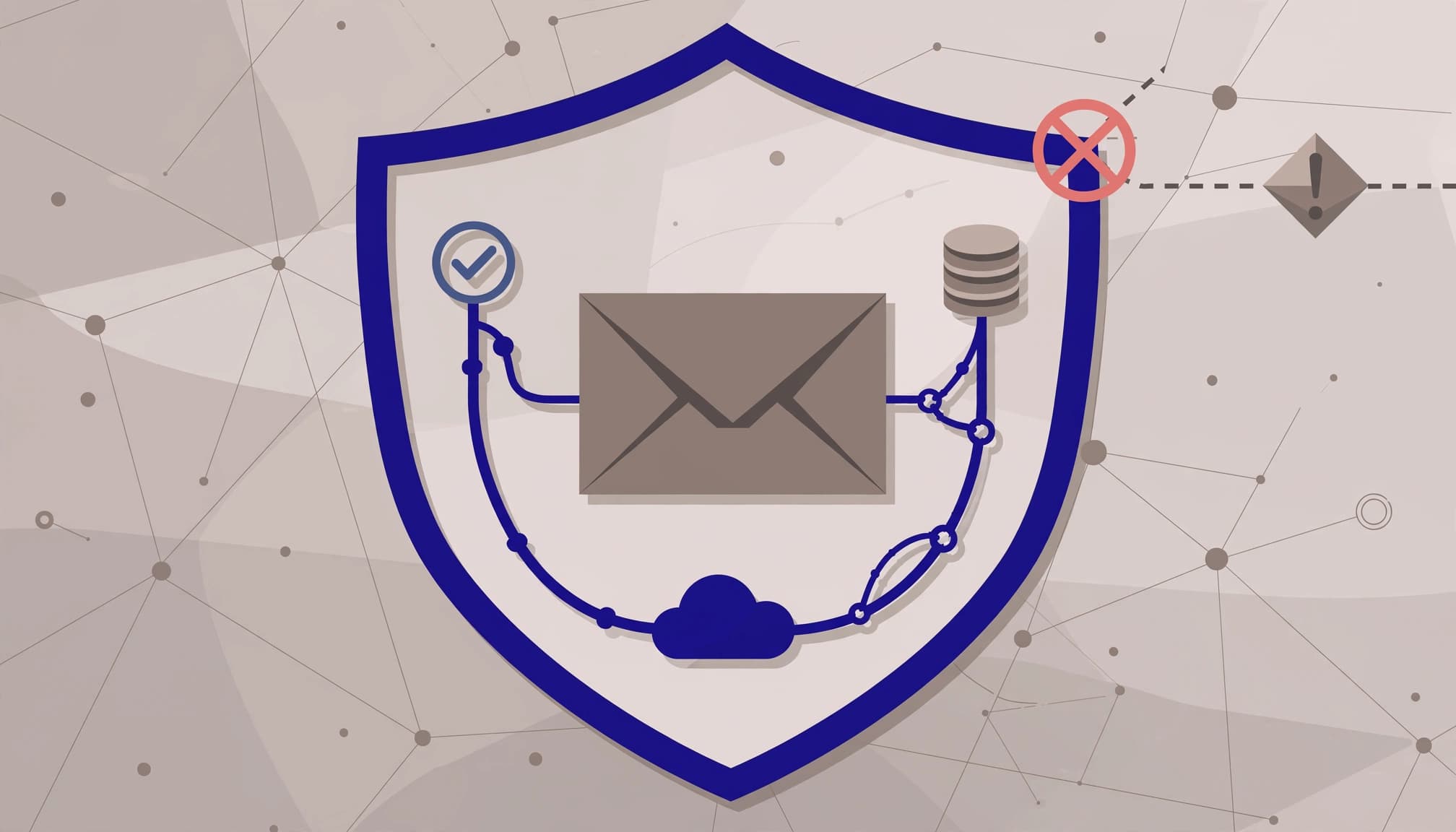
DMARC checks whether the visible From domain aligns with a domain authenticated through SPF or DKIM. It also publishes your handling policy and supports reporting.
A DMARC policy of p=none meets the minimum bulk-sender policy requirement, but it doesn’t instruct receivers to block impersonation. Review legitimate sending sources before moving to quarantine or reject.
For smaller businesses, implementing all three protocols is sensible best practice, even below bulk-sender thresholds.
Build Sender Reputation With a Healthy List

Sender reputation depends partly on how recipients respond to your messages. Bought lists, unexplained imports, and repeated emails to inactive addresses create avoidable risks, so good list hygiene starts with checking where contacts came from.
Review list quality before every upload, including contacts from website forms and CRM integrations. A successful form submission shouldn’t automatically trigger a promotional sequence.
Collect Consent and Keep the List Clean

Keep newsletter permission separate from an enquiry form, with an unchecked promotional opt-in. Record when and where subscribers gave permission, and keep those records for reference.
Double opt-in confirms an address through a follow-up email. It’s a useful safeguard against mistakes and unwanted signups, rather than a universal requirement.
Validate addresses server-side, screen suspicious submissions, and pause their marketing automations pending review. Don’t reject every personal address or disposable-domain submission automatically.
Address validation isn’t lead qualification: a mailbox may receive messages without belonging to a suitable buyer. Likewise, form authentication doesn’t replace permission to market.
Suppress Hard Bounces and Handle Soft Bounces

A hard bounce indicates permanent failure, such as a nonexistent address. Suppress it immediately so future imports don’t restart sending. If an imported address returns a hard bounce, check its source before adding it again.
Soft bounces may reflect temporary mailbox or server problems. Let your platform manage retries, but investigate recurring failures and their SMTP responses. A soft bounce that keeps recurring may point to an ongoing delivery issue.
Keep opt-in records, and ensure unsubscribes and complaints remain on your suppression list and excluded from marketing. Also establish a sunset policy based on your buying cycle, using clicks, replies, or purchases alongside opens to identify unengaged contacts.
Before reactivating dormant leads with a permission-checked re-engagement campaign, check consent and address quality. Start with relevant, recently active contacts rather than mailing the entire archive.
Send Consistently and Warm Up New Infrastructure

Google classifies senders reaching 5,000 or more personal Gmail messages within 24 hours as bulk senders. Messages across the same primary domain count together, so creating subdomains doesn’t bypass the threshold.
A small or irregular sender usually benefits from a managed shared-IP service. A dedicated IP address needs enough consistent traffic to build its own sender reputation, so it isn’t an automatic upgrade to your sending infrastructure.
When introducing a new domain or dedicated IP, begin with recent, engaged opt-ins. Increase volume gradually while watching inbox placement rate, complaints, deferrals, and bounces.
There isn’t a universal IP warming timetable. If failures rise, reduce volume and investigate before expanding again.
For Kolkata businesses, prepare festive campaigns before the sales rush. Suddenly sending a long-neglected list a large promotional blast can damage reputation when visibility matters most. Afterward, maintain a predictable cadence rather than disappearing until the next sale.
Personalize by Useful Audience Segments

Segment by stated interests, purchase history, or service needs to support subscriber engagement. These signals usually provide more useful relevance than inserting a first name everywhere.
Use subscriber language preferences for Bengali or English campaigns. Don’t infer sensitive characteristics or collect extra personal data merely to customize messages.
For recurring services, annual service reminder campaigns can match outreach to actual service history. Distinguish promotional reminders from necessary transactional notices, and respect the applicable permission rules.
SEO can bring visitors to your signup page, but organic traffic alone doesn’t grant consent for email marketing. Keep that choice explicit.
Finally, test personalization fallbacks. Missing names, incorrect appointment details, and unsuitable offers can make your business look careless and prompt complaints.
Write Emails Subscribers Want to Receive

Use a recognizable sender name and an honest subject line, then offer one clear next step. Misleading or irrelevant messages can trigger spam complaints, so avoid fake reply prefixes or unjustified urgency.
Keep important information readable without images. Add helpful image descriptions, test mobile layouts, and link to trustworthy destinations. A usable plain-text version also helps recipients who don’t view HTML.
There isn’t a universal list of words that automatically sends legitimate mail to spam. Consent, reputation, message quality, and recipient reactions matter together.
Bulk marketing messages need a visible unsubscribe link and proper one-click unsubscribe support. A footer link alone doesn’t implement the required header-based mechanism.
Yahoo’s sender requirements require bulk senders to honor unsubscribe requests within two days. Use immediate suppression wherever possible, and test the process yourself.
Authentication confirms sender identity; it doesn’t make an unwanted campaign welcome.
Monitor Performance and Troubleshoot Sudden Drops

Record a baseline for sender reputation and inbox placement rate before changing platforms, domains, templates, or list sources. Compare results by mailbox provider because a Gmail-specific issue can disappear inside campaign-wide averages.
Use Monitoring Tools and Meaningful Metrics

Google Postmaster Tools dashboards help monitor Gmail-specific spam reports, authentication, compliance, and delivery errors. Low-volume senders may not receive enough data for useful reporting.
Google recommends keeping its reported spam rate below 0.1% and avoiding 0.3% or higher, according to its sender guidelines FAQ. These are provider-specific measurements, so don’t assume your platform’s complaint percentage uses the same denominator.
Track email engagement through click-through rates, replies, and conversions, alongside unsubscribes and bounce rate. Open rates are an imperfect signal because of privacy features; connect campaign links to website conversion tracking for bookings and sales.
Troubleshoot a Sudden Deliverability Drop
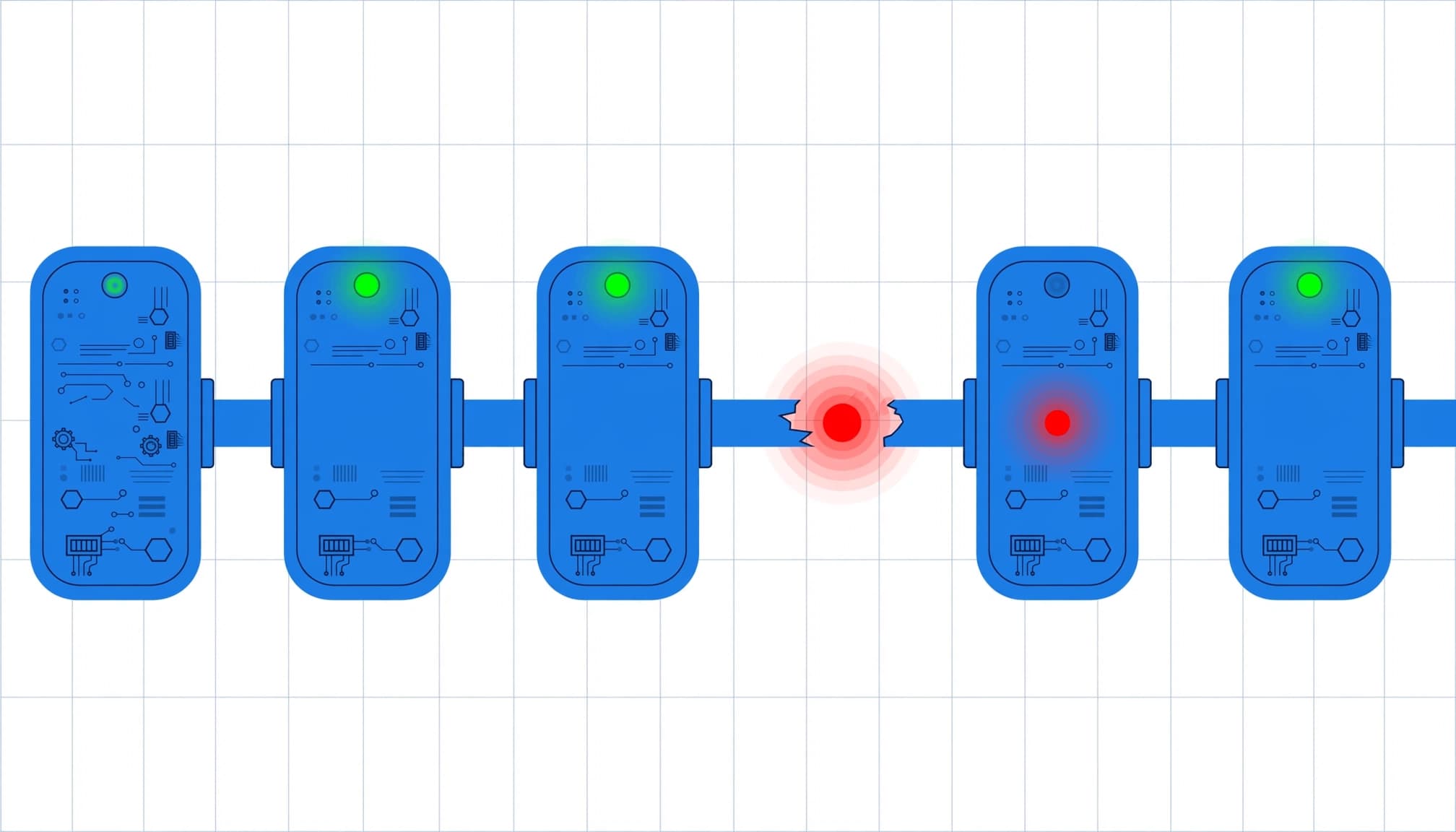
Follow this sequence before rewriting every campaign:
- Identify whether the decline affects one provider, a new list segment, or all recipients.
- Inspect actual message headers for SPF, DKIM, and DMARC results after recent DNS or provider changes.
- Read bounce and deferral codes, including any soft bounce pattern, then check spam complaints, unsubscribe handling, your suppression list, and recent volume increases.
- Pause the risky segment or expansion while correcting the underlying issue. Apply a sunset policy to unengaged contacts.
Then test cautiously with engaged subscribers. A small seed test can reveal obvious problems, but it doesn’t prove every customer will receive the message identically.
If acceptance remains stable while sales decline, also inspect tracking, landing pages, and the offer before blaming spam filtering.
Frequently Asked Questions

Do small mailing lists need DMARC?
Gmail’s bulk-sender rules require it. For smaller senders, DMARC remains a useful recommendation alongside SPF and DKIM. Authentication improves trust, although it doesn’t guarantee inbox placement.
Can email validation replace consent?
No. Validation checks whether an address appears technically usable. It doesn’t establish permission, buying intent, or whether the recipient expects your messages.
Should I switch domains after a bad campaign?
Investigate first. Moving the same poor-quality list to a fresh domain preserves the underlying problem and creates another reputation-building task.
Conclusion: Make Inbox Trust a Routine

Reliable email deliverability starts with authenticated sending and contacts who expect your messages. Routine checks, including your inbox placement rate, help protect that foundation as your campaigns grow.
For a Kolkata business, this means reviewing the setup and audience before the next busy sales period. If your forms, CRM, and email platform need a coordinated review, Get In Touch With Us.