When your business profile breaks, the damage is immediate. Calls drop, directions go wrong, or your business name changes without warning.
If you are a small business owner, you need a calm process for Google Business Profile support, not a string of rushed edits. Before escalating, always consult the Business Profile Help Center to ensure you are following the latest protocol. Google now checks your listing against your website, directories, and public feedback, so the fix has to be accurate, not fast. Start by knowing which issues need a quick correction and which ones need a slower, documented review to maintain the accuracy of your business listing.
Key Takeaways
- Maintain a Single Source of Truth: Keep your business name, address, phone number, and hours identical across your website, social media, and third-party directories to prevent automated data reversions.
- Use the Proper Escalation Workflow: Start with the official Business Profile Help Center, document your issues with screenshots, and avoid submitting multiple duplicate requests, which slows down resolution times.
- Prepare Evidence Before Contacting Support: Build a case by gathering registration documents, signage photos, and utility records that match your public-facing brand, as accurate proof speeds up the review process.
- Avoid Risky Profile Edits: Do not stuff keywords into your business name or category fields, as these actions often trigger suspensions or automatic system corrections.
Why support problems escalate faster in 2026
A Google Business Profile is no longer a simple listing. It feeds Search and Maps, local pack results, and the business details people see before they ever reach your site.
That makes profile errors more expensive. A wrong phone number can waste leads today. A bad primary category or name edit can hurt visibility for weeks. In some cases, it can also trigger a review or suspension. Furthermore, inaccuracies often disrupt Google Ads campaigns, as broken location extensions prevent your ads from appearing in the local pack and map results.
Google also accepts suggested edits from users, Local Guides, and its own systems. So not every change is hostile, and not every rollback is wrong. If someone fixes your holiday hours to match the sign on your door, that edit may be correct. On the other hand, if your business name loses extra keywords and returns to the real brand name, Google may be cleaning up a guideline issue.
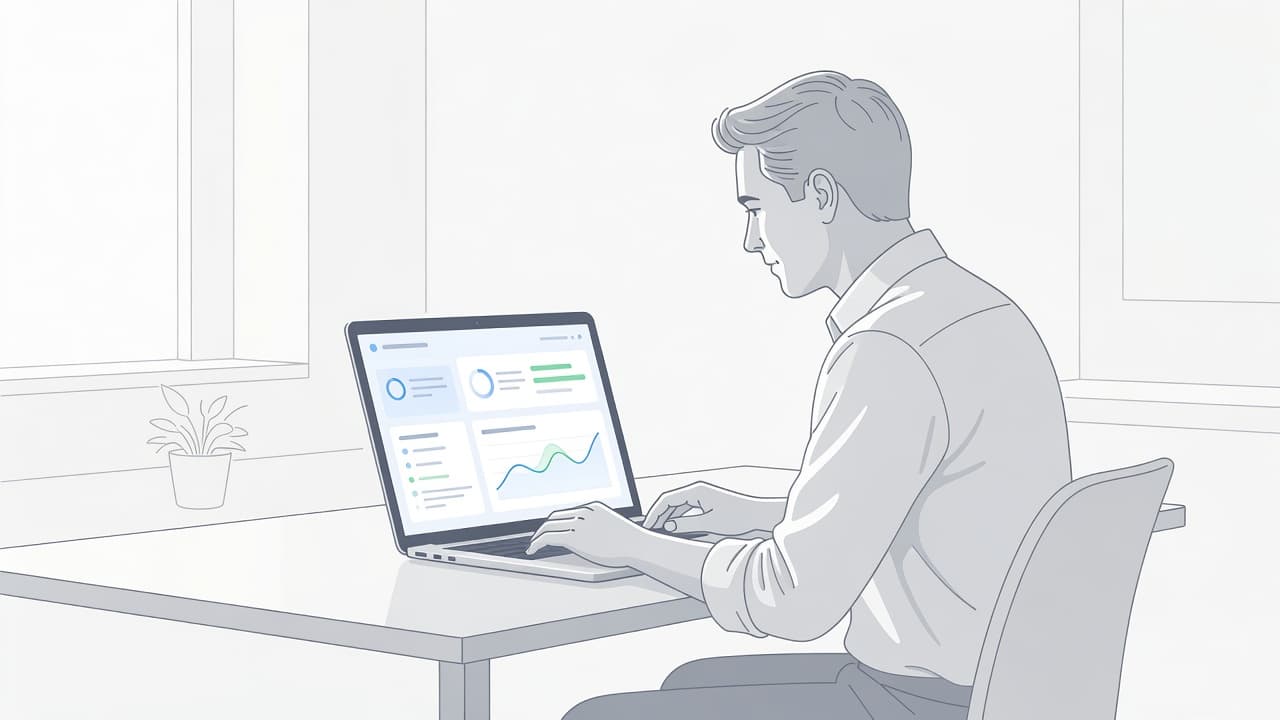
Reversions are common because Google cross-checks your profile with your website, social profiles, and third-party citations. If those sources disagree, Google often trusts the version it sees as more established. That is why a changed phone number, hours update, or category tweak can slide back to old data, often requiring professional technical support to resolve once the automated systems have locked the incorrect information.
This matters for more than local rankings. Clean profile data supports SEO, GEO, and AEO because AI-generated answers and map results depend on consistent business facts. It also protects the rest of your marketing. A listing problem can spill into Digital Marketing, Performance Marketing, Social Media Marketing, and Website Development because every channel depends on the same core business information.
The support escalation workflow that works
When something breaks, use the same sequence every time. That prevents panic edits and keeps your case easier to review.
- First, confirm the problem against your source data. Check your legal business name, address, hours, category, website URL, and phone number. Then take screenshots before making changes.
- Next, use the official Business Profile Help Center to start your request. Select the issue type that matches your case, such as suspension, ownership, verification, or general profile edits.
- If Google opens a case and the thread stalls, reply to the same support email to contact support team members directly. Keep the history in one place instead of opening new requests.
- If the case still goes nowhere, post in the Google Business Profile Community forum. Product Experts can sometimes push stuck cases forward when the facts are clear.
Google generally does not offer normal phone support for these problems now, so email and case-based follow-up matter more than ever. Keep each message short. State the issue, list the affected field, include your case ID, and attach only the proof that supports the specific problem.
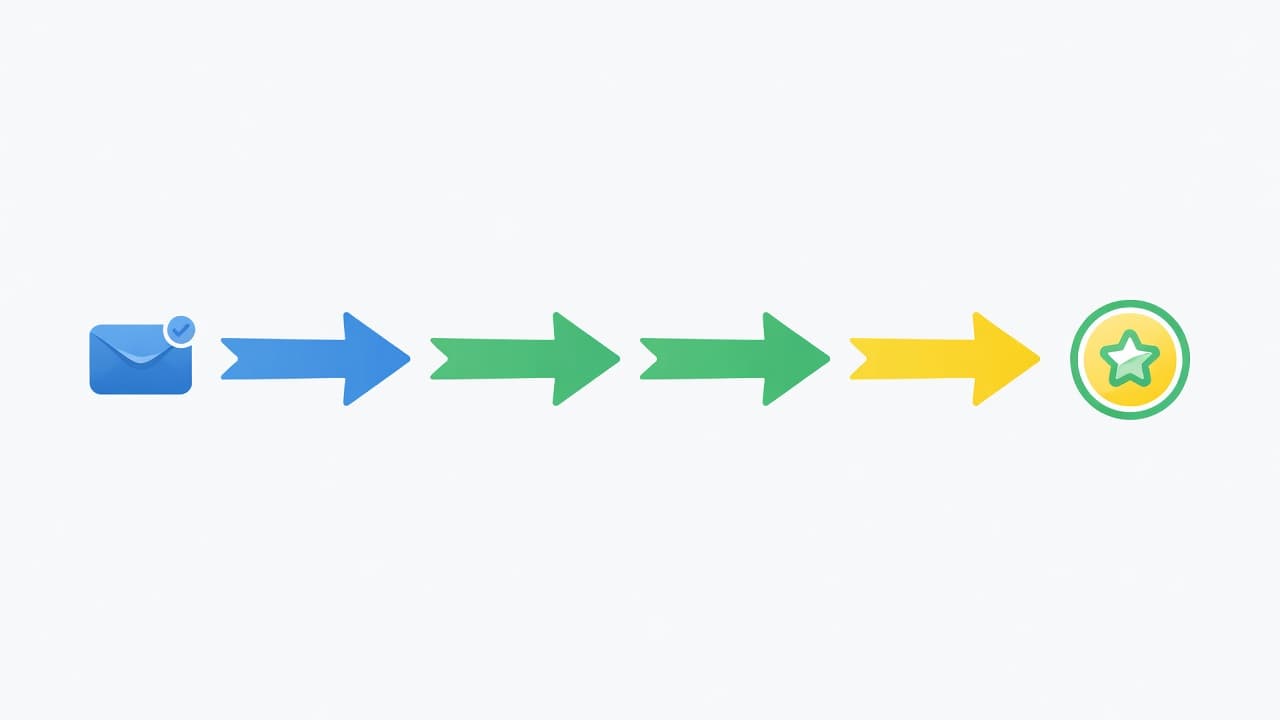
Support moves faster when you choose the right path. Suspensions should go through the appeal flow. If you have an access issue, you must request ownership through the proper channel. For general changes, use the interface to edit your profile before seeking help. Verification delays usually need patience first, then a follow-up if the wait becomes unusual. Long queues happen, and this active support thread on long processing delays shows how often owners run into that problem.
Avoid duplicate submissions. Sending the same appeal twice or opening fresh cases every day does not speed anything up. It usually creates noise, splits the paper trail, and makes your issue harder to review.
What to prepare before you contact support
Good support cases are built before the first message goes out. If your proof is scattered, your escalation will feel slow even when Google replies quickly.
Start with the basics. Save screenshots of the current profile, your website header and footer, your contact page, and any location page tied to the issue. It is also essential to verify your business properly by gathering registration documents, signage, utility records, or photos that match your public-facing brand. If the issue involves hours, keep a copy of the correct schedule from your site and internal records. If it involves categories, compare the profile to the services you actually sell and the content on your site.

This simple table keeps the response proportional to the risk:
| Field or issue | Risk level | Safest response |
|---|---|---|
| Hours, phone, website URL | Lower | Verify and fix the same day |
| Business name | High | Check legal name, site, citations, then update |
| Primary category | High | Review real services, pages, and reviews first |
| Address or service area | High | Confirm customer-facing setup before editing |
| Suspended or disabled profiles | Critical | Fix root cause, then submit one appeal |
Fast edits are fine for holiday hours. Slow review is safer for names, categories, and addresses.
For suspended or disabled profiles, fix the profile and website first. Remove extra keywords from the name. Hide the address if you run a service-area business without walk-in customers. Close duplicates if they exist. Then file one clean appeal with matching evidence. Many businesses report waits of 5 to 15 business days for review, as noted in this 2026 suspension appeal guide, so patience matters once the case is in the queue.
Risky edits that need slower approval
The business name field causes more trouble than almost anything else. Google wants your real, public-facing business name, not a ranking wish list.
If your company is Smith Plumbing, don’t add city names, slogans, or extra services. “Smith Plumbing Dallas Drain Cleaning 24/7” may look helpful to you, but it breaks the rules unless those words are part of the actual name customers know. Google often checks your website, social accounts, and directories against that field, which is why stuffed names get reverted so often.
Categories need the same discipline. Choose the closest match to the work you book most often, then make sure your site and customer reviews support it. If most calls are general plumbing jobs, Plumber is usually safer than a narrower specialty. When the category, service pages, and feedback all tell the same story, support cases are easier to defend. You should also actively respond to reviews to show Google that your business is verified and engaged with its local community.
A service area business also needs clean address handling. If customers do not visit your location, keep the address hidden. A virtual office or mismatched address creates trust problems fast, and those problems do not stay inside Google Maps.
Public edits deserve calm judgment. When a suggested change is correct, accept it, update your source record, and sync the website. If the edit is wrong, reverse it with proof. Don’t react by creating a new profile or changing five fields at once. That often turns a fix into a larger review.
Build a system that reduces future escalations
The best escalation workflow is the one you rarely need. That starts with maintaining a single source of truth for your business details.
Keep your name, address, phone, hours, and website URL identical across your profile, website, and top citations. Make sure your header, footer, contact page, and schema match what customers actually see. LocalBusiness and frequently asked questions markup can help Google read your site, but only when the marked-up facts are clearly visible to visitors.
Access control matters just as much as data accuracy. You should regularly review your permissions to manage owners and managers, ensuring you remove former staff or old agencies immediately. It is also wise to use Google Workspace to maintain professional account management and verification for your team. Keep a simple change log that notes the location, the field edited, the date, who approved the change, and the proof supporting it. When rankings dip, this record helps you get insights into performance trends and saves hours of troubleshooting.
For those managing multi-location businesses, consider utilizing Business Profile APIs. This technology allows for automated updates across several locations, significantly reducing the chance of human error. A well-run profile also supports AI answers; clean categories, strong local pages, and consistent internal links make it easier for search and answer engines to trust your business data.
If repeated reversions, suspensions, or multi-location issues keep pulling you away from your core business, Get In Touch With Us for a second set of eyes.
Frequently Asked Questions
Why does my Google Business Profile information keep reverting to old data?
Google’s systems continuously cross-check your profile against your website and other public directories to ensure accuracy. If your profile information differs from these other sources, Google may automatically revert the changes to match what it considers the most established data.
Can I call Google to fix a problem with my business listing?
No, Google does not currently offer phone support for most Business Profile issues. You must use the official Help Center to open a support case and follow up via the email thread associated with your specific case ID.
How long does a suspension appeal usually take to resolve?
Suspension appeals are complex and often require a thorough review of your business’s digital footprint. Many business owners report waiting between 5 and 15 business days for a response, so patience is required once your appeal is submitted.
What should I do if my business name is being flagged or rejected?
Ensure your profile name exactly matches your real-world, public-facing business name without adding extra keywords, slogans, or location modifiers. If your name is legally correct but still rejected, prepare documentation like your business registration or signage to provide as evidence during the support process.
Conclusion
A slow support queue feels frustrating, but structure beats speed. The businesses that recover fastest keep one source of truth, gather proof before they edit, and escalate in the right order. When you claim a business profile, you take the first step in establishing a foundation of credibility that serves your company for years to come.
Ultimately, you need a disciplined process to manage your profile effectively. That approach protects more than a listing. It protects trust, local visibility, and the business details that Google, customers, and AI systems rely on every day.