
Keyword rankings can change with the search term, location, device, and features on the results page, so one position number rarely tells the whole story. A useful tracker helps you compare results under consistent settings and spot changes that matter to your SEO work.
This guide compares ten keyword ranking software options for different needs, including broad SEO suites and focused rank trackers. Plans and prices can change, so any pricing is a November 2026 snapshot; check the current plan before buying. If you’re new to rank tracking, watch this introduction to building a free SEO rank tracker, then explore our guide to keyword rank tracking tools.
First, here are the key takeaways.
Key Takeaways
- Choose a broad SEO suite for multiple tasks, or a dedicated rank tracker when position monitoring is your main need.
- SE Ranking’s Core plan lists 2,000 daily tracked keywords, while Ahrefs plans range from 50 to 10,000 tracked keywords.
- Ahrefs tracks rankings across more than 190 locations, with desktop and mobile options, useful for location-specific comparisons.
- AccuRanker’s official pricing lists Professional at €229 per month for 2,000 keywords; plan details and prices can change.
- Compare keyword limits, update frequency, location and device settings, and reporting before choosing. Pair tracking with a clear SEO plan and consistent measurements.
The top keyword ranking software options for 2027
These five platforms are options to compare, not a lab-tested ranking from best to worst. The right fit depends on your tracking needs, existing SEO workflow, and budget. Prices below are a November 2026 snapshot, not confirmed 2027 rates.

Semrush, a rank tracker inside a broader SEO suite
Semrush Position Tracking fits teams that want to monitor rankings alongside other SEO research. Keeping those tasks together can help when keyword discovery, competitor analysis, and performance checks are part of one workflow.
One official pricing page lists an SEO plan at $139 per month, or $117.33 per month billed annually, with five websites and 500 daily tracked keywords. A separate comparison page lists a Starter plan at a different price with the same limits. Check the current offer and plan name before comparing costs.
Ahrefs, for rank tracking alongside SEO research
Ahrefs combines a Rank Tracker with broader SEO research tools, which may suit teams that want to review rankings in the context of their other SEO work. Its official pages describe tracking across more than 190 locations on desktop and mobile. For local campaigns, compare settings against your local SEO keyword research template.
Published November 2026 prices range from $29 per month for Starter to $449 for Advanced, with keyword limits that vary by plan. Prices may change, tax may be extra, and location coverage should match the markets you need to monitor.
SE Ranking, with daily tracking and project options
SE Ranking’s dedicated Rank Tracker may suit businesses that want daily monitoring within a broader SEO platform. Compare project count, keyword volume, update frequency, and team access to make sure a plan covers your sites and reporting needs.
In November 2026, Core was listed at $129 monthly or $103.20 per month billed annually, with 10 projects and 2,000 daily tracked keywords. Growth was $279 monthly or $223.20 billed annually, with 30 projects and 5,000 daily tracked keywords. SE Ranking also offers a free checker for up to five keywords daily and a 14-day trial. Review trial terms before signing up.
AccuRanker, for focused rank tracking at larger scale
Agencies and enterprise teams with rank monitoring at the center of their workflow may want to assess AccuRanker. Its official pricing page, updated November 5, 2026, listed Professional at €229 for selectable volumes of 2,000, 3,000, or 5,000 keywords. Expert was listed at €809 for 10,000 to 20,000 keywords. The available pricing details don’t clarify billing terms, so compare the displayed figures directly rather than assuming a billing schedule.
Mangools SERPWatcher, for a simpler tracking workflow
SERPWatcher may appeal to smaller teams and business owners who prefer a focused tracking product over a large SEO suite. Its official page describes weekly updates, with daily updates on the Agency plan. The available official details don’t confirm current prices or keyword limits, so compare the current plan specifications before choosing.
Five more rank tracking tools worth comparing
These five options cover different SEO workflows, from broader market research to detailed reporting. Treat them as candidates rather than a ranked list, and check each vendor’s current documentation before comparing plan limits or prices.

Moz Pro, for teams that want an established SEO suite
Moz Pro is worth evaluating alongside broader SEO platforms if your team wants rank tracking within a wider SEO workflow. Before comparing it with dedicated trackers, confirm which plan includes rank tracking and how many keywords and campaigns it allows.
Also check whether its location and device settings match your reporting needs. Those details matter when you monitor local markets or compare mobile and desktop results. For guidance on connecting rankings to broader performance measures, see our SEO timeline and ranking progress guide.
Advanced Web Ranking, for reporting-heavy SEO work
Advanced Web Ranking may suit agencies and in-house teams that need to assess rank monitoring alongside client reporting. Before shortlisting it, check which search engines it supports and what update schedules are available.
Then compare project limits, report customization, and export options against your current workflow. If reports feed into other analytics platforms, confirm which integrations and data formats the plan supports. These details can determine whether the tool fits your team’s process.
Wincher, for small teams comparing focused trackers
A small business comparing focused rank trackers should look beyond the interface and assess the features it will use regularly. Check keyword capacity, local tracking options, available user seats, and whether automated reports fit your schedule.
Those requirements help clarify whether a focused tool can cover your needs without adding complexity. Review Wincher’s current official plan details before deciding, since older pricing or limits may not match the options available when you buy.
Similarweb, for rank tracking tied to market research
Similarweb may interest teams that combine SEO work with competitor and market analysis. That wider research context can be useful when rankings are only one part of how you assess search visibility and competitors.
However, the available source information does not confirm its current rank-tracking scope or price. Before treating it as a fit, confirm that the plan you are considering includes the specific rank-tracking features your team needs.
STAT, for teams evaluating large-scale rank monitoring
Teams with broad keyword sets or detailed reporting needs may want to research STAT as a specialist option. Start by confirming the volume of keywords the plan can track and whether its location coverage matches your markets.
Next, ask how often rankings refresh and whether the plan includes API access or exports. Those details are important when teams need to process large datasets or connect rank data to existing reporting workflows.
Compare keyword rank trackers by accuracy, location, and workflow
A ranking report is only useful when its settings match the decisions you need to make. Before comparing platforms, look at how each handles search context, data history, and the work your team does with the results.
Check how each tool measures rankings
Search results can change by query, location, device, and date. To compare trackers fairly, use the same keyword, location, device, and date settings in each one. Also check which search engines and countries it covers, whether it supports city or ZIP-level targeting, and how often it refreshes rankings.
For local businesses, broad city-level tracking can hide uneven visibility across a service area. A business might appear in the map pack in one ZIP code but not a nearby neighborhood. Rank grids or location-level reports can reveal those differences. Our local SEO competitor audit explains how to compare local visibility alongside competitor pages and other signals.
Mobile and desktop results may also differ, so confirm that the tool tracks both if your audience uses both. Review whether it reports SERP features, such as map results or other prominent search elements, and whether it keeps enough history to compare trends over time.
Match the reporting to your team’s workflow
A tracker should make it easy to act on the data. Check whether it supports competitor comparisons, scheduled reports, exports, and integrations with the analytics or reporting platforms your team already uses. If several people need access, compare seat limits and permissions as well.
Update frequency matters, but daily data is not automatically more useful if your team reviews rankings monthly. Choose a schedule that fits how often you make SEO decisions, then keep the reporting period consistent.
Finally, treat position as one indicator, not a measure of business results. A keyword can move up without bringing more visits, qualified leads, or sales. Compare rankings with clicks, traffic, calls, and conversions to see whether visibility is producing value. For local campaigns, review performance by service area so a strong result in one ZIP code doesn’t mask weaker coverage elsewhere.
Choose software based on the work you need it to do
The best keyword ranking software fits your team’s routine, not just its feature list. Start with the decisions you need ranking data to support, then compare tools against your workload and budget.
Check whether a specialist tracker or an SEO suite fits better
A focused rank tracker can suit teams that spend much of their time monitoring keyword positions, local visibility, competitors, and changes in search results. Look for the reporting and historical data you need, along with useful controls for locations and update frequency.
A broader SEO suite may fit better when ranking checks are one part of a larger workflow. For example, a team that also researches keywords, reviews competitors, or audits site issues may prefer to keep those tasks in one platform. However, don’t assume that a suite includes every feature at every price level. Compare the actual limits and tools in plans you can afford.
Match the plan to your team and workload
Estimate your requirements before booking a trial or comparing prices. Count the keywords you’ll track, websites or projects you manage, user seats, target locations, and reports you need to share. Then weigh those needs against how your team works:
- Small businesses may need a manageable keyword set, local tracking, and simple reports they can review regularly.
- Agencies should check project capacity, user access, client-ready reports, and whether exports fit their reporting process.
- Ecommerce teams may need to monitor product and category terms across several markets, then connect ranking changes to clicks and sales.
- SaaS companies can test terms for different products, use cases, and buyer stages, rather than tracking only broad category phrases.
- Larger in-house teams may prioritize access controls, integrations, historical data, and reporting across many projects.
Next, shortlist a few tools and test them with real target terms, locations, and devices. Check whether the interface makes it easy to find changes and understand what caused them. A useful tracker should help your team decide what to review next, such as a page that lost visibility or a market where local rankings vary. Our SEO case study for a business consultant shows how keyword research and competitor analysis can inform practical SEO work.
Choose the tool that gives your team enough data to act without paying for features it won’t use. If you need help matching software to a broader SEO workflow, Get In Touch With Us.
Understand free options, trials, and the real cost of tracking
Free checkers and trials help you test a tool, but they don’t show what ongoing tracking will cost once you need more keywords, projects, or reporting. Compare the limits you’ll use every month, not just the entry price.
Treat free access and trials as different things
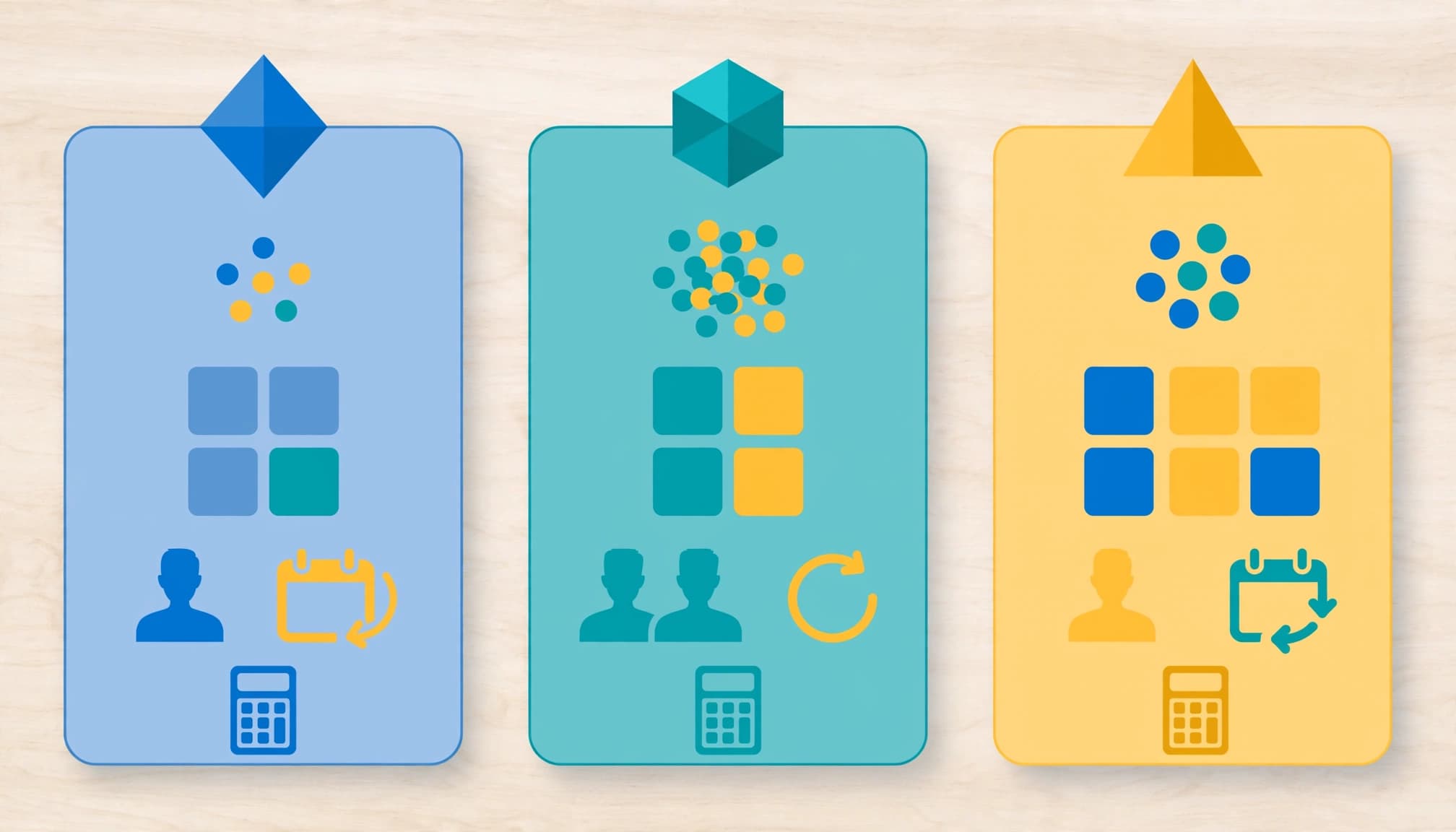
A free checker can be useful for occasional spot checks. For example, SE Ranking offers a checker for up to five keywords daily. That can help with a small set of terms, but it won’t replace a paid plan if you need ongoing monitoring across several sites or locations.
A trial gives you temporary access to assess a product. SE Ranking lists a 14-day trial, but that period isn’t a long-term free plan. Use it to test your actual keywords, target locations, devices, and reporting workflow. Check when access ends and what happens next, so you don’t mistake a short evaluation period for a sustainable option.
Google Search Console is another useful reference because it reports first-party performance for your own site. However, it isn’t a like-for-like substitute for a commercial rank tracker, especially when you need to compare competitors or monitor rankings across chosen locations and devices.
Compare the full plan cost, not just the monthly price
As a November 2026 snapshot, SE Ranking lists Core at $129 per month, or $103.20 monthly with annual billing. Core includes 2,000 daily tracked keywords, 10 projects, and one manager seat. Growth lists $279 per month, or $223.20 with annual billing, and includes 5,000 daily keywords, 30 projects, and three manager seats. Rates and plan terms can change before 2027.
Before choosing, estimate the total cost against your workload:
- Keyword limits: Check how many tracked terms you need, including room for seasonal or campaign additions.
- Projects and seats: Confirm the plan covers all websites and people who need access.
- Refresh frequency: Daily updates may cost more, but they only help if your team reviews rankings often enough to act.
- Add-ons and reporting: Account for extra keyword packs, customized reports, integrations, or exports if your workflow depends on them.
- Billing and taxes: Compare monthly and annual totals, and check whether displayed prices exclude tax.
A lower entry price can become more expensive when essential capacity or reporting sits behind add-ons. Choose a plan that fits your normal workload, then leave enough headroom for growth.
Turn ranking reports into useful SEO decisions
Rank tracking is most useful when it helps you decide what to investigate, improve, or leave alone. A repeatable review routine keeps normal ranking movement from turning into unnecessary page edits.
Set up a focused, consistent review
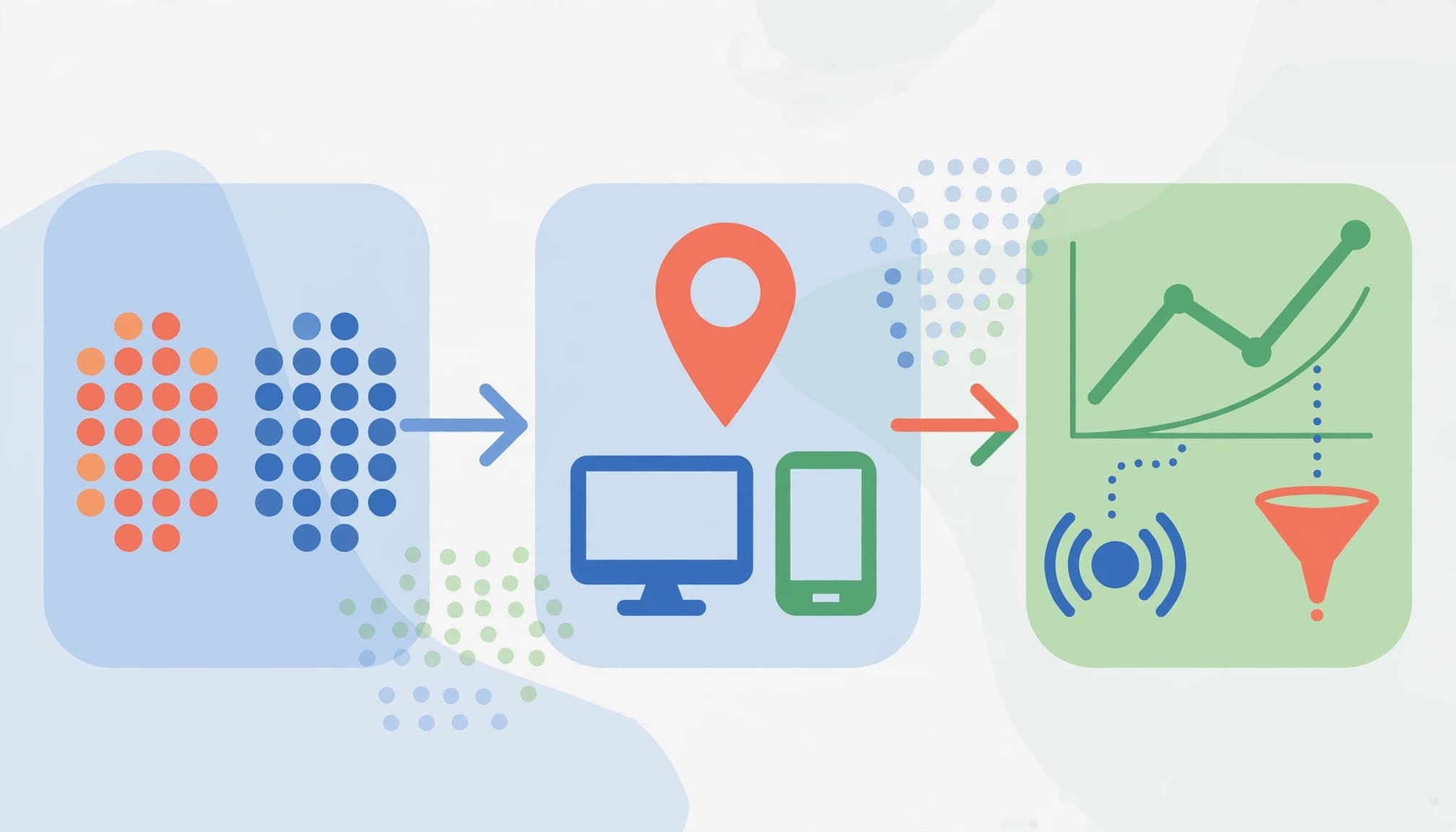
Start with a focused set of priority keywords, then group each term by search intent and the page meant to meet that need. This makes it easier to spot gaps, such as a transactional query ranking to an informational article.
Keep location and device settings consistent between reviews. Then check rankings weekly or monthly, depending on how often your team can respond. For local terms, compare the same areas over time because visibility can vary across a service region.
Investigate patterns before changing content
When a keyword gains or loses positions, check whether the shift lasts beyond a single report. Compare the affected page and query with other terms, locations, and devices. A change limited to one neighborhood may have a different cause than a drop across every target area.
Before editing a page, review the search results and check for relevant changes to the page, site, or competitors. Then compare ranking data with organic clicks, impressions, traffic, and leads where available. A higher position matters more when it also supports visits or qualified enquiries. For SaaS teams, SEO reporting and lead tracking can help connect visibility with business outcomes.
Use rank reports to find patterns and test focused improvements. Don’t chase every daily fluctuation; wait for evidence that a change is meaningful, then measure what happens after you act.
Frequently Asked Questions
Keyword tracking can raise practical questions about what the numbers mean and how to use them. These answers cover the details that matter when choosing a tracker and reviewing its reports.
What is keyword ranking software used for?
Keyword ranking software monitors where selected pages appear for chosen search queries under defined conditions, such as a target location or device. Teams use it to spot position changes and assess whether SEO work is improving visibility. It can also help flag pages or markets that need closer review.
How often should I check keyword rankings?
Set a review schedule that matches your SEO work and the tool’s update cycle. Weekly checks can help active campaigns, while monthly reviews may suit slower-moving projects. However, avoid changing pages in response to every short-term fluctuation, since temporary movement can lead to unnecessary edits.
Can one tool track rankings in different cities?
Some tools and plans support city-level tracking, while others offer ZIP-code or other local settings. Before buying, confirm the level of location detail and coverage available in the plan. This matters when customers search across different cities or service areas.
Are rank trackers more accurate than Google Search Console?
They report different measurements, so neither is a direct substitute for the other. Rank trackers monitor selected queries under configured conditions, while Google’s Search Console Performance report shows clicks, impressions, click-through rate, and average position for your site’s Google Search results. Google calculates average position using your topmost result, so it may differ from a tracker checking one query under specific settings. See Google’s Search Console performance report documentation for details.
How many keywords should a business track?
Start with queries tied to important pages, products, services, or locations. Add terms as your team develops a clear plan to review and act on the data. A focused list is more useful than a large set that no one maintains.
Is a free keyword rank tracker enough?
Free access can cover occasional checks or a small starter list. Ongoing SEO work may require more tracked keywords, locations, ranking history, or reporting features. Compare the free tier’s actual limits with your needs before depending on it for regular monitoring.
Conclusion
The top keyword ranking software for 2027 should fit your keyword list, local and device tracking needs, reporting workflow, and budget. Shortlist a few tools, then test the same target keywords with matching settings to compare their results fairly.
Use rankings to guide your SEO reviews, and compare them with clicks, traffic, and leads. Our Google Search Console guide can help you connect search visibility with site performance. For help shaping an SEO measurement plan, Get In Touch With Us.