Ecommerce site search helps shoppers find products inside your store by matching their words with your catalog. Better results, useful filters, and clear alternatives help turn that intent into purchases.
For Kolkata retailers, this means handling everyday language alongside product names, sizes, and local spellings. Start with relevance, then measure whether shoppers find and buy suitable products.

Key Takeaways
- Test ecommerce site search with real queries across product names, categories, symptoms, attributes, compatibility requests, and local spellings.
- Correct common misspellings and map synonyms, then review weekly search failures against inventory and shopper activity.
- Use relevant autocomplete, clear zero-results alternatives, and mobile-friendly filters without overriding the shopper’s query.
- Evaluate search technology with the same query set, and compare performance against a stable baseline using consistent metrics.
Make Ecommerce Site Search Match Shopping Intent

Reported conversion multipliers vary: Salesforce cites 6.4 times, Prefixbox reports seven to ten times, Algolia reports 2.4 times, and BigCommerce reports 1.8 times. Salesforce also attributes 55% of revenue to the 16% of shoppers using search.
These aren’t interchangeable benchmarks. Searchers often arrive with stronger buying intent, so higher conversion doesn’t prove search caused the difference.
1. Make the search bar easy to find

Prefixbox recommends space for about 27 characters, a magnifying-glass icon, and visibility on every page except checkout. Its guidance also recommends prompt text that disappears when selected.
Keep a visible field on desktop rather than hiding everything behind an icon. On mobile, expanding search shouldn’t cover the query or submit control.
2. Support all eight query types

Baymard identifies eight query types: exact, product type, symptom, non-product, feature, thematic, compatibility, and slang, abbreviation, or symbol queries.
Your test set should cover model numbers, categories, problems, delivery questions, attributes, occasions, compatible devices, and shortened wording.
For Kolkata stores, include English, Bengali, and transliterated terms appearing in actual search logs. Also test whether service queries reach relevant information rather than unrelated products.
Fix Matching Before Adding More Search Features

Nosto’s research reports that 69% of shoppers immediately use search, 80% leave because of poor search experiences, and 69% complain about irrelevant results. These survey findings describe reported behavior, not your store’s measured abandonment rate.
3. Correct misspellings and map synonyms

Algolia estimates that 20% to 30% of queries contain misspellings. Enable typo tolerance, but protect exact SKUs and model numbers against inappropriate corrections.
Build a synonym sheet from unsuccessful queries. Map “coffee machine” to “coffee maker”, “t-shirt” to “tee shirt”, and “sofa” to “couch”.
Review each mapping against your inventory. Related products aren’t always substitutes. Meanwhile, consistent titles and clear product descriptions give search engines better source data.
4. Guide shoppers with autocomplete

Autocomplete suggestions should appear beneath the search bar as shoppers type, offering useful queries, categories, and available products. Include thumbnails and prices where space allows.
Keep suggestions relevant to the entered words. Popular items shouldn’t displace an exact product match.
Also support keyboard selection, readable focus states, and dismissal. Suggestions should help shoppers finish their query without forcing them into an unintended category.
Recover Failed Searches With a Weekly Routine

Prefixbox reports that 10% to 25% of searches produce zero results and presents a 3% to 5% rate as an improvement target. Treat that range as directional. A store receiving many unsupported-brand searches will have different constraints.
5. Give zero-results pages a useful next step
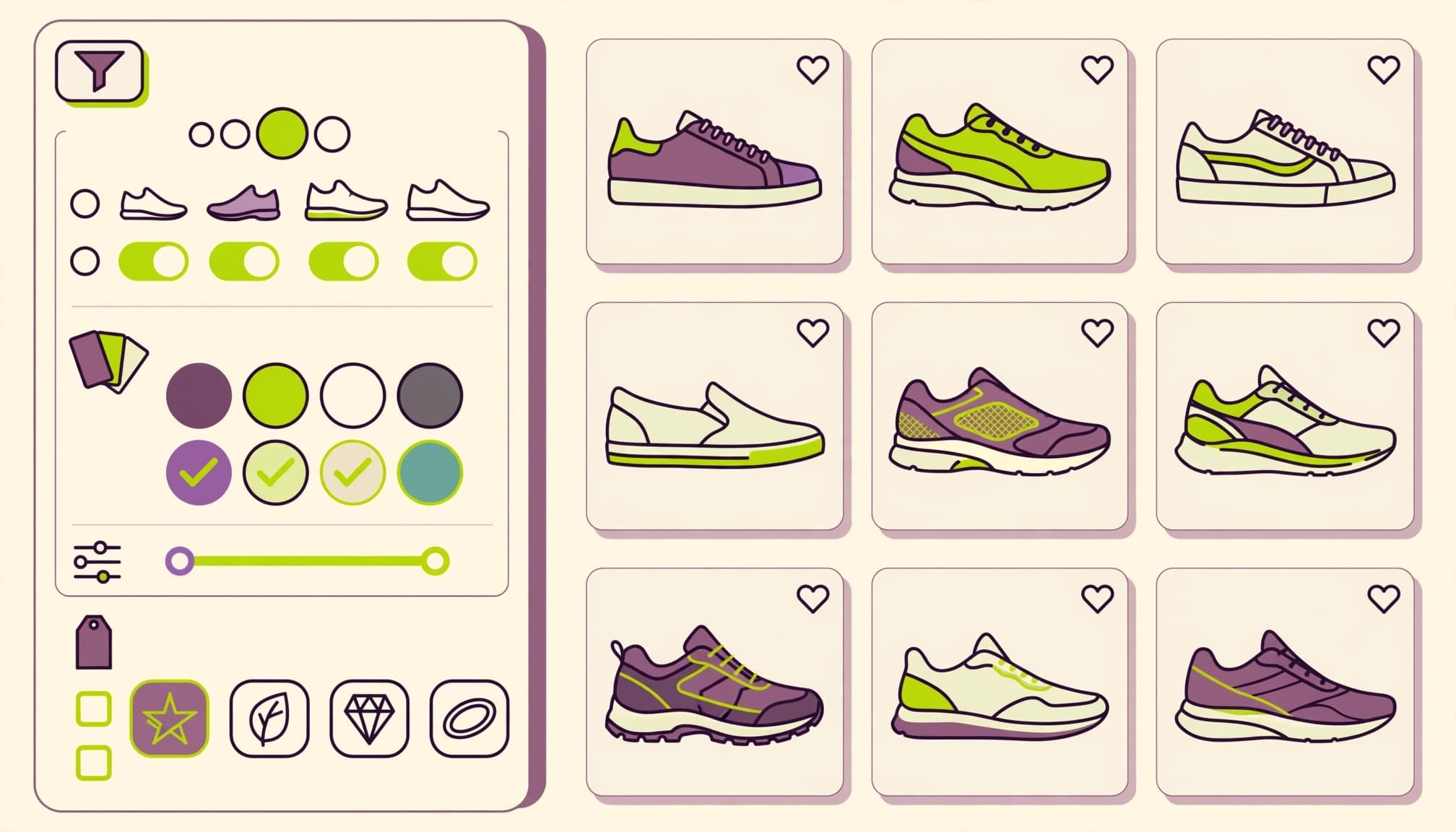
Nosto says 56% of shoppers continue browsing when zero-results pages suggest other products, while only 34% of brands provide this.
When a search returns zero results, keep the query editable and offer spelling suggestions, broader categories, and clearly identified alternatives. When availability caused the failure, use our guidance for helpful sold-out product pages.
Never label unrelated recommendations as matching results.
6. Audit the causes, not only the count

Export weekly search queries with frequency, result count, clicks, and cart activity. Group failures into spelling, synonyms, missing attributes, unavailable inventory, and products you don’t sell.
Audit “couch” against “sofa”: if sofas exist, add the synonym, rerun the query, and inspect the first results. Record the change and review subsequent clicks.
Prioritize frequent failures affecting stocked products. A catalog gap belongs with buying or merchandising, rather than an artificial search rule.
7. Use Facets and Filters That Work on Mobile
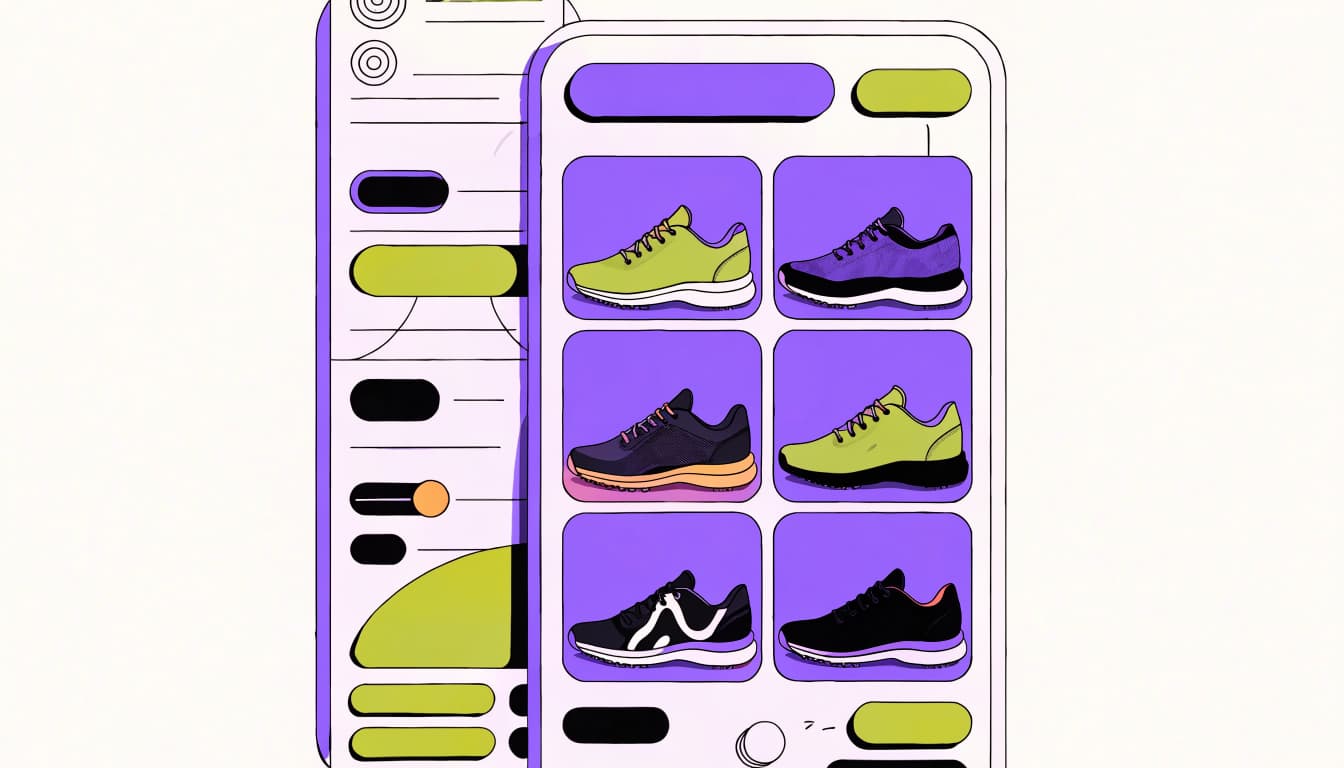
A filter applies a constraint, such as “in stock”. Faceted search combines attribute-based filters, such as fabric, size, and price, within the current results.
For a saree catalog, fabric and occasion help shoppers more than generic filters copied across every category. Show result counts, selected options, and an obvious reset control.
Prefixbox associates faceted search with 20% higher conversion than hierarchy-style navigation, while reporting that only 40% of sites offer it. That association isn’t a guaranteed uplift.
Meanwhile, BigCommerce reports that 59% of worldwide ecommerce purchases happen on mobile. Keep mobile filters accessible and preserve selections when shoppers return from a product.
For SEO, separate shopper-only combinations from deliberate landing pages. Our faceted navigation guidance explains how to control filter URLs without removing useful shopping options.
Use Personalization Without Overriding the Query

Nosto reports that purchase-history personalization increases conversion likelihood by 70%. Salesforce says tailored recommendations can contribute up to 26% of revenue. Recommendations extend beyond search, so don’t attribute that entire figure to search personalization.
Start by improving anonymous relevance. Then use personalization to order products by preference among items that already match.
For returning customers, previous purchases can help rank familiar brands or replenishment items. However, purchase history shouldn’t hide suitable alternatives or override an exact query.
Keep availability and product compatibility ahead of margin-based promotions. A profitable item that doesn’t satisfy the request is still a poor result.
9. Choose Search Technology Around Your Catalog

Start with your platform’s existing ecommerce site search before buying another system. Test its site search with real queries on Shopify, WooCommerce, or your current storefront, then document failures.
Algolia, Constructor, Bloomreach, and Elasticsearch are options to evaluate. They aren’t interchangeable, and implementation effort, merchandising needs, and support belong in the buying decision.
Use the same query set for every evaluation. Include exact SKUs, misspellings, Bengali transliterations, compatibility requests, and unavailable products.
Also assess inventory-update speed, synonym controls, analytics access, accessibility, and ongoing maintenance. Compare total cost across subscriptions, usage, development, and support.
AI-powered search can use natural language processing and semantic search to interpret shoppers’ requests. Compatibility, sizes, and prices still need reliable structured attributes. AI-generated answers should stay within documented catalog facts.
10. Measure Search Against a Stable Baseline

In GA4, enable site search under your web stream’s Enhanced Measurement settings. Google’s enhanced measurement documentation explains URL-based view_search_results tracking.
Configure the query parameter your store uses. For searches without URL changes, implement the event explicitly with search_term and a custom result-count parameter. Never send personal information.
Keep metric definitions consistent.
| Metric | Definition |
|---|---|
| Search click-through rate | Searches followed by a result click, divided by searches |
| Search conversion rate | Unique searches followed by a cart event, divided by unique searches |
| Search purchase rate | Search sessions containing a purchase, divided by search sessions |
| Zero-results rate | Searches returning no products, divided by searches |
Salesforce calls the cart-event measure search conversion rate. Search conversion rate is separate from completed purchases. Also track the median engaged position of the most-clicked product.
Prefixbox cites 21 sites with conversion averaging 2.77% without search versus 4.63% with search. It labels this an 80% increase, although those rates imply roughly 67%.
Comparing searchers with browsers measures different audiences. Randomly testing two search experiences gives stronger evidence of improvement.
Capture several weeks of baseline data. Then change one major element at a time, separating new and returning shoppers.
Keep channel definitions and UTMs stable. Finally, reconcile GA4 purchases with net orders in Shopify or your ERP. Analytics events and finance records serve different purposes.
Frequently Asked Questions
What is ecommerce site search?
Ecommerce site search helps shoppers find products in a store by matching their queries with the catalog. Useful results, filters, and alternatives help shoppers find suitable products.
How can I improve ecommerce site search?
Start by testing real queries, correcting misspellings, and mapping synonyms to the terms shoppers use. Review frequent failures each week, then improve matching, autocomplete, or filters based on what the data shows.
What should a zero-results page include?
Keep the query editable and offer spelling suggestions, broader categories, or clearly identified alternatives. Don’t label unrelated recommendations as matching results.
Which metrics should I track for site search?
Track search click-through rate, search conversion rate based on cart events, search purchase rate, and zero-results rate. Keep each metric’s definition consistent, and compare results with a stable baseline.
Make Every Query More Useful

Better product discovery starts with accurate catalog data and relevant matches. Fix frequent failures before adding more advanced features, then measure purchases alongside search engagement.
For a coordinated review of your store’s search experience, product content, and tracking, Get In Touch With Us. We’ll help connect those improvements to clear business priorities.