A booked meeting is often worth more than a standard form fill, yet many teams still optimize their campaigns around weaker signals. If your scheduling tool sits outside your Google Analytics 4 and Google Ads tracking setup, you might find that your advertising platform chases clicks while your sales team waits for actual conversations.
Implementing clean Calendly conversion tracking fixes that gap. It provides clear visibility into which campaigns produce scheduled meetings, which landing pages assist in the process, and exactly where your reporting data begins to drift.
Key Takeaways
- Native Calendly to GA4 tracking is available on paid plans, but you still need to import your conversion as a key event in Google Ads to optimize your campaigns effectively.
- If Calendly is embedded on your site, standard click tracking often fails to capture bookings because the widget runs inside an iframe, making it difficult to track interactions with standalone scheduling links.
- Use one consistent booking event name across GA4, Google Ads, and your internal reporting dashboards to keep attribution data clean and readable.
- Test your implementation thoroughly with GTM Preview, the GA4 DebugView, and Google Ads diagnostics before you rely on the reported data for bidding decisions.
- Compare your GA4 conversion counts with Calendly and your CRM on a weekly basis, as web events and actual customer records rarely match perfectly due to tracking limitations.
Choose the setup that fits your booking flow
There is no universal setup because Calendly can live in several different places. Some teams send traffic to a standalone Calendly page, while others embed the scheduler directly on a landing page. A few push booking data through automation tools. To accurately measure performance, you need to properly track these interactions in Google Analytics 4.
As of July 2026, the main options include the native integration, a Google Tag Manager listener for embedded widgets, and automation through platforms like Zapier. Calendly’s own help page confirms that the native option is available on paid plans. It also highlights a significant limitation: there is still no native Google Ads conversion integration.
This quick comparison makes the trade-offs easier to see:
| Method | Best when | Strength | Watch-out |
|---|---|---|---|
| Native Calendly to GA4 | You use a paid Calendly plan | Fastest setup, official support | No direct Google Ads feed |
| GTM iframe listener | You use an embedded Calendly widget | Captures on-site interactions | Needs testing and clean tag logic |
| Zapier automation | You use Zapier for cross-tool workflows | Highly flexible for operations | Can drift if event names change |
| Thank-you page tracking | Booking flow redirects after scheduling | Simple to validate | Less precise for embedded flows |
For most marketers, the best starting point is to keep things simple. Use the native GA4 integration if the booking happens on Calendly and your plan supports it. Use GTM if the scheduler is embedded on your site. Once you have consistent data flowing into your reporting suite, you can import the finished booking event into Google Ads to optimize your ad spend against your actual scheduling links.
Set up GA4 booking events the clean way
Before changing your tags, capture the current setup. Save screenshots of your Google Tag Manager configuration, triggers, GA4 event names, and any thank-you page rules. That small habit prevents a messy rollback later if one fix creates a second problem.
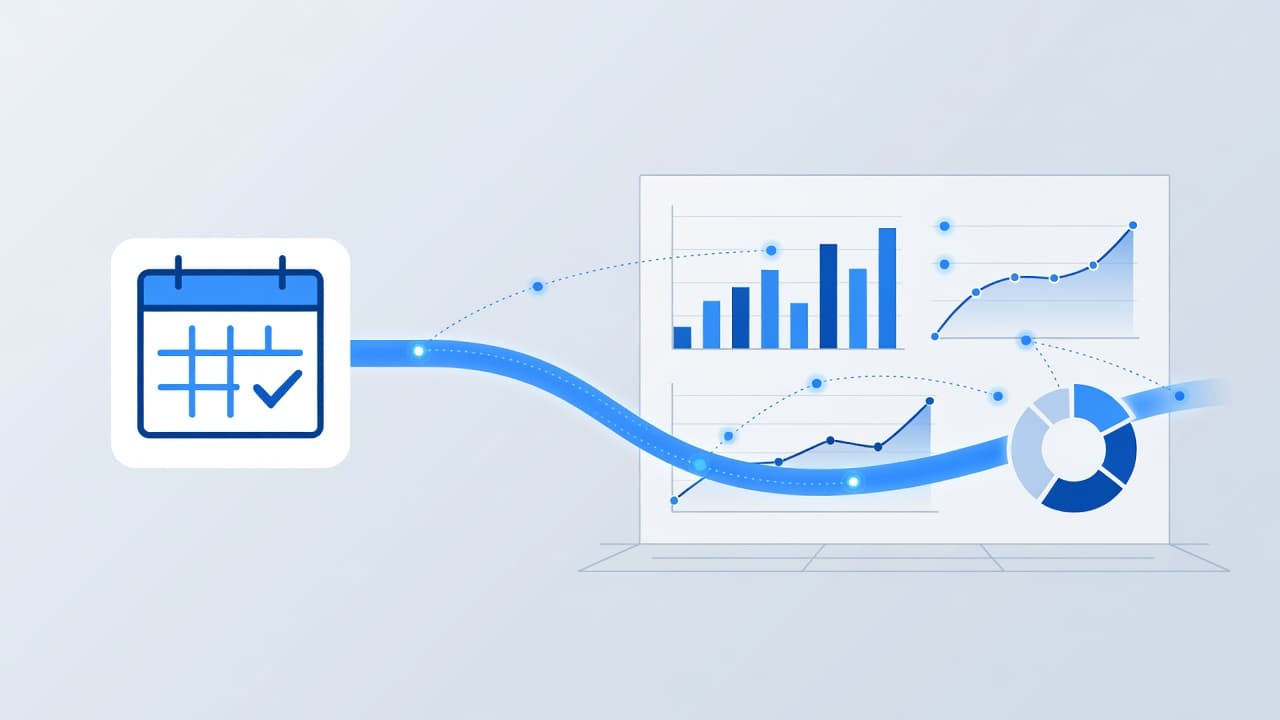
Start with one reporting decision: what counts as a conversion? In most cases, it should be the confirmed booking, not the first click on “Schedule now.” Keep the event name short and stable. Many teams use calendly_booking, while others keep Calendly’s native invitee_meeting_scheduled and map it later.
A clean setup usually follows four steps:
- Connect the source of the event. On paid Calendly plans, add your GA4 Measurement ID inside Calendly’s Google Analytics integration. If the widget is embedded, fire a listener code in a Custom HTML tag on pages where the iframe loads.
- Send a booking event to GA4. For embedded setups, the common pattern is a custom listener that catches Calendly message events and pushes event_scheduled into the Data Layer.
- Mark the finished event as a key event in GA4. That gives you a stable signal for reports and Google Ads import.
- Register useful parameters as custom dimensions if you need them later, such as meeting type, page path, or attribution data. You might also track interactions like profile_page_viewed, event_type_viewed, and date_and_time_selected.
If you are using GTM, Analytics Mania’s Calendly tracking walkthrough is a useful reference for the iframe listener pattern.
If Calendly lives inside an iframe, basic click triggers often see nothing. The event listener is the part that makes the booking visible using a Custom Event trigger.
Keep UTM parameters in mind early, not later. If a visitor comes from Google Ads, paid social, or email, pass that source context into the booking event when possible. That matters when your reporting needs to compare paid search against email nurtures, branded organic traffic, or a Social Media Marketing campaign.
For teams that run more than paid search, one consistent event becomes the shared measurement point. A Digital Marketing team handling SEO, Performance Marketing, and Website Development needs that single source of truth, because otherwise every channel claims credit in a different way.
Import bookings into Google Ads without double counting
Once your data is flowing, the next step is connecting your booking events to Google Ads. Start by linking your GA4 property directly within the Google Ads dashboard under Linked accounts. Once linked, you can import the booking key events as your primary conversion actions.
This is where many setups go sideways. Teams often import the GA4 booking event while simultaneously firing a separate Google Ads conversion tag on a thank-you page. This mistake causes Google Ads to count the same meeting twice.
To avoid this, choose one primary booking action. If your GA4 data is reliable, use that as the main conversion for bidding. You can still keep softer signals, such as calendar starts or contact clicks, as secondary actions for your analysis.
Naming conventions are critical here. If GA4 uses the term calendly_booking, keep your imported Google Ads conversion name consistent with that language. Clear naming saves time when you review smart bidding, troubleshoot conversion diagnostics, or perform offline comparisons later.
Zapier offers another powerful option for syncing data. By using Zapier to trigger an Invitee Created event, you can send that data directly to GA4 and, in updated workflows, pipe it straight into Google Ads conversion tracking. This approach is particularly helpful when your booking flow touches several different systems, though it reinforces the need for one stable naming convention across your stack.
For PPC specialists, the rule is simple: do not let one booked meeting become two conversions because you have multiple tools reporting on the same action.
Test the full path and fix reporting gaps
A tracking setup is not finished when the tag fires once. It is finished when the whole path works, from visit to booking to conversion import.
Run a real test booking with traffic using UTM parameters to simulate a live visitor. Use the Google Tag Manager Preview mode to ensure your Data Layer Variable values are populating correctly. Then, verify the data in GA4 DebugView, and check your Google Ads conversion status. Watch the event name, parameters, and page context. If the event appears in DebugView but not in your standard reports later, keep waiting before you panic, as report processing still takes time.
The common failure points are boring, but they cause most bad data. One is double tagging, where the site sends GA4 hits from hardcoded code and GTM at the same time. Another is overlapping triggers, especially when a redirect URL or thank you page load and a custom event both fire for the same booking. Enhanced Measurement can also create noise if custom form logic overlaps with automatic event capture.
Single-page applications need extra care. If the page does not fully reload, pageview based rules can miss the booking or fire twice. In those cases, the event trigger matters more than the URL.
Also, do not expect GA4 and your CRM to match line for line. GA4 counts web actions and assigns them to a direct source, whereas a CRM tracks people, deduped records, and stage changes. One prospect may book on mobile, reopen the invite on desktop, and become one record in the CRM but several sessions in analytics. Time lag adds more drift, which can impact your view of campaign performance.
Still, huge gaps mean something is wrong. Compare GA4 bookings with Calendly and CRM totals for a full week, not one afternoon. If you export GA4 to BigQuery, look for duplicate events with the same name from the same user within 30 seconds. That pattern often exposes hidden double fires. The browser Network tab can help too, because redundant GA4 requests show up there fast.
If your reports keep changing after every edit, stop making blind fixes. Keep a change log, test one adjustment at a time, and review what happened before touching bids. If the setup spans ads, CRM, and embedded booking tools, Get In Touch With Us before the tracking mess spreads into budget decisions.
Why clean booking data matters beyond paid media
Accurate booking events help far more than Google Ads. They give you a stronger way to judge landing pages, qualify leads through a routing form, and evaluate channel quality across SEO, paid media, and local visibility.
That matters even more now because teams report across SEO, GEO, and AEO, rather than focusing only on clicks and sessions. By leveraging precise attribution data, you can see exactly which sources drive booked meetings. If your data shows that branded search or AI-assisted discovery drives conversions, you can defend content, local pages, and answer-first content with real evidence instead of assumptions.
The same event also improves cross-channel reporting. When Social Media Marketing, Performance Marketing, and organic search all feed into one unified booking metric, your dashboards become easier to trust and your optimization decisions become significantly faster.
Frequently Asked Questions
Can I track Calendly bookings without a paid plan?
While Calendly offers native GA4 integration on paid plans, you can still track bookings on free plans using Google Tag Manager. By utilizing a custom iframe listener, you can capture scheduling events even without the official integration.
Why does my Google Ads conversion data show more bookings than I actually received?
This is typically caused by double counting where you import GA4 conversions and also fire a separate conversion tag on a thank-you page. To fix this, you should select one primary booking action and ensure consistent naming across your reporting platforms.
How should I handle Calendly events inside an iframe?
Standard GTM triggers often fail because the widget runs in a separate document context. You must implement a Custom HTML tag that listens for Calendly’s window-based message events to push data into your Data Layer effectively.
Should I expect my GA4 booking numbers to match my CRM exactly?
No, slight discrepancies are normal due to the different ways these systems track users and sessions. GA4 counts browser-based interactions, while your CRM deduplicates contacts and manages lead stages, leading to natural drift over time.
Conclusion
Good tracking turns a scheduled meeting into a decision-ready signal. One clean booking event in GA4, one sensible conversion path into Google Ads, and one disciplined testing process will always outperform a collection of half-working tags.
Booked meetings should never be obscured by simple pageview metrics. When your GA4 data, Google Ads performance, and CRM records all point to the same appointment, your reporting becomes sharper and your advertising budget becomes much harder to waste. By syncing these platforms correctly, you ensure every booking translates into meaningful growth for your business.