To improve website navigation, organise pages around customer tasks, use descriptive menu labels, and make every link work on mobile. Your visitors should find services, prices, opening hours, and contact details without guessing.
For a Kolkata business, that means making practical information easy to reach, including service areas and directions. Clear next steps matter more than an impressive-looking menu.
Start with the routes customers need most, then remove anything that makes those routes harder to follow.
Key Takeaways
- Start with five to seven main menu items, then adjust based on customer tasks.
- Use recognisable service names, keep important links visible, and make mobile menus keyboard-accessible.
- Measure completed enquiries and task success, rather than judging navigation by appearance or menu clicks alone.
These changes usually deserve attention before adding another animation, popup, or promotional banner.
What Website Navigation Does for Your Business

Website navigation is the system of menus, links, and buttons that helps people move around your site. It also helps search engines discover and crawl pages for potential indexing, although links don’t guarantee inclusion.
In Clutch’s website feature research, 94% valued easy navigation, making it the most useful feature surveyed. HubSpot also cites this finding.
For customers, navigation answers practical questions: what you offer, where you work, and how to buy or enquire. A service page should therefore connect naturally to pricing information, relevant locations, and contact options.
For search engine optimization (SEO), clear paths help communicate a site’s information architecture and relationships between pages. Google’s guidance says menus and cross-page links can affect its understanding of site structure. Its explanation of how Google Search works also describes how crawlers discover pages through links.
Website navigation differs from a sitemap. Menus guide everyday browsing; an XML sitemap helps search engines discover URLs. An HTML sitemap gives visitors a directory, but neither replaces useful links between related pages.
Choose Navigation Types That Fit Your Site
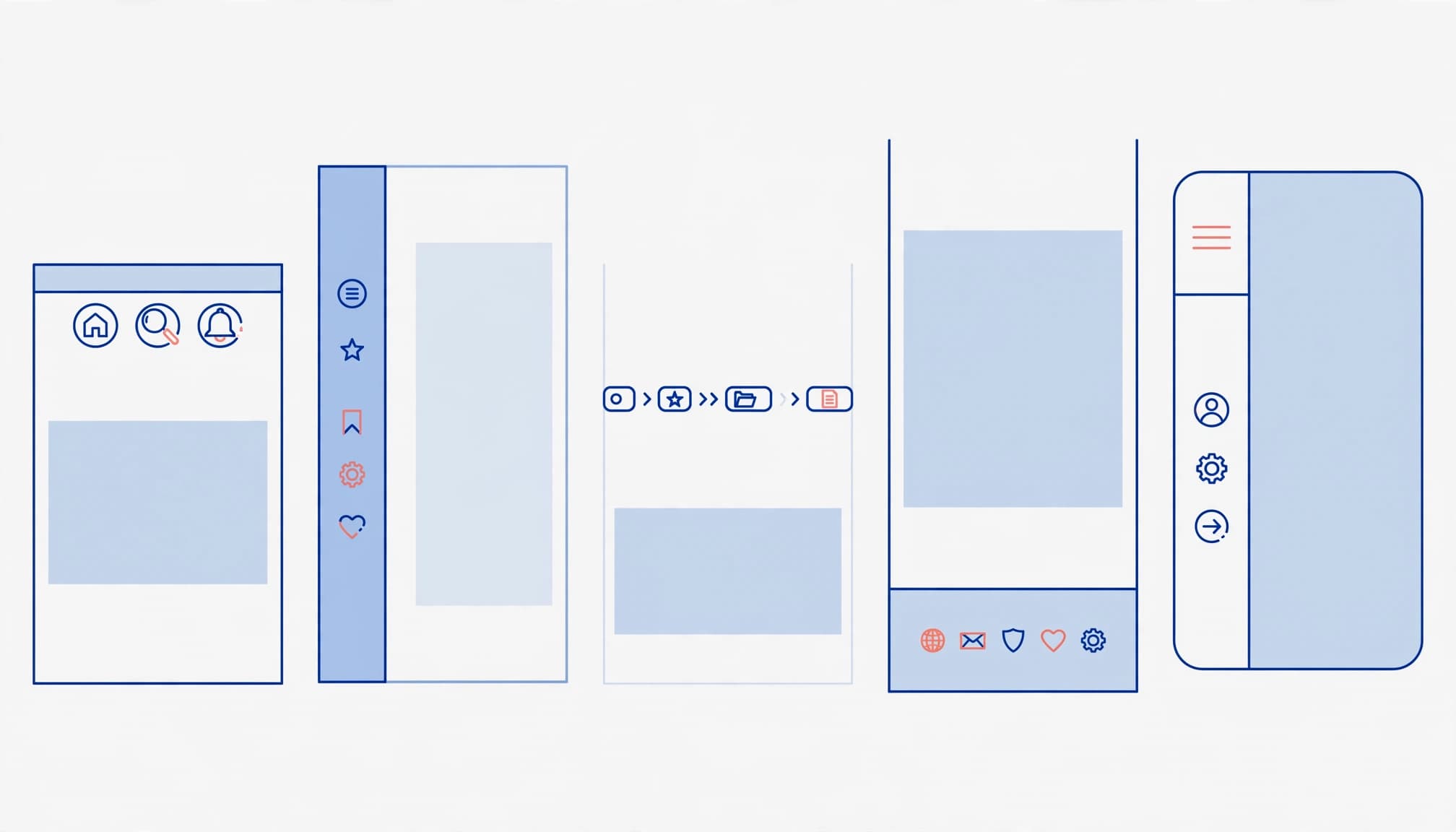
Choose patterns according to content depth and customer tasks, rather than copying a large retailer.
This comparison gives each pattern a practical role.
| Navigation type | Best fit |
|---|---|
| Top navigation bar | A horizontal navigation bar for main pages on a small business site |
| Dropdown menu | A short group of related services |
| Mega menu | A large catalogue with several categories |
| Sidebar | Links within a substantial section |
| Breadcrumbs | Pages at least three layers deep |
| Footer | Policies, FAQs, terms, and social links |
Most small service businesses need a top menu and footer. Add other patterns only when they solve a browsing problem.
Use Primary Navigation for Common Tasks
Primary navigation contains your global navigation destinations. Keep it in the same position across pages, with consistent labels and ordering.
Use a dropdown menu when customers need a few related choices. However, avoid several cascading levels that demand precise pointer movements.
A mega menu is a multi-column dropdown suited to broad catalogues. Orbit Media reports positive usability findings for them. That doesn’t make one necessary for a business offering a handful of services.
Add Supporting Links Where They Help
Sidebar navigation provides local navigation for related pages, so customers can explore a section without reopening the main menu. Contextual links within copy connect a service to relevant pricing, advice, or booking information.
Breadcrumb navigation shows hierarchy through linked text separated by a greater-than symbol: Home > Services > AC Repair.
Keep footer navigation at the bottom of pages, where visitors expect it. Policies, terms, FAQs, and social icons belong there without crowding the header.
Build a Menu Around Customer Intent
Begin with the questions customers ask before purchasing. Group pages in the main navigation around those needs, rather than your internal departments.
For a local business, useful destinations include services, prices, reviews, locations, and booking. Every important destination needs a working page, not an empty menu heading.
Keep Labels Concrete and the Menu Short
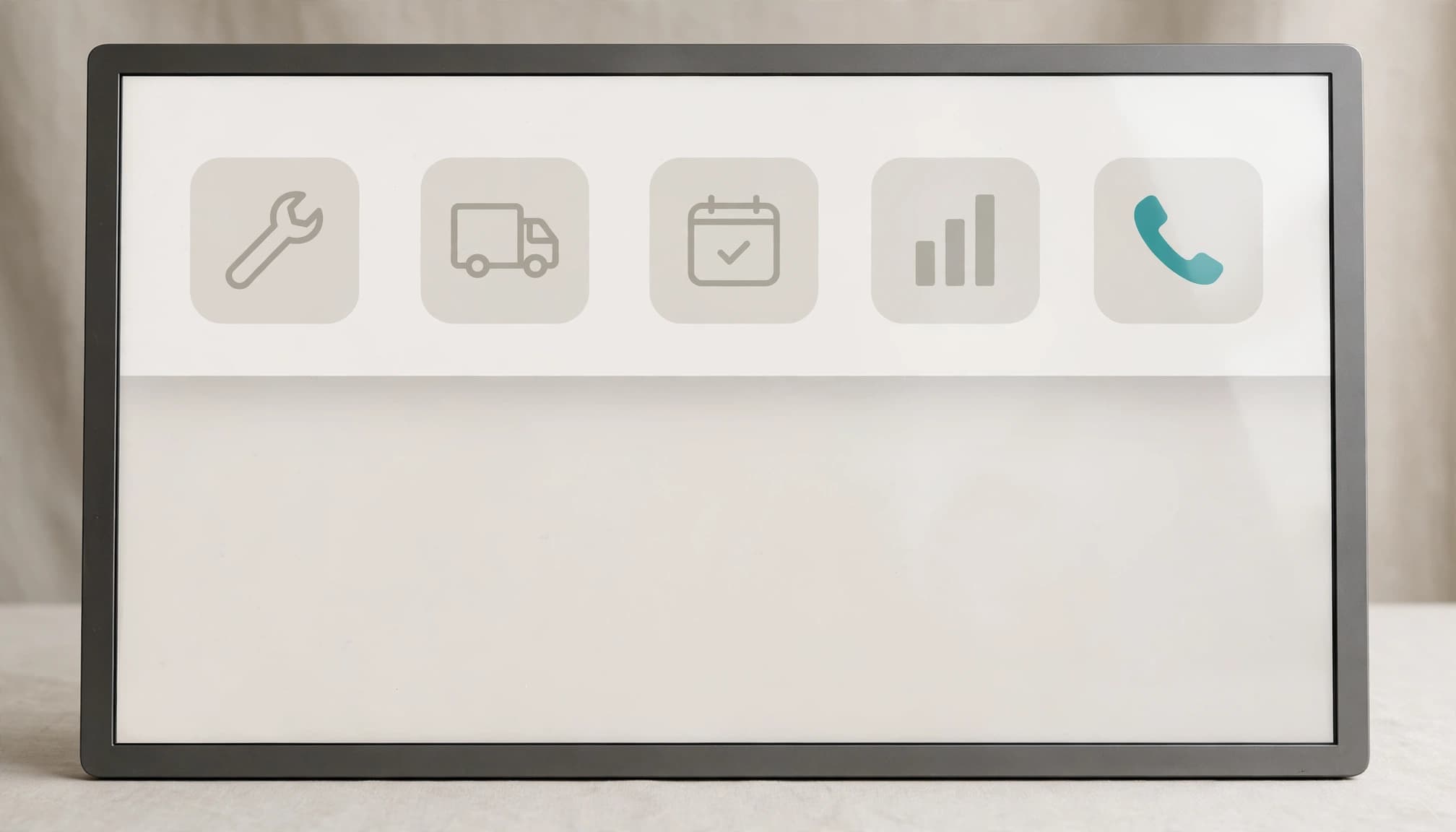
Keep the navigation menu to five to seven main items, a common recommendation across HubSpot, Indeed, and Network Solutions. Orbit Media recommends five. Treat these as starting points rather than a rigid limit.
Choose descriptive labels such as “Web Design Services” or “Pricing Plans” instead of “Solutions”, “Stuff”, or “What We Do”. On our site, labels such as “Local SEO” and “Google Ads” name the service directly.
Customer enquiries and Google Search Console queries can reveal familiar terminology. However, don’t squeeze every keyword into the header. Even a mega menu should use clear category labels, not list keywords, and lead to detailed service pages.
Put High-Value Links Where People Notice Them
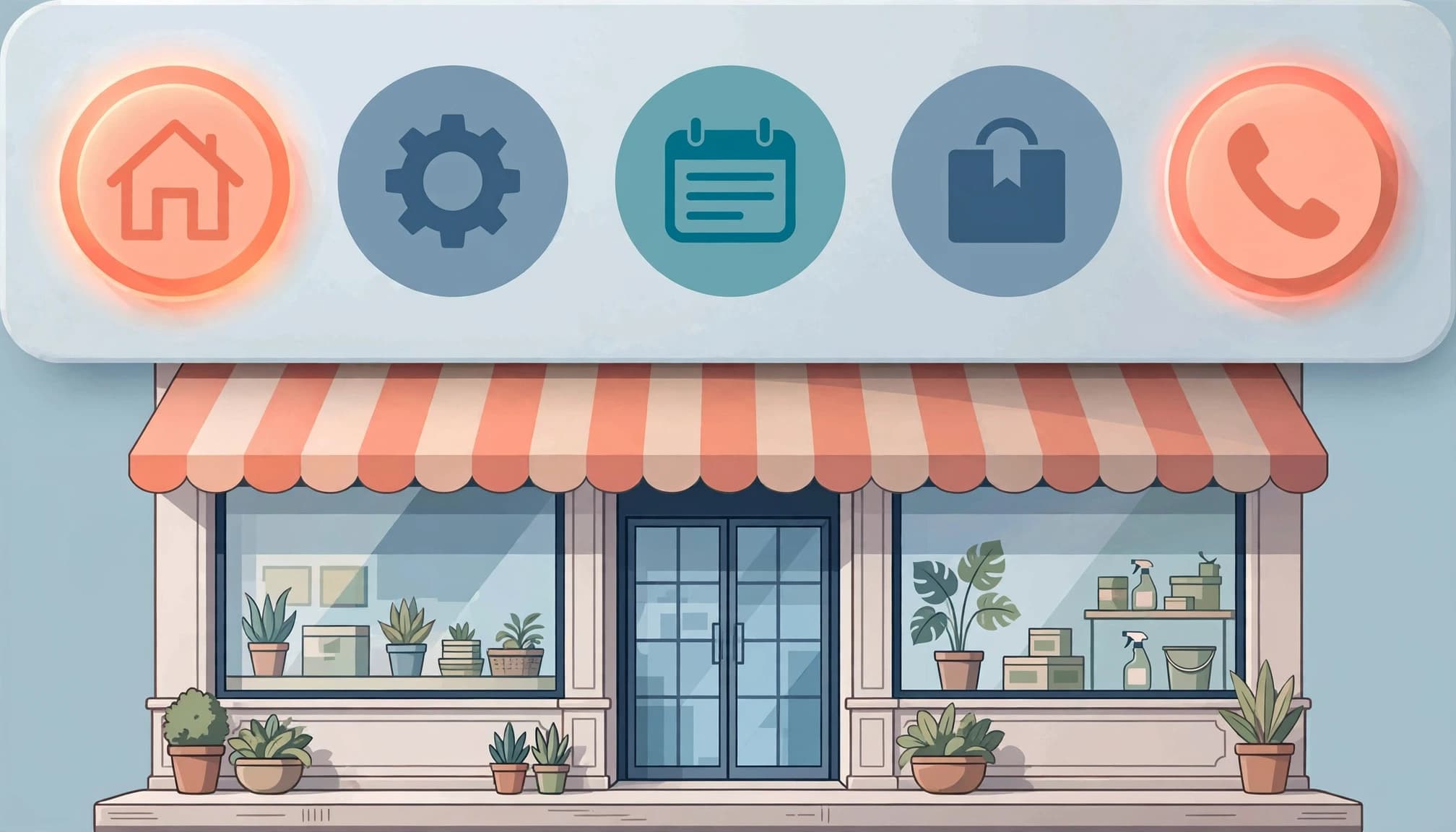
Primacy and recency effects, together called the serial position effect, mean people tend to remember first and last items best. Put an important category near the beginning and Contact last.
Keep one primary call to action, such as “Book an Appointment”, visually distinct. Competing buttons for calling, messaging, subscribing, and downloading can obscure the next step.
Finally, connect each branch to a stable location page. Include its address, hours, phone number, and directions in readable HTML. An embedded map should support those details, not replace them.
Make Mobile and Accessible Navigation Reliable
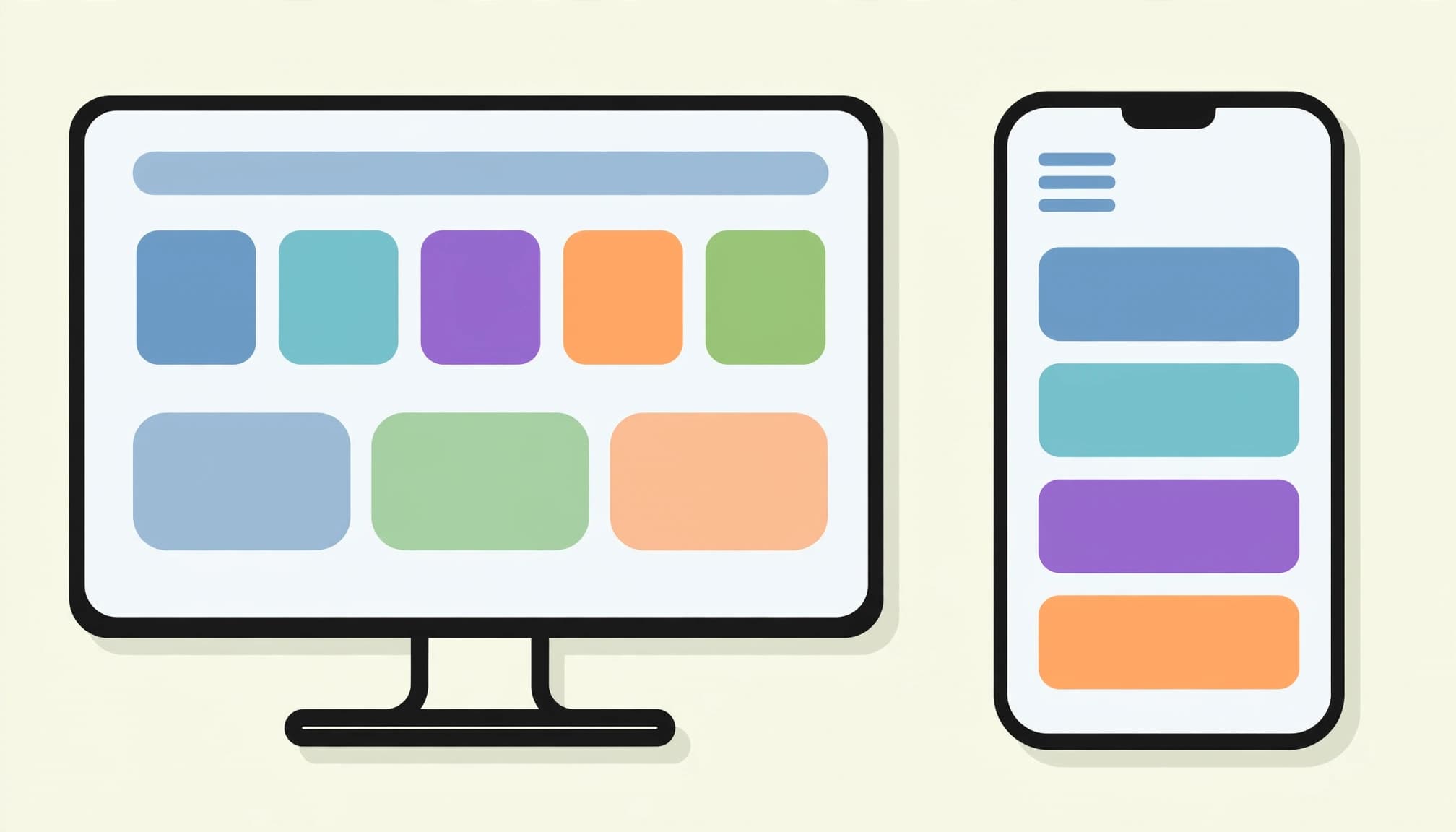
A mobile-first design should keep website navigation consistent across screen sizes, preserve access to useful pages, and support a dependable user experience. Accessibility also requires readable text, clear focus states, and controls that work without a mouse.
Build a Usable Mobile Menu
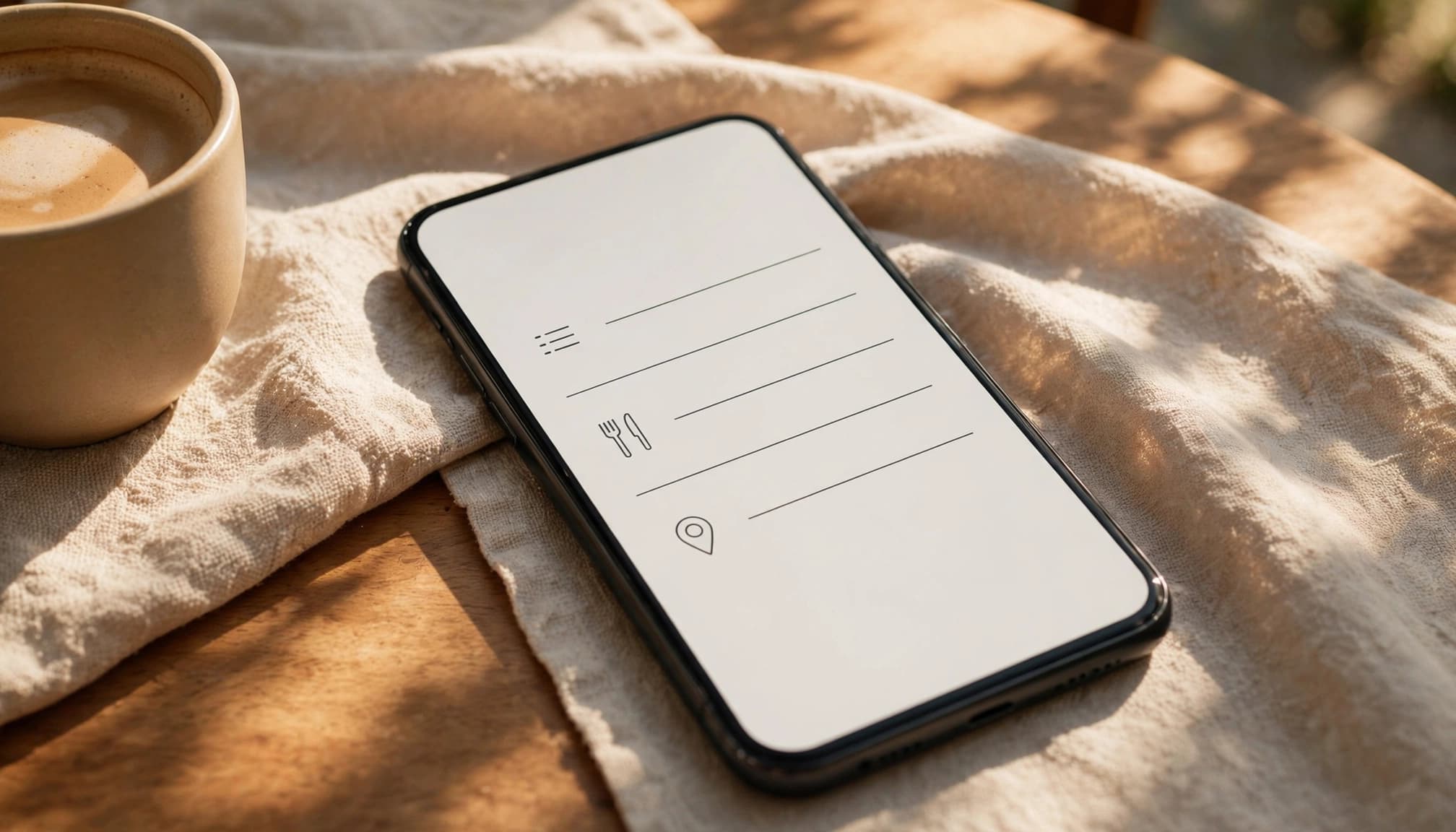
A hamburger menu uses a three-line icon to hide navigation until tapped. Pair the icon with “Menu”, provide a clear close control, and make expandable sections easy to operate.
On desktop, keep important destinations visible when space allows. Hiding everything adds an extra action before customers can see their options.
Use legible fonts, strong colour contrast, and enough spacing between links. A sticky menu mustn’t cover page content or focused controls.
Also, compress images and trim unnecessary scripts. Large menu images and animation libraries can slow loading and interaction. Load below-the-fold images lazily, rather than delaying the menu itself.
Mark Up Keyboard-Friendly Navigation
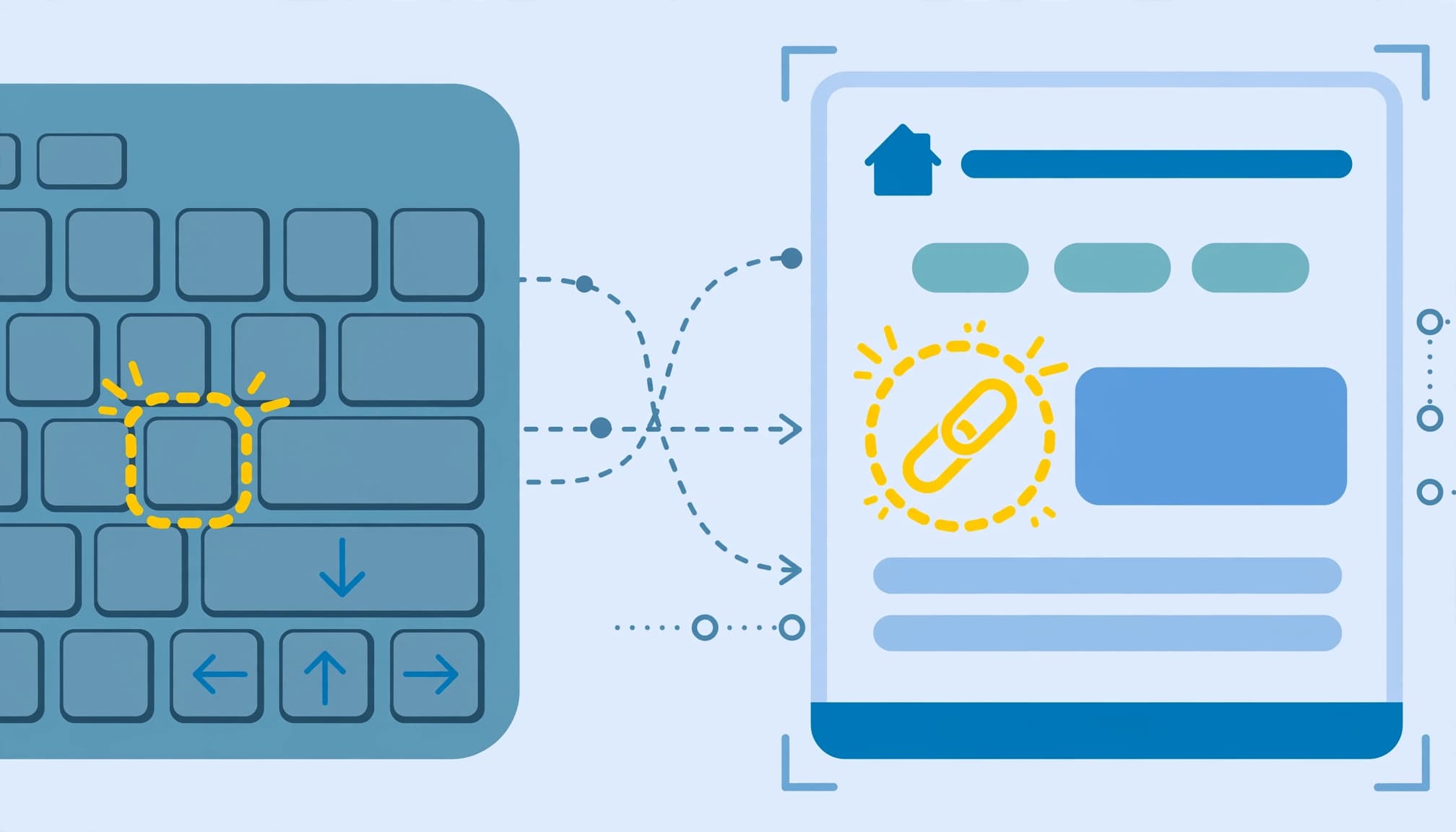
Your developer should use semantic HTML, including a nav element, and mark the active link with aria-current="page". Multiple navigation landmarks need distinct labels through aria-label or aria-labelledby.
Follow web.dev’s accessible navigation guidance: avoid ARIA menu roles for ordinary website links. Use display or visibility, rather than opacity alone, to hide closed menus so their links don’t remain keyboard-focusable.
Apply :focus-visible styling and provide a “Skip to content” link. Menu controls should expose their expanded state and work by keyboard.
The destination matters too. Booking forms need clear labels, logical tab order, and understandable errors, or customers can still get stuck after navigating successfully.
Test and Improve Navigation With Evidence

Confusing journeys can discourage return visits. Network Solutions cites an 88% figure, also listed in Baymard’s UX statistics, for online consumers being less likely to return after a bad experience.
Test customer tasks before making broad design changes.
Card Sort Before You Rename Menu Items
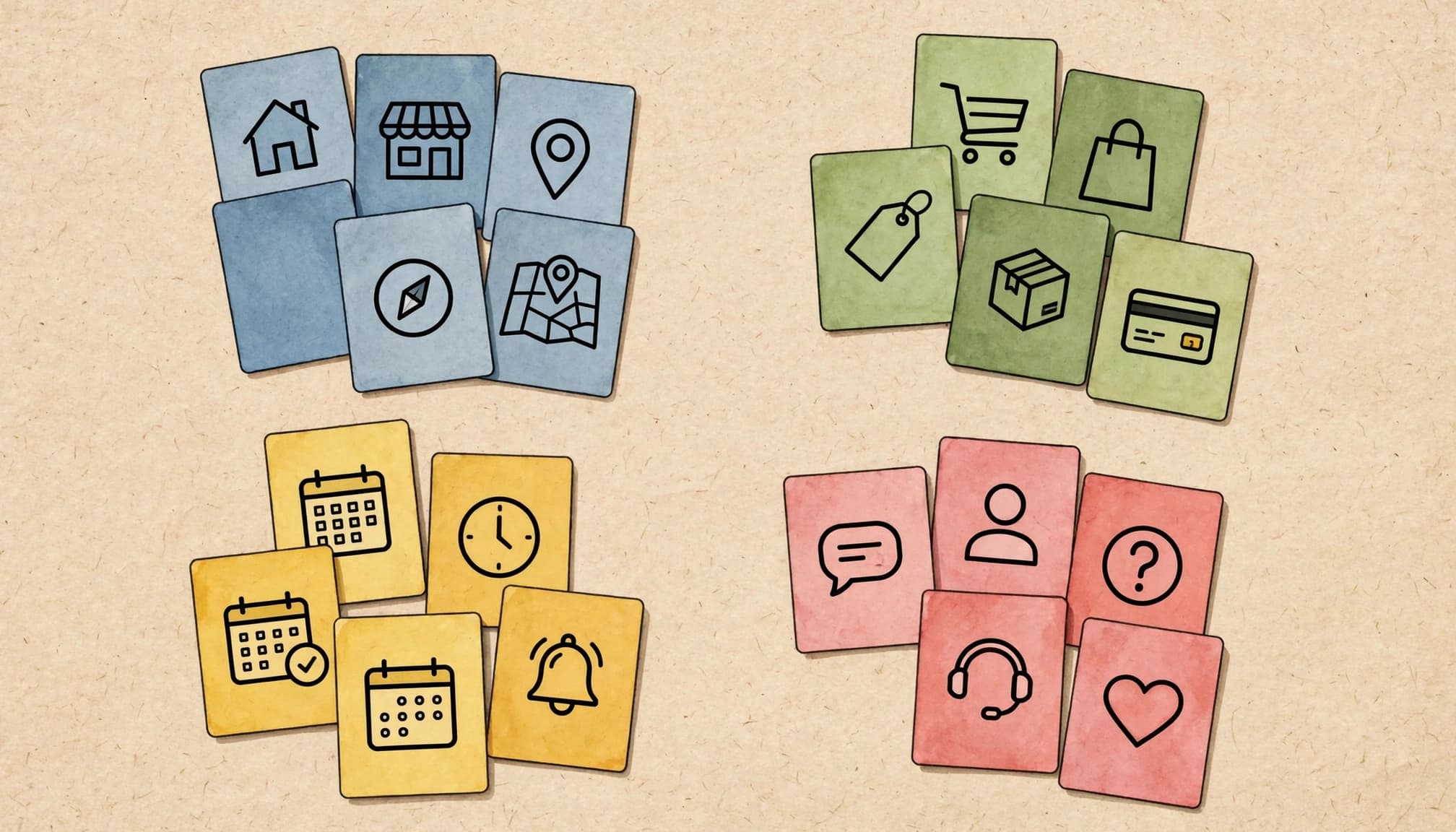
Card sorting reveals how customers group information. Put page names on separate cards, then ask participants to arrange them into categories and name those groups.
Allow about 20 minutes and offer payment or another suitable reward. Recruit people who resemble your customers, rather than relying entirely on colleagues.
Next, ask them to find opening hours, compare services, or book an appointment. Record their first click, wrong turns, and whether they finish without help.
Repeatedly choosing the wrong first link suggests a label or grouping problem, even when the destination page contains the right information.
Use GA4 Path Exploration
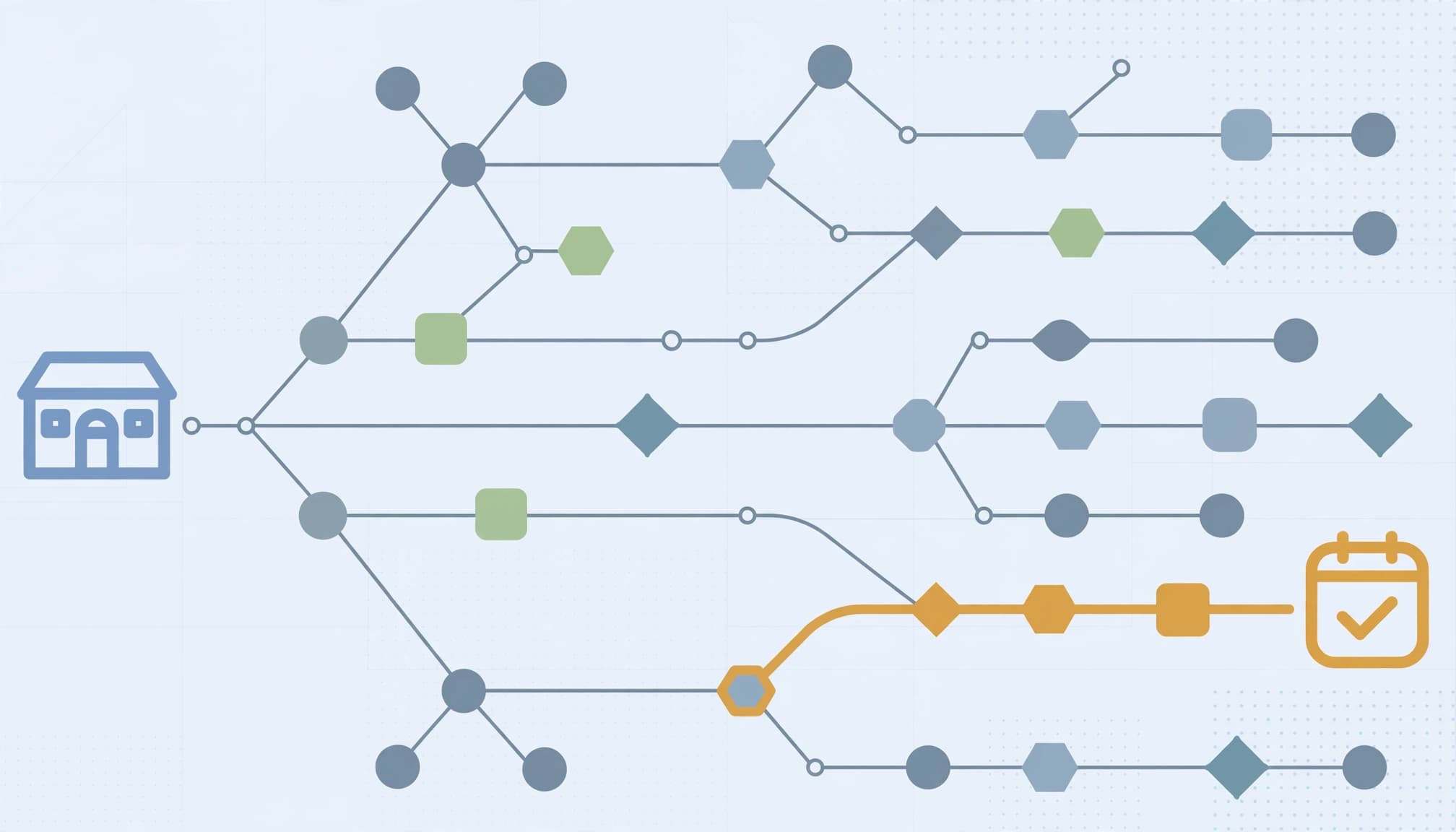
Use Google Analytics 4 path exploration by opening Explore and choosing Path exploration. Set a starting page, then inspect the pages or events visitors reach next. Google’s Explorations documentation explains these analysis tools.
Compare mobile and desktop journeys. Frequent returns to the homepage may suggest confusion, although paths alone don’t establish the cause. A change in bounce rate can flag a page for review, but the metric alone doesn’t show that navigation caused a problem.
Measure successful enquiries alongside menu clicks. Our guide to tracking website conversions covers connecting browsing behaviour to outcomes.
Change one label or menu position at a time. Then compare task completion and conversion rate, accounting for traffic differences.
Frequently Asked Questions
Should a small business add site search?
Add search when visitors need to locate specific products, articles, or resources across a substantial collection. A short service website usually benefits more from clear categories. Search should supplement navigation, and important pages should remain accessible without entering a query.
When are breadcrumbs better than a back button?
Use breadcrumbs when a page sits at least three layers deep and visitors need to understand its place in the hierarchy. A back button follows browsing history, which may lead outside your site. Breadcrumbs instead provide predictable routes to parent categories, including for visitors arriving directly from Google.
Can better navigation improve SEO?
Yes, useful internal links help search engines discover pages and understand their relationships. Descriptive anchor text also gives context. However, navigation alone doesn’t guarantee rankings. Strong service pages, sound technical implementation, and relevant content still matter.
Give Customers a Clear Route Forward

Effective website navigation makes everyday customer tasks easy. Start with familiar labels, logical page groups, and reliable mobile controls.
Then use task testing and analytics to find the remaining obstacles. Completed enquiries tell you more than a menu’s visual appeal.
If your Kolkata business needs help connecting navigation improvements with measurable website results, Get In Touch With Us.