Google Ads Location Targeting for Local Service Businesses in 2026

Every wasted click from the wrong town feels like paying for a service call you'll never book. That's why Google Ads location targeting matters even more in 2026.

Google keeps adding automation, and that can widen reach fast. Still, local service businesses win by matching campaigns to real service areas, drive times, and job value. Start with the map, then build the campaign around it.

Why Precise Location Targeting Saves Your Ad Budget

Illustration of a city map highlighting targeted service areas for a local plumber business, featuring radius circles around key neighborhoods in a clean, professional style with blues and greens.

The best account map should look a lot like your dispatch board. If your team covers 12 ZIP codes well, don't target 40 because they're nearby.

Broad targeting often brings cheap clicks and weak leads. Many accounts still lose money through common location setting mistakes. A roofer who only works west of town shouldn't pay for east-side storm searches.

Your ads also work better when the landing page matches the area you target. That's one reason local SEO services for businesses often support paid traffic so well. The message stays consistent, and the lead feels like a fit from the first click.

Core Setup for Google Ads Location Targeting
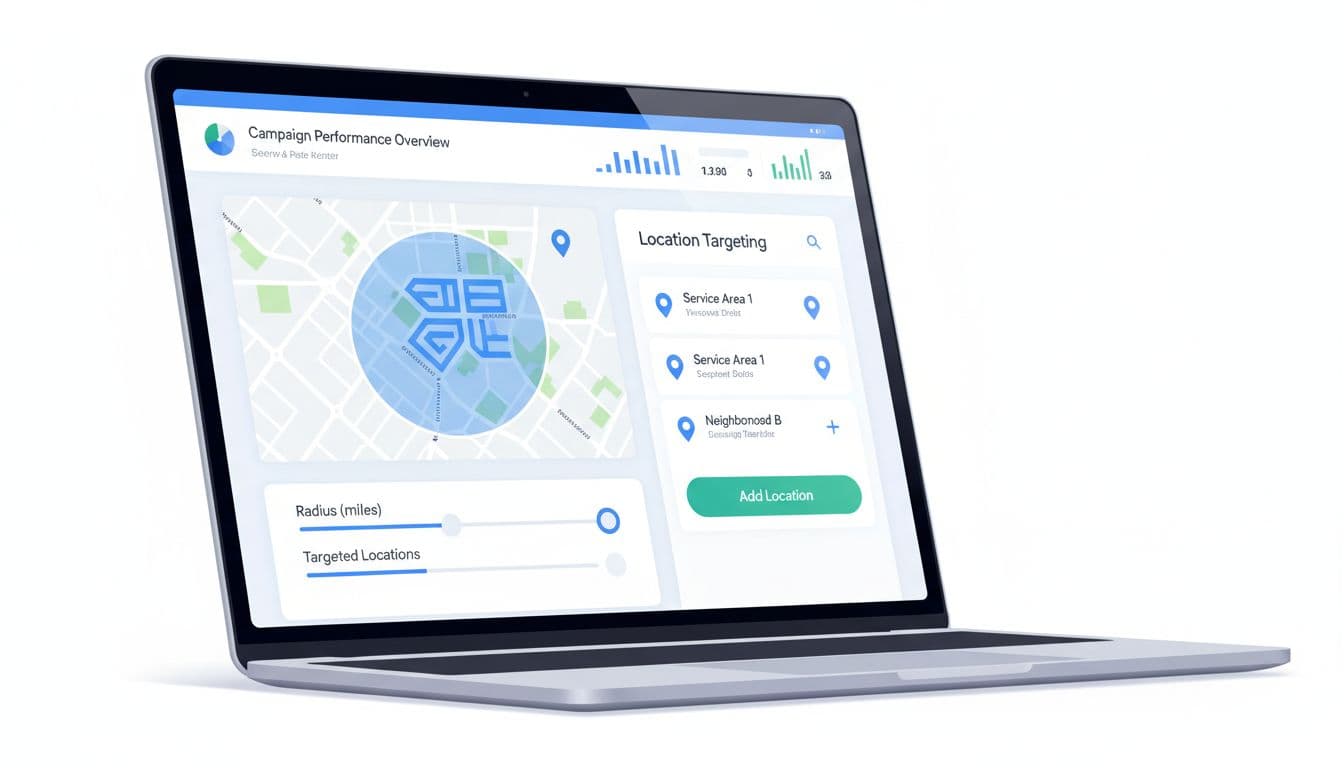
Illustration of Google Ads dashboard screen showing location targeting setup with maps and radius sliders for a local service business campaign in a clean professional style.

For most service brands, simple beats fancy. Build campaigns around service zones, not whole states or oversized metro areas.

A strong starting setup looks like this:

  • Split areas by value: Keep high-margin suburbs separate from low-margin zones or dense city cores.
  • Keep lead-gen reach tight: Start with people in, or regularly in, your service area. Test interest-based reach in a separate campaign.
  • Add exclusions early: Remove cities, counties, or ZIP codes where drive time, permit limits, or low close rates hurt profit.

This structure makes reporting clearer, too. If the account itself needs cleanup, this guide to Google Ads campaign structure for qualified leads pairs well with a location reset.

Radius Targeting vs. City Targeting: Pick the Right One
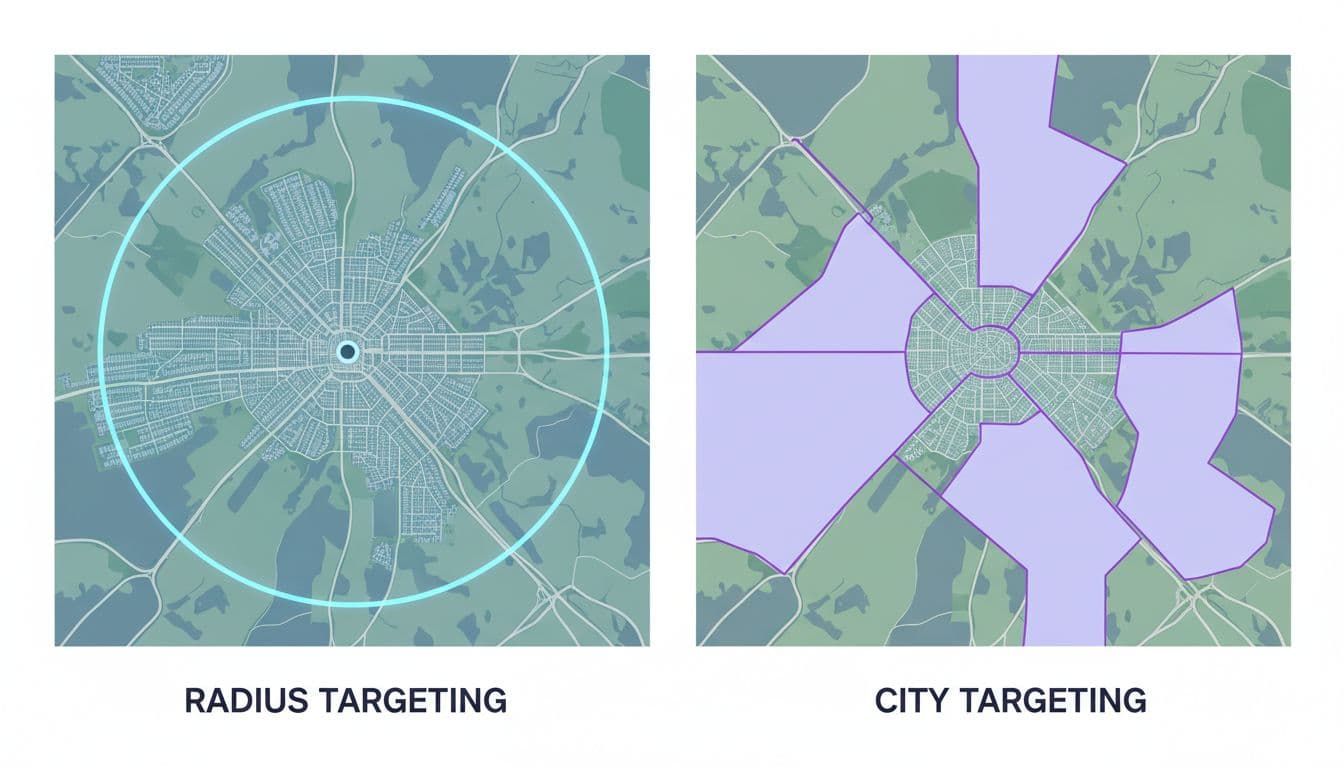
Split view illustration comparing radius targeting circle on map versus city boundaries for local HVAC service, clean professional style.

Use this quick guide when you're choosing between radius and city targeting.

OptionBest fitWatch out for
RadiusOne hub, predictable drive timesCircles cross rivers, traffic, and weak neighborhoods
CityPeople search city names, legal borders matterMisses nearby areas outside city limits
BothMulti-city service businessesOverlap can hide poor-performing pockets

Radius targeting works best when crews leave from one base. City targeting works best when your ads and landing pages use city terms, for example, “HVAC repair in Naperville.”

Another practical take on how location targeting drives high-value local leads makes the same point. The map isn't the market. Travel time, local search habits, and job quality matter more than a neat circle.

Advanced Options: Geo-Fencing and Location Exclusions

Illustration of a geo-fencing polygon drawn around a service area on a city map, excluding certain zones for a pest control business in a clean professional style.

Most service businesses don't need true geo-fencing. In Google Ads, tight location targets plus smart exclusions usually do the heavy lifting.

That means cutting areas that look close on a map but don't work in real life. Think toll-heavy routes, licensing limits, mountain roads, hard-to-park downtown pockets, or neighborhoods where close rates stay poor. Those clicks can drain budget even when cost per click looks fine.

If a lead can't be booked at a profit, that location doesn't belong in the campaign.

Think like a dispatcher, not a tourist. If the crew hates the drive and the margin is thin, cut the area and move budget where jobs close faster.

2026 Updates You Need to Use Now
Clean professional dashboard icons showcasing 2026 Google Ads updates for locations of interest, Waze ads, and data exclusions in local targeting campaigns. Simple grid of five icons in a modern digital marketing style with polished business colors on a subtle background.

In March 2026, Google is pushing harder into AI-assisted reach. The biggest location change is Locations of Interest inside AI Max for Search. It helps you reach people searching for your area, even if they aren't there yet.

That can work for movers, attorneys, or contractors booking jobs before a customer arrives. Still, keep it in a separate test campaign so it doesn't muddy local lead quality.

Store-focused Performance Max campaigns can also place promoted locations on Waze in the U.S. That fits dentists, clinics, and showrooms better than in-home-only service brands. Google has also expanded data exclusions in PMax, which gives advertisers more control over audience overlap by location. For a wider view, see these Google Ads tips for 2026.

Track and Optimize for Better Leads

Analytics dashboard illustration showing Google Ads local campaign metrics with graphs of leads and spend by location for a dentist service area, in a clean professional style with charts and map overlay.

Click-through rate won't tell you whether a ZIP code deserves budget. Track calls answered, booked jobs, cost per qualified lead, and close rate by location.

Review these every week:

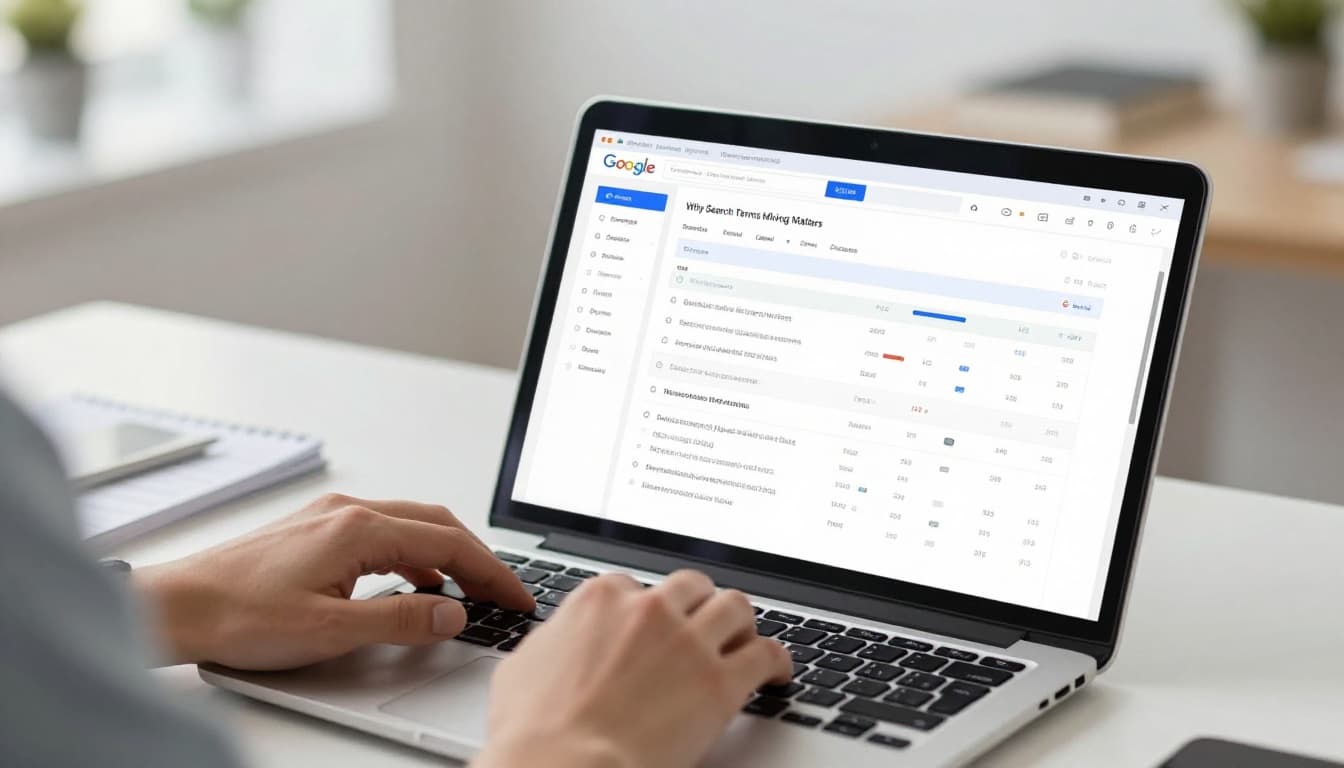
  • Search terms by area: Use search terms mining for Google Ads to spot strong city and neighborhood intent.
  • Lead quality by location: Compare spam, price shoppers, and booked jobs.
  • Spend versus travel cost: Pause areas that look good in-platform but hurt margin in real life.

In 2026, the best optimization often comes from removing areas, not adding them. Good accounts grow because the map gets smarter over time.

Good Google Ads location targeting isn't about reaching more map pins. It's about matching spend to the places where your team can win fast and profitably.

Tighten the map, review location data every week, and let lead quality decide where the next dollar goes. Great local PPC starts with an honest service area.

Google Ads Ad Assets Strategy for Better Service Leads in 2026

A strong ad can still waste money if the wrong asset shows beside it. In 2026, Google Ads ad assets do more than fill space, they shape trust, clicks, calls, and lead quality.

For service businesses, that matters fast. A homeowner with a broken AC, a patient comparing dentists, or a legal prospect looking for help will judge your offer in seconds. The right asset mix helps them choose you, and helps unqualified clicks filter themselves out.

Why Google Ads ad assets matter more in 2026

Service ads now win or lose on clarity. Your headline starts the conversation, but assets often close the gap between interest and action. They give people extra paths to click, stronger reasons to trust, and quick proof that you serve their area.

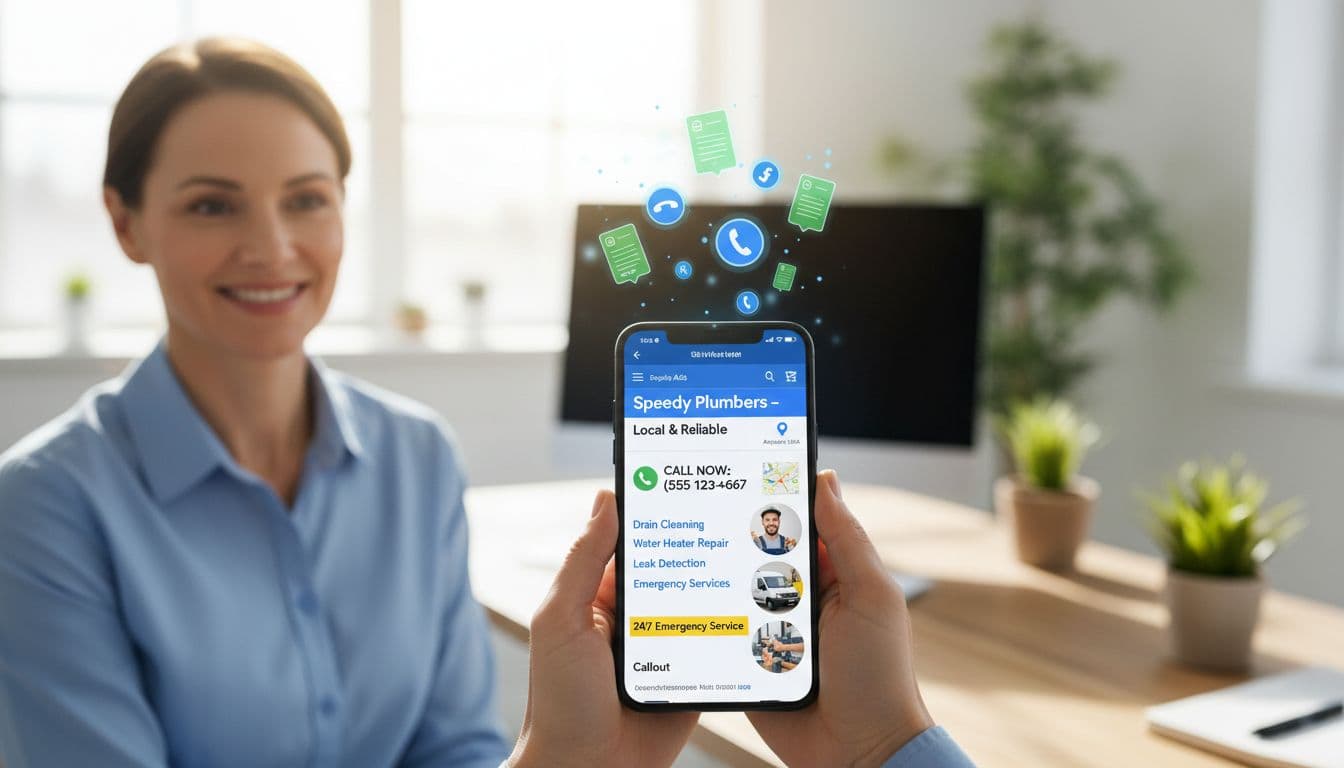
A smiling business owner holds a mobile phone in a bright office, displaying a responsive Google Ads search ad for a local plumbing service with ad assets like sitelinks, 24/7 callouts, prominent phone number, location pin, and plumber images, surrounded by rising call icons and lead forms.

Google also gives assets real weight in ad visibility. As explained in this complete guide to all asset types, assets can influence Ad Rank, not only click-through rate. That means a weak setup can hurt reach before the lead even happens.

There's another 2026 shift. Call-only ads ended in February, so call response now sits inside broader Responsive Search Ad setups. For service brands, that pushes asset strategy closer to account structure. If your campaigns are messy, your assets usually are too. A clean Google Ads campaign structure for qualified leads makes better asset matching possible.

Choose assets that match local search intent

Not every search needs the same next step. A search like “emergency plumber near me” calls for speed. A search like “best cosmetic dentist in Kolkata” needs more proof and more context. Good asset strategy works like a receptionist, it routes people to the right door.

A service business owner sits at a desk in a modern home office, focused on selecting Google Ads assets in the dashboard interface on their laptop screen, targeting local intent keywords like 'plumbing repair near me'. The photorealistic scene features soft window lighting, a service van model, phone nearby, and hands relaxed on the keyboard.

This quick framework keeps asset choices practical:

Search intentBest assetsWhy it works
Urgent repairCall, location, sitelinksShortens time to contact
Research phaseSitelinks, callouts, imagesBuilds confidence before contact
Multi-location searchLocation, sitelinks, snippetsHelps the nearest branch win
Seasonal demandPromotions, sitelinks, calloutsGives a timely reason to act

Use account-level assets only for messages that apply everywhere. Otherwise, go tighter. A law firm with family law and injury campaigns should not share the same sitelinks. A dental group with three clinics should attach location assets carefully, so the nearest office shows.

Build trust with sitelinks, callouts, and structured snippets

These are your trust-building workhorses. Sitelinks move people to the pages they already want, such as AC repair, financing, reviews, or service areas. Callouts add short proof points, like “licensed and insured” or “same-day appointments.” Structured snippets list categories, such as services, brands, or amenities.

Close-up illustrative view of a Google Ads responsive search ad on desktop for HVAC services, featuring sitelinks, callouts, and structured snippets to build trust.

For an HVAC company, four smart sitelinks might be “AC Repair,” “Heating Installation,” “Financing Options,” and “Service Areas.” For a dentist, callouts might highlight “Weekend Hours,” “Sedation Options,” and “Insurance Help.” For a lawyer, structured snippets can list “Practice Areas: Divorce, Custody, Mediation.”

If a callout sounds like a slogan, rewrite it.

Keep these assets concrete. “Trusted experts” says little. “Background-checked techs” says much more. If you want a broader reference point, this breakdown of Google Ads assets explained is useful. Still, service advertisers should write for anxious local buyers, not for generic traffic.

Add visual punch with image, location, and promotion assets

Image assets help when the service is hard to picture before the click. Real office photos, technicians at work, vans, treatment rooms, and before-and-after context often beat polished stock shots. People trust what looks familiar and nearby.

Tablet held loosely by two hands in a cozy dentist office waiting room displays Google Ads with smiling patients, location map pin on clinic, and 20% off first visit promotion. Realistic landscape photography style with warm ambient lighting, no text, logos, or people visible besides hands.

Location assets do heavy lifting for local intent. They tell Google, and the searcher, that you're close enough to matter. That's especially useful for clinics, home services, and multi-branch firms. Meanwhile, promotion assets work best when the offer is simple and believable, like a furnace tune-up special or discounted first exam.

In 2026, Google's Asset Studio tools can speed image and video production. That's helpful, but review every asset like a cautious owner. Wrong uniforms, fake tools, or odd interiors can hurt trust fast. If you also run Performance Max campaigns for service leads, image quality matters even more because those assets travel across placements.

Capture leads fast with call assets and lead forms

For high-intent searches, the shortest path usually wins. That's why call assets remain essential for plumbers, locksmiths, roofers, urgent care clinics, and other fast-response services. Since call-only ads are gone, attach call assets to your main search ads and set schedules around real answer times.

A plumber in a workshop setting with tools checks his phone notification for an instant lead from Google Ads, displaying lead form submission success and incoming call asset; photorealistic with dynamic lighting.

Lead form assets help when people can't call right away. Keep the form short. Name, phone, ZIP code, service type, and preferred time are often enough. Every extra field lowers completion rate.

The bigger point is lead quality. Track call duration, booked jobs, and sales outcomes, not only form fills. When you feed CRM results back into Google Ads, bidding gets smarter. That's where your Google Ads bid strategy for service businesses starts aligning with revenue, not vanity conversions.

Test, measure, and refine your ad assets

Assets are not “set and forget.” Service markets change by season, by location, and by urgency. A sitelink that works in winter may drag in summer. A promotion that lifts clicks might still send poor leads.

A marketing specialist reviews Google Ads asset performance charts on a computer dashboard, displaying CTR and conversion lift metrics, in a contemporary office with coffee mug, realistic digital art style with cool blue lighting.

Review asset performance monthly. Check which sitelinks assist conversions, which callouts show often, and which image assets pull cheap but weak traffic. In 2026, reporting has improved, especially across automated campaign types, so you can see more of what each asset contributes.

Use three simple rules. Refresh stale assets, remove vague ones, and promote the assets tied to qualified leads. For a wider view, these 2026 Google Ads best practices offer a useful benchmark. Still, your own booked jobs, calls, and close rates should make the final call.

The best Google Ads ad assets strategy is simple at heart. Match each asset to buyer intent, local proof, and the next action you want.

Start with one live campaign this week. Cut the generic assets, tighten the trust signals, and make it easier for the right prospect to contact you. That's where better lead quality usually begins.

Google Ads Match Type Strategy for Service Businesses in 2026

Loose targeting can fill your pipeline with junk fast. In 2026, strong Google Ads accounts win by getting better leads, not more clicks.

That changes how you use google ads match types. Automation is stronger now, but control still matters. If your setup is sloppy, Google can scale waste right along with opportunity.

What Google Ads Match Types Mean for Service Leads

Clean modern illustration of Google Ads match types icons (broad, phrase, exact) arranged in a strategy flowchart on a central laptop dashboard for service business leads, featuring blue, white, and orange accents in polished SaaS style.

For service businesses, match types are less about textbook definitions and more about lead intent. Google now reads meaning, context, and past conversion data, so even exact match is not as narrow as it once was.

Still, the basics matter. Broad match finds related searches. Phrase match keeps you closer to a service theme. Exact match protects your best terms. Inside a clean Google Ads campaign structure for qualified leads, each one has a job.

Here's the simple view:

Match typeBest useMain risk
BroadFind new search demandWeak lead fit
PhraseKeep service intent tighterLower reach
ExactProtect high-value termsSlower scale

For a plumber, broad match on plumber might catch “burst pipe help tonight.” That can be great. It can also catch research traffic you never wanted.

How Automation Changes Match Type Choices in 2026

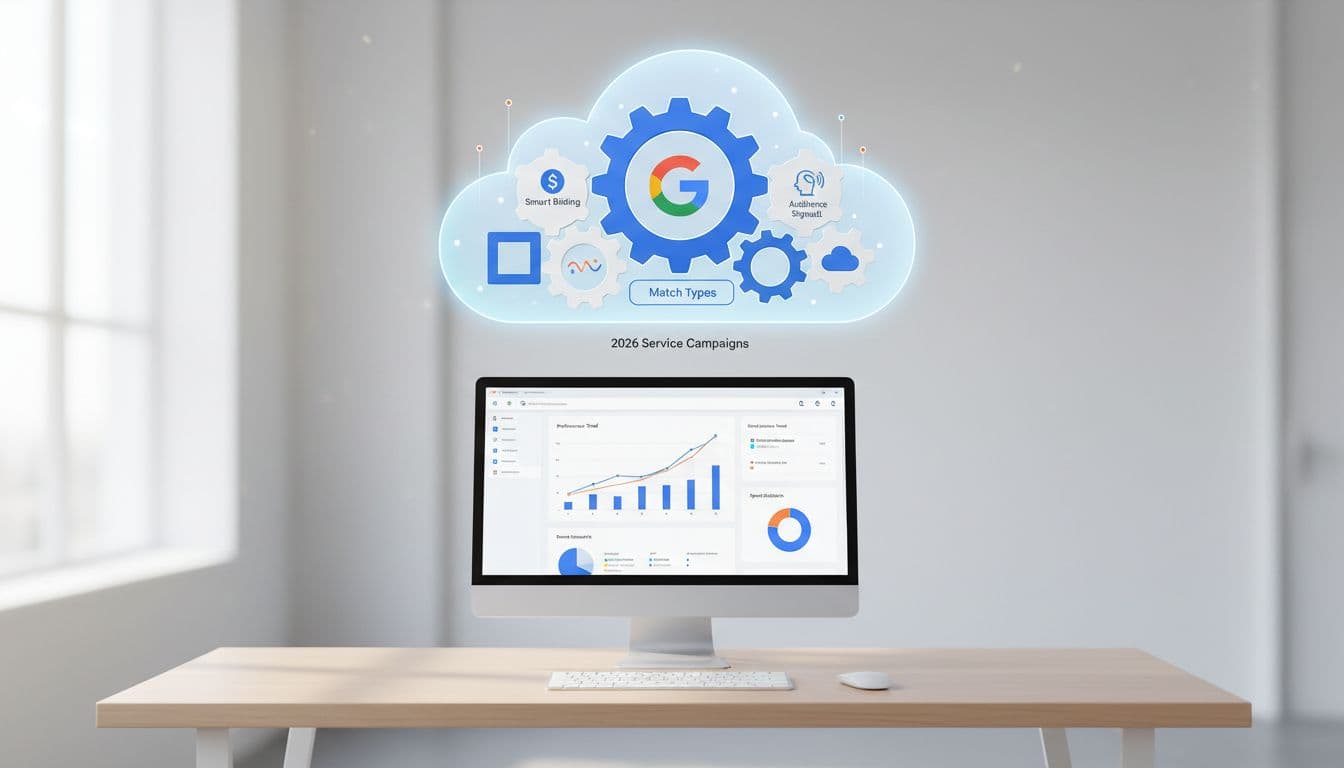
Clean modern illustration of Google Ads automation gears integrating with match type controls like smart bidding and audience signals, displayed on a single computer screen bidding dashboard in a simple desk setup.

Google now blends match types with Smart Bidding, audience signals, device data, time of day, and location. That means the match type alone no longer decides where you show.

Broad match often performs best when paired with strong bidding and real conversion data. Phrase and exact still help, but they are no longer the whole steering wheel. If you're tuning both together, this guide on Google Ads bid strategy for service businesses fits right into the process.

AI Max pushes this even further by expanding beyond your typed keywords. That makes search term review more important, not less. For added context, this overview of match types, negative keywords, and search terms shows how loose matching now works.

Broad match without clean conversion tracking is like hiring a receptionist who books every caller, even the wrong ones.

Phrase and Exact Match for High-Intent Calls and Forms

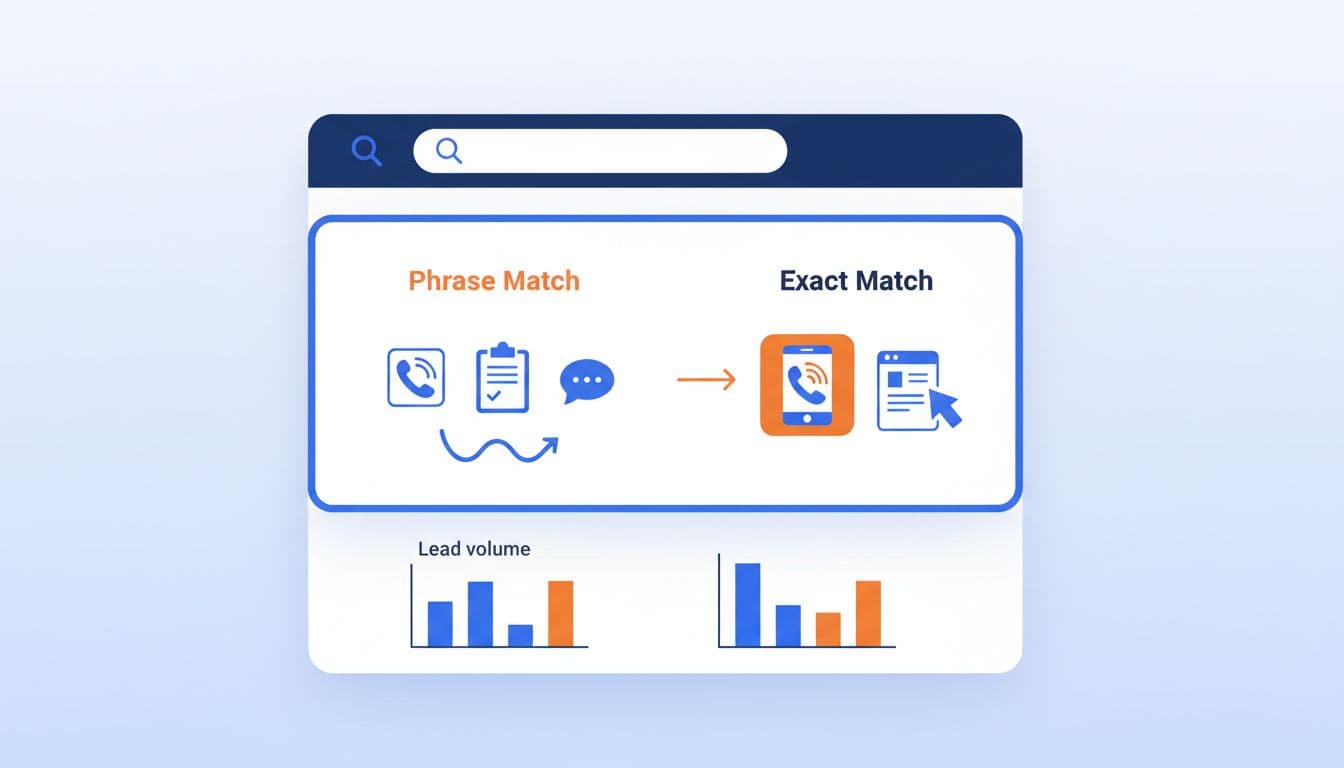
Clean modern SaaS-style illustration depicting phrase and exact match keywords for plumber service queries on a search results page, featuring lead quality icons like phone calls and forms in blue, white, and orange colors.

Phrase and exact match still shine when the search tells you the buyer is close. Think [emergency plumber], “AC repair near me,” [DUI lawyer], or “botox appointment near me.”

These terms usually deserve their own ads and landing pages. A roofer bidding on storm damage terms should not send traffic to a generic home page. A med spa pushing lip filler consults should not mix that traffic with broad skin care queries.

Use phrase and exact for terms tied to strong close rates, high job value, or urgent intent. Then watch search terms weekly. If “cheap,” “DIY,” “training,” or “salary” keeps showing up, block them fast.

Using Broad Match Smartly for Growth

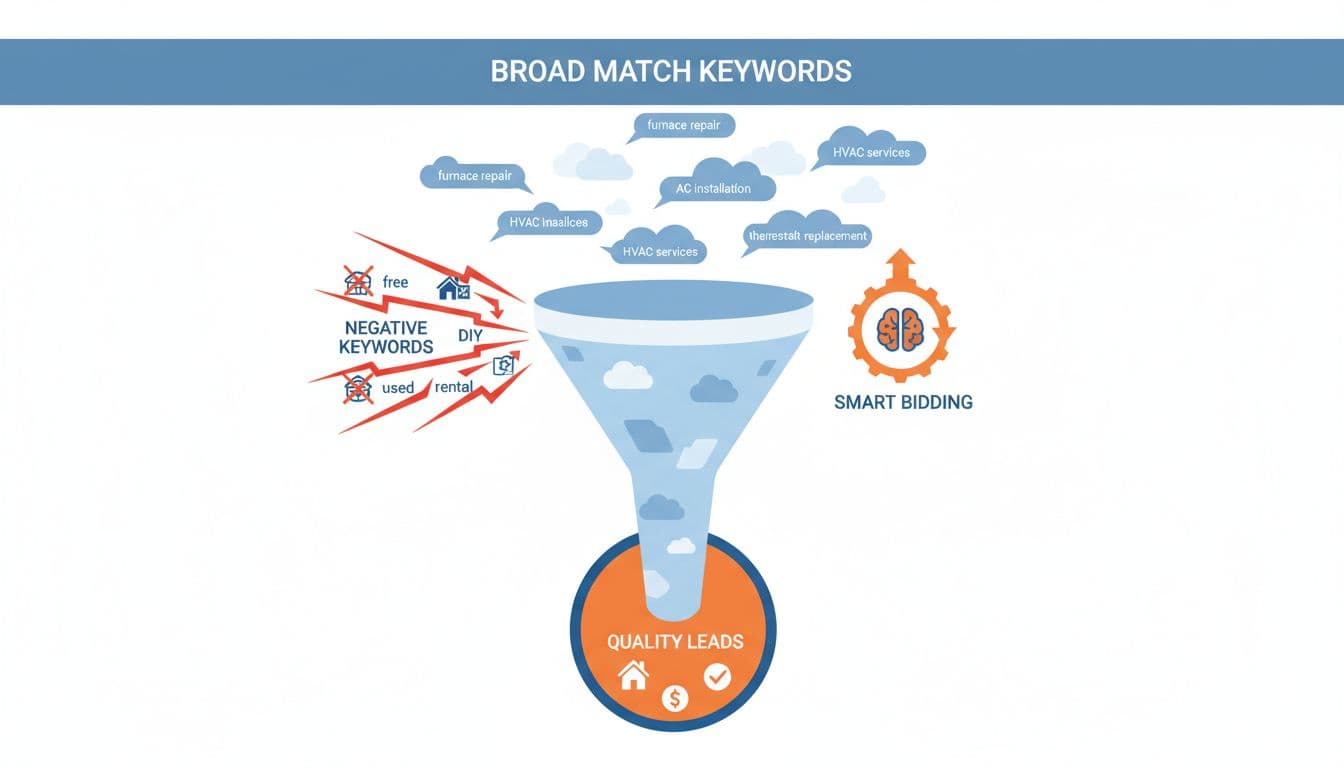
Clean modern illustration of a flowchart depicting broad match keywords refined by negative keywords and smart bidding for HVAC business ads, with search terms funneling to quality leads using blue, white, and orange accents.

Broad match is not reckless by default. It becomes reckless when you pair it with weak data, loose geos, and no negatives.

An HVAC company can use broad match on furnace repair if the campaign has strong call tracking, booked-job imports, tight service areas, and a solid negative list. In that case, Google may find searches like “heater blowing cold air” that never sat in your keyword list.

On the other hand, a new electrician account with thin data should start tighter. Build trust first. Then test broad match in a controlled ad group, not across the whole account. If you also run cross-network automation, this guide to Performance Max strategies for service businesses helps keep lead quality in view.

Real Examples From Home Services, Legal, and Med Spas

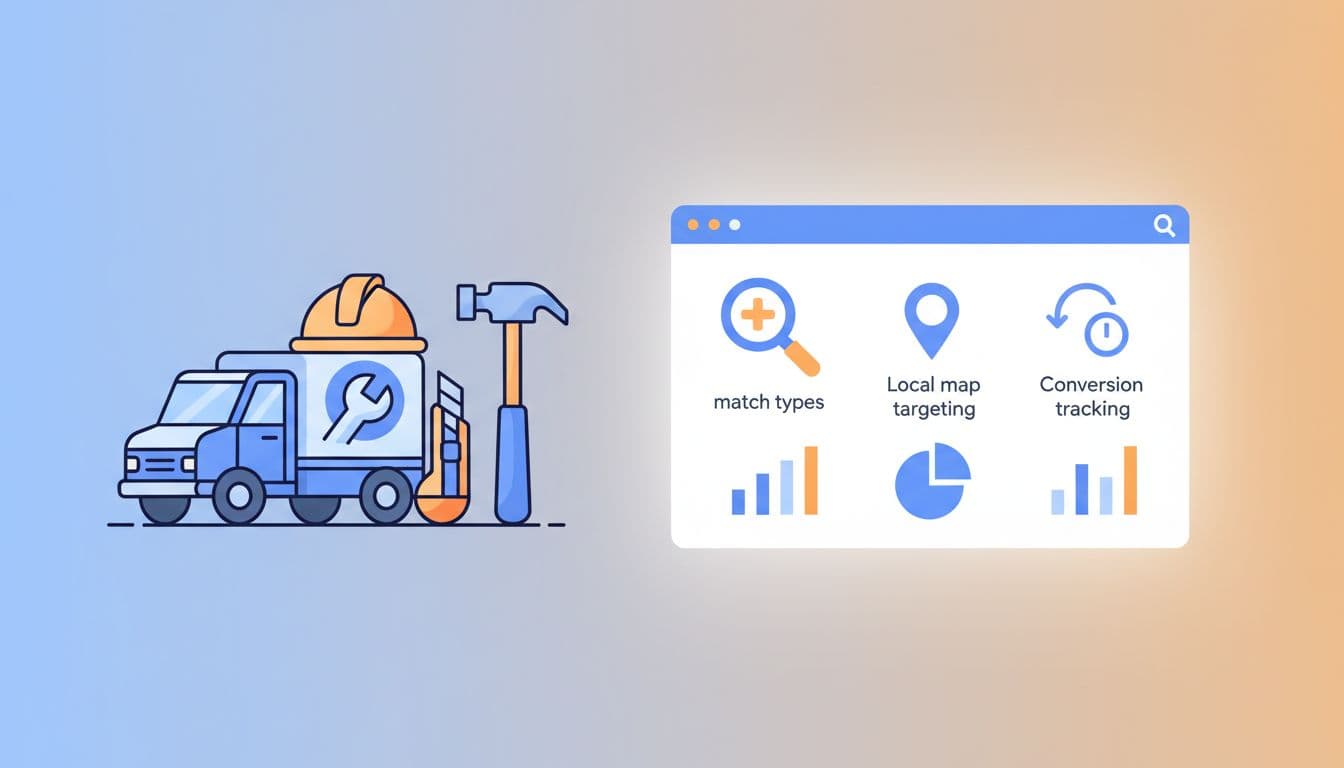
Clean modern illustration of service business examples featuring a plumber truck and roofer tools next to a Google Ads dashboard with match types, local map targeting, and conversion tracking icons in blue, white, and orange SaaS style.

A plumber might keep exact match on [emergency plumber] and [water leak repair], phrase match on “drain cleaning,” and broad match on sewer repair. Negatives would cut out DIY, parts, school, and jobs.

For an HVAC brand, “AC repair near me” may stay in phrase and exact, while broad match tests around cooling problems. Search term reports often surface winning language faster than brainstorming does.

Law firms need more caution because bad leads cost more. A personal injury firm may use exact and phrase heavily until offline case data feeds back into bidding.

Med spas sit in the middle. Broad match can work for treatments with clear buyer intent, but only if the landing page matches the promise and the form screens out poor-fit inquiries.

Build the Full Stack Around Match Types

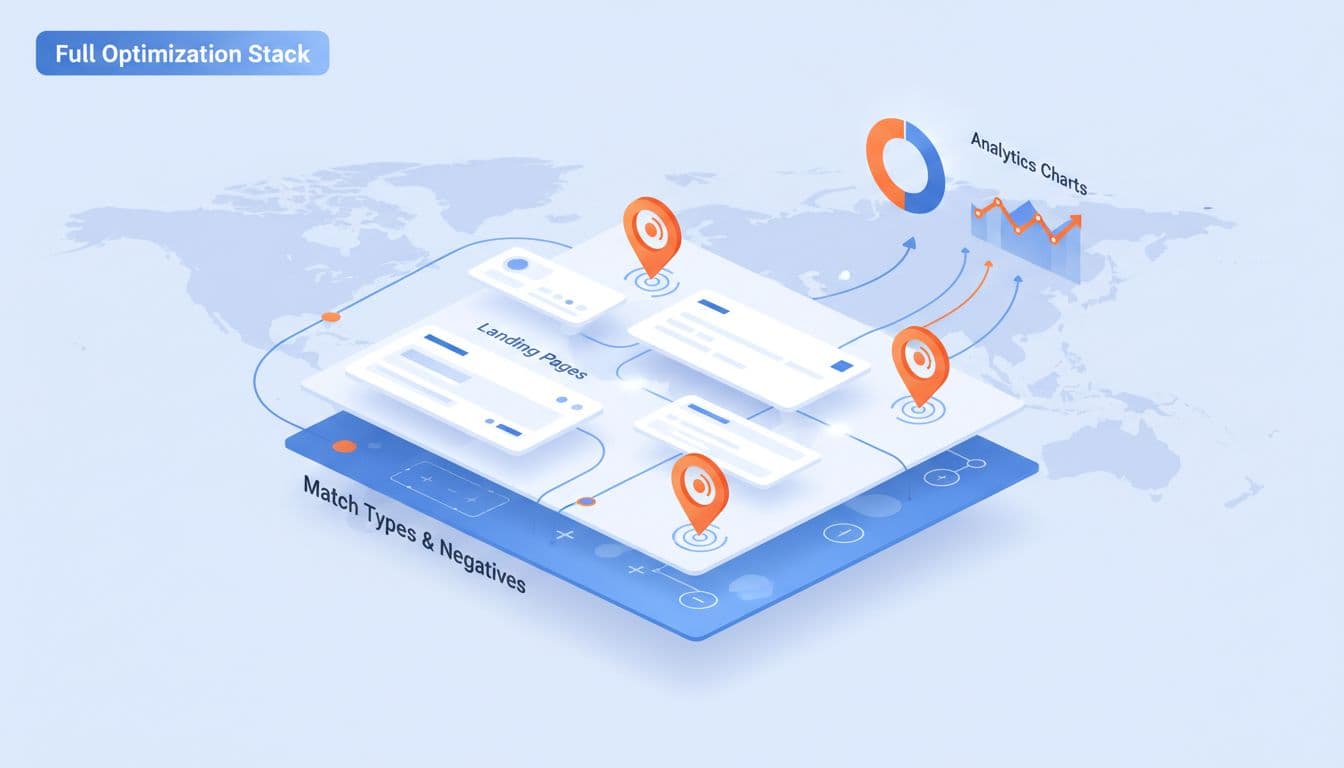
Clean modern illustration of layered Google Ads strategy featuring match types, negatives, landing pages, location pins, and analytics charts for med spa leads. Integrated graphic elements in blue, white, and orange with SaaS dashboard vibe, soft lighting, no text, one chart prop, no humans.

Match types never work alone. They depend on the rest of the system.

Start with tight location targeting. A roofer serving three counties should not target the whole state. Next, match each keyword theme to a landing page that answers the search clearly. Then feed back real outcomes, not only form fills. Booked estimates, qualified calls, and signed jobs teach Google what a good lead looks like.

Search term analysis still matters, even with partial visibility. Keep trimming negatives, split out strong queries, and pause terms that bring chatter instead of customers. If you want a broader view of current changes, this short read on Google Ads match types in 2026 offers a useful outside perspective.

The strongest strategy in 2026 is simple: use match types to guide intent, then let conversion data decide how much freedom Google gets.

If your tracking is solid, broad match can uncover demand you would have missed. If your tracking is weak, tighter phrase and exact match will protect your budget until the account matures.

Audit your search terms, negatives, landing pages, and lead tracking this week. That one review often tells you whether your next dollar buys growth or waste.

A Practical Google Ads Copy Testing Framework for Service Businesses in 2026

Two service companies can buy the same click and get very different leads. That's why Google Ads copy testing matters more in 2026. AI now mixes assets fast, so weak messaging burns budget sooner.

The goal isn't prettier ads. It's more qualified calls, better estimates, and more closed jobs. This framework shows what to test, how to run clean experiments, and how to judge winners like an owner, not just a media buyer.

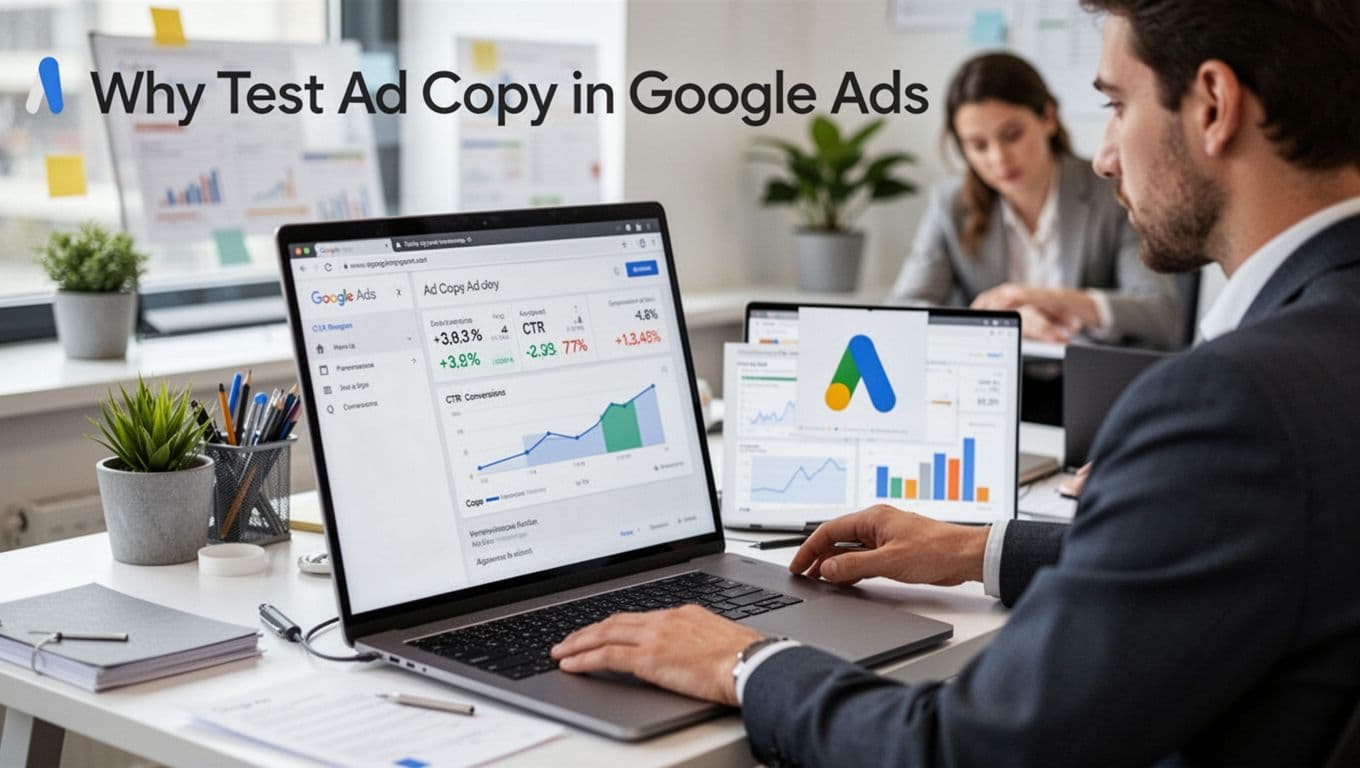
Why Test Ad Copy in Google Ads

A professional marketer sits at a desk in a modern office, intently reviewing Google Ads performance data on a laptop screen, focusing on ad copy metrics like CTR and conversions with visible charts.

In 2026, Google gives you more ways to test, from Search Experiments to early Performance Max asset-set A/B tests. Still, automation doesn't fix bland copy. It only exposes it faster.

For service businesses, a few words can change lead quality. “Free estimate” attracts one click. “Emergency plumber in Dallas” attracts another. “Commercial only” filters out the wrong jobs.

Think of your ad as the first line of your front-desk script. Kaomi's guide to ad copy testing makes the same point: change one variable at a time. Also, keep campaigns clean with a solid Google Ads campaign structure for qualified leads.

Your Step-by-Step Testing Framework

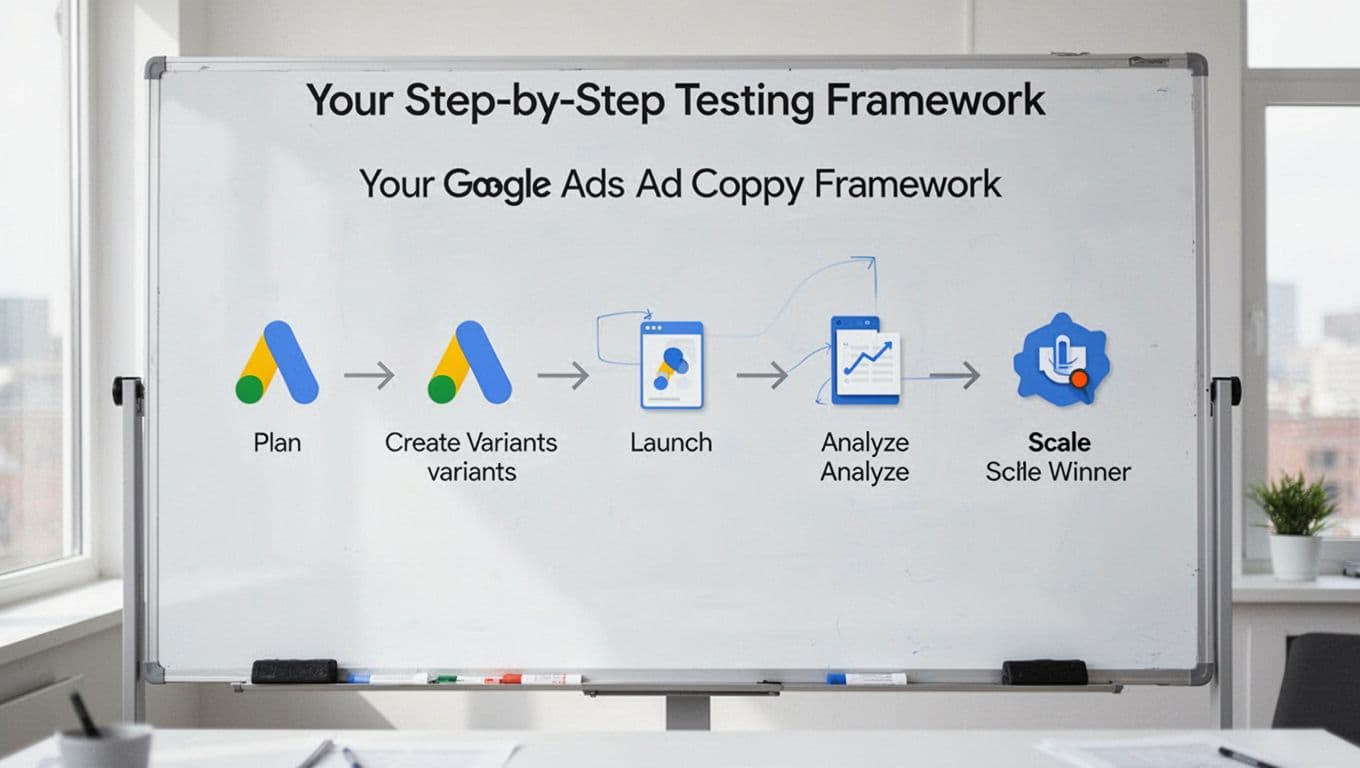
Realistic photo of a whiteboard featuring a clean, modern infographic flowchart illustrating the Google Ads ad copy testing process with simple icons for plan, create variants, launch, analyze, and scale winner steps in a bright room.

Here is a simple framework that works for most local service accounts.

  1. Pick one goal: higher CTR, lower CPL, or better lead quality. Choose one main win condition.
  2. Write one hypothesis: for example, “Adding ‘licensed and insured' will improve conversion rate.”
  3. Control the variable: test one angle at a time. In responsive search ads, pin the assets you want to compare.
  4. Split traffic cleanly: use Experiments in Search. In Performance Max, use asset-set tests if volume allows.
  5. Wait long enough: most service accounts need 2 to 4 weeks. If possible, get around 50 conversions per version.
  6. Log the lesson: record dates, audience, landing page, and the result.

Test one promise at a time, or you won't know what caused the lift.

Low-volume accounts can use CTR as an early clue. Still, final decisions need conversion and sales data. Your bidding model shapes results too, so align tests with your Google Ads bid strategy for services and keep the process as clean as CausalFunnel's 2026 playbook recommends.

Key Ad Elements to Test

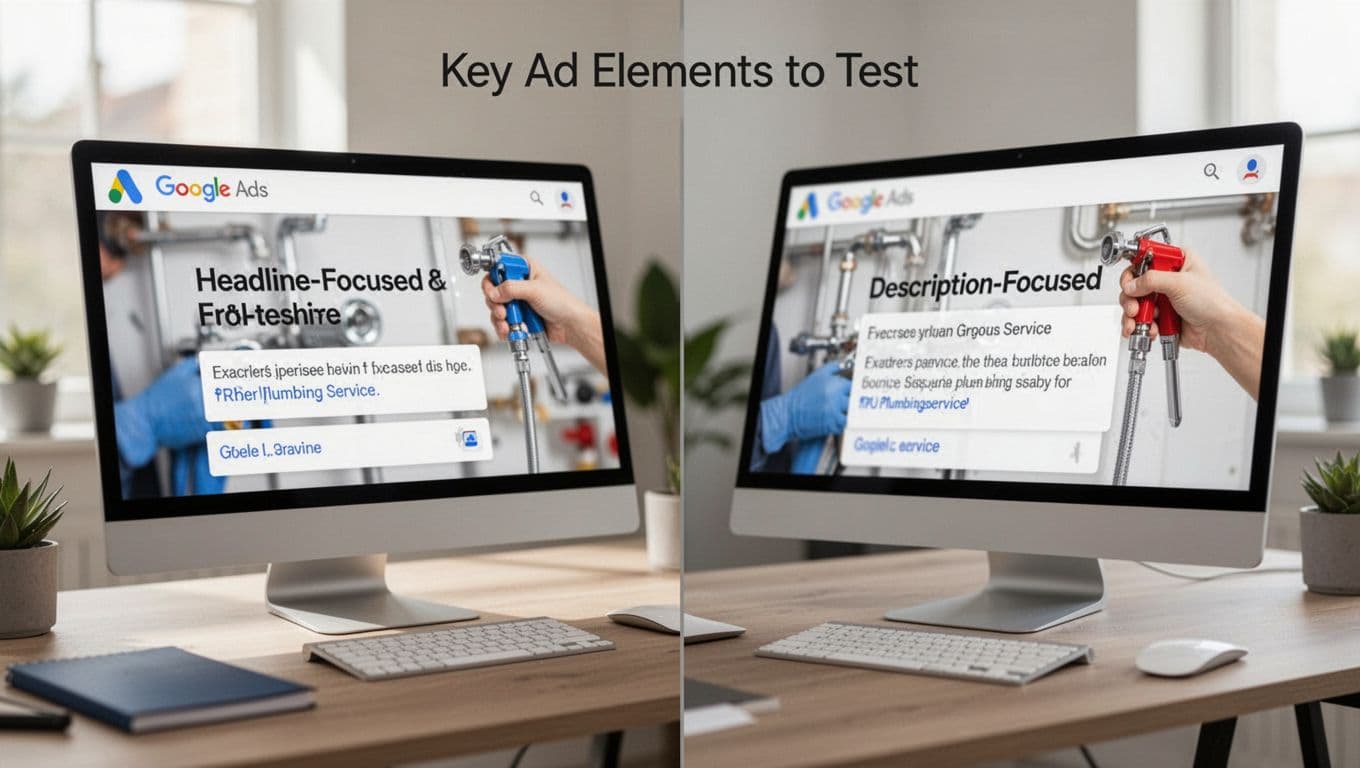
Split screen on a computer monitor compares headline-focused ad (left) and description-focused ad (right) for plumbing service, viewed at an angle with blurred screens in a modern desk setup and natural light.

The best tests compare one message angle against another, not random rewrites.

  • Headlines: problem-led versus benefit-led. Example, “No Hot Water Today?” against “Same-Day Water Heater Repair.”
  • Descriptions: test reassurance and next step. “Book online in minutes” versus “Call now, licensed tech dispatched today.”
  • Offers: compare free estimate, fixed-fee inspection, financing, or same-day appointment.
  • Trust signals: try “licensed and insured”, review count, years in business, or warranty language.
  • Urgency: use real timing, like “24/7 response” or “appointments this week.”
  • Location modifiers: add city, suburb, or neighborhood names that match the search and landing page.
  • Qualification messaging: phrases like “commercial HVAC only” or “minimum project $2,000” can cut junk leads.

If you want more copy ideas, SmartSites' guide to writing better Google ad copy is a useful reference. If you're testing across channels, keep the same angle inside a tight Performance Max setup for service leads.

Metrics That Define Winners

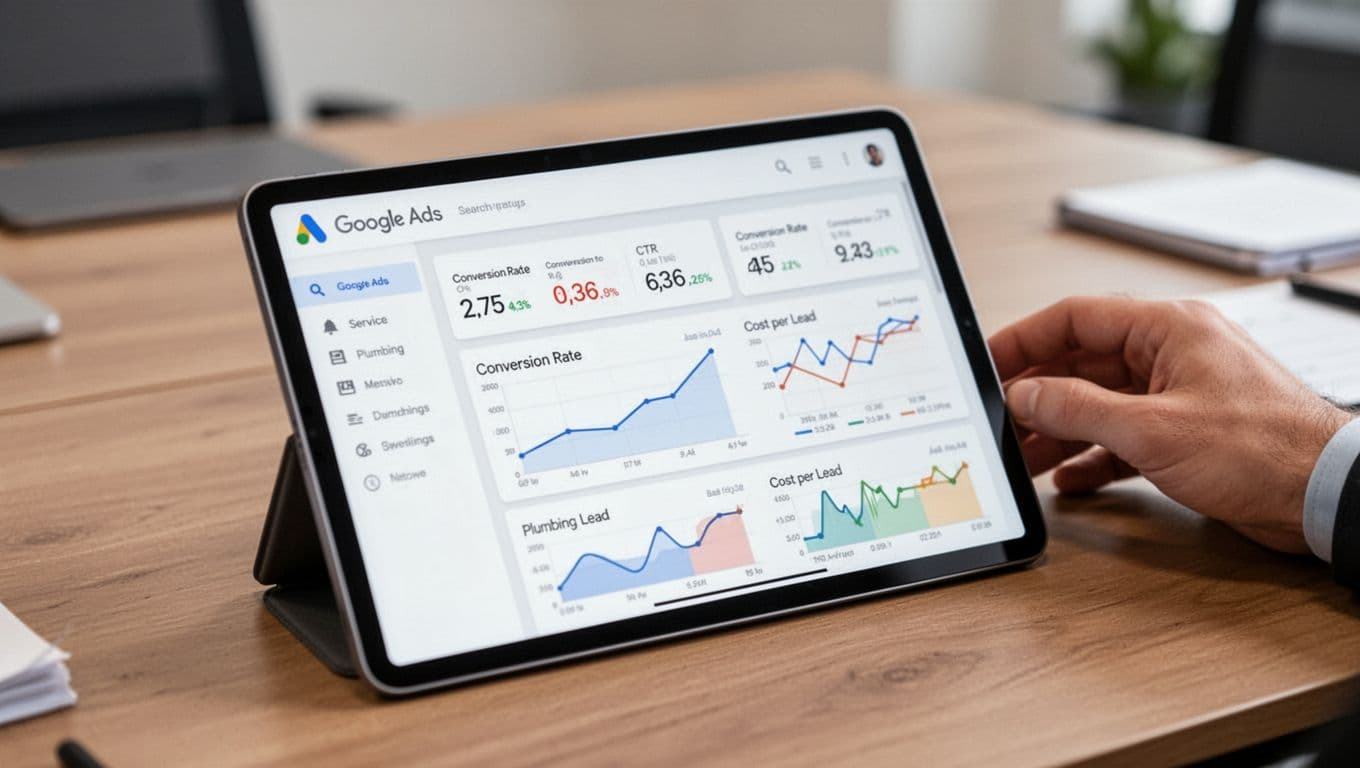
Dashboard screenshot mockup on tablet displaying Google Ads metrics like CTR, conversion rate, and cost per lead graphs for service business such as plumbing leads, with screen at slight angle, blurred details, hand resting nearby on office table under realistic lighting.

Use this scorecard when you review a test.

MetricWhat it really tells you
CTRDoes the message stand out and match intent?
Conversion rateDid the click turn into a call or form?
Cost per leadAre you buying leads efficiently?
Lead qualityDo leads fit area, budget, and job type?
Downstream sales impactDid those leads book and close?

The first three metrics arrive fast. The last two protect profit. Feed call outcomes or CRM stages back into Google when you can. Then compare “qualified lead”, “estimate booked”, and “job won” by ad version.

Don't pick winners on CTR alone. PPC Growth Studio's 2026 testing guide also warns against that shortcut.

Real Examples and Pitfalls to Avoid

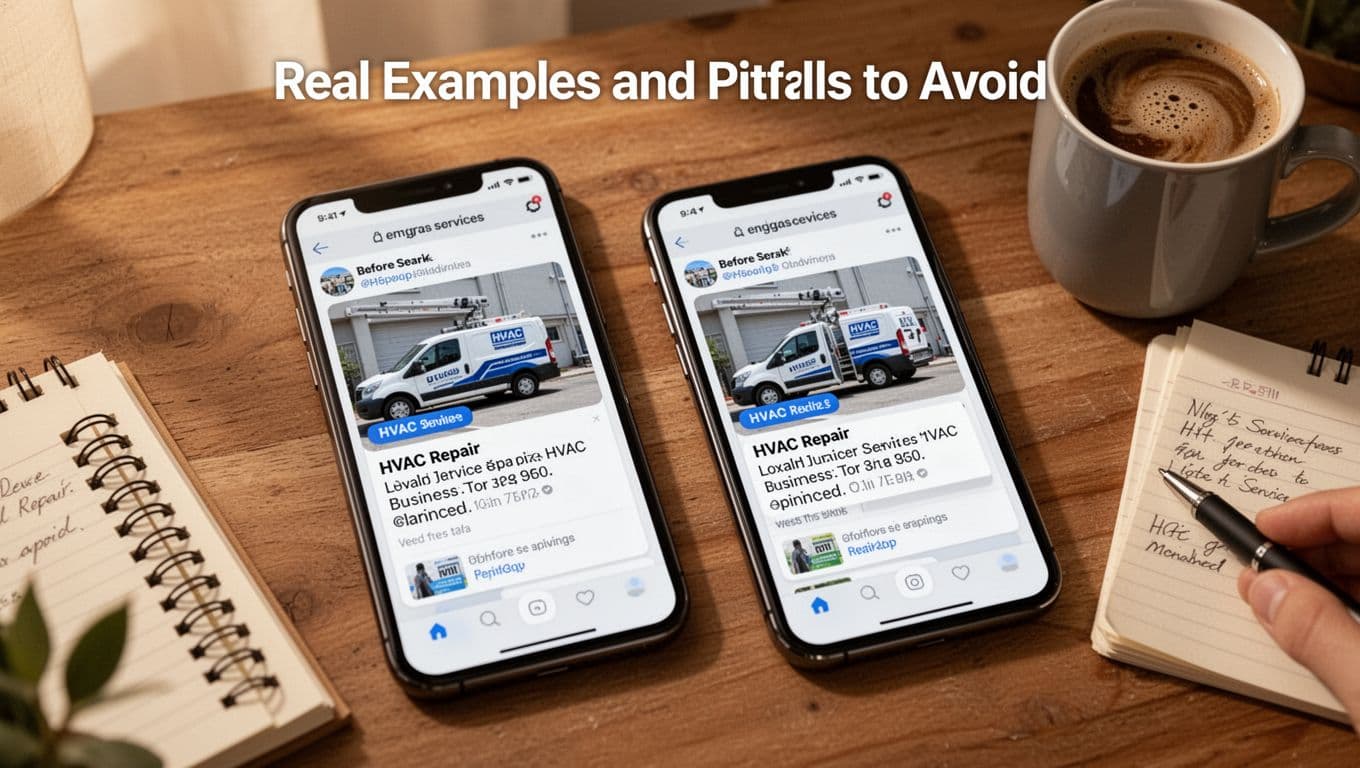
Photorealistic before and after ad copy examples for HVAC repair service on two tilted phone screens in a cozy workspace with coffee mug and notes nearby, showing improved versions with higher engagement.

Here is a quick HVAC example.

Control: “Affordable HVAC Repair. Call Now.”
Variant: “No AC Tonight? Same-Day HVAC Repair in Phoenix, Licensed Techs, Financing Available.”

The second ad adds pain, place, trust, and a stronger offer. It may get fewer clicks, yet better calls.

A roofer can do the same with qualification. Test “Free Roof Inspection” against “Insurance Claim Roof Inspection.” CTR may fall. Lead quality may rise.

Common mistakes stay the same. Teams change too many things at once. They test on tiny budgets. They change the landing page mid-test. Or they stop after three days.

A quick wrap-up

Good Google Ads copy testing is simple. Test one idea, keep traffic clean, wait for enough data, and judge results by revenue, not vanity. If an ad filters better leads, keep it, even when CTR slips.

Google Ads Search Terms Mining Workflow for Service Businesses in 2026

If your Google Ads account gets clicks but too many weak leads, the problem often sits in one place, your search terms report. Search terms mining is how service businesses find what people actually typed, cut junk traffic, and turn strong queries into profitable growth.

In 2026, this matters more because searches are longer, voice-led, and matched by intent, not just exact wording. That means good campaign management feels less like guesswork and more like sorting gold from gravel.

Why search terms mining matters more in 2026

Clean modern vector illustration of a service business owner at a modern office desk reviewing a Google Ads search terms report on a laptop screen, showing query lists and metrics with charts in professional SaaS style.

A few years ago, you could watch short keyword phrases and react fast. Now, service businesses see longer, messier searches. Someone may type, “who fixes leaking water heater near me today.” Google often matches on meaning, not just words.

That helps reach new demand. It also opens the door to bad matches.

For local lead generation, one irrelevant theme can drain budget fast. Think “free advice,” “jobs,” “salary,” “DIY,” or “training.” Those clicks look real in the platform, but they rarely book revenue.

Good search terms mining fixes three things at once:

  • Wasted spend: You block low-intent traffic before it grows.
  • Lead quality: You push budget toward searches with service intent.
  • Campaign learning: You feed Google better signals over time.

If your structure is loose, mining gets harder. That's why a clean setup still matters, even in automated accounts. Both WordStream's account structure guide and this practical piece on what actually works in Google Ads in 2026 point to the same truth: intent, data quality, and account design now matter more than giant keyword lists.

Build campaigns that make mining easier

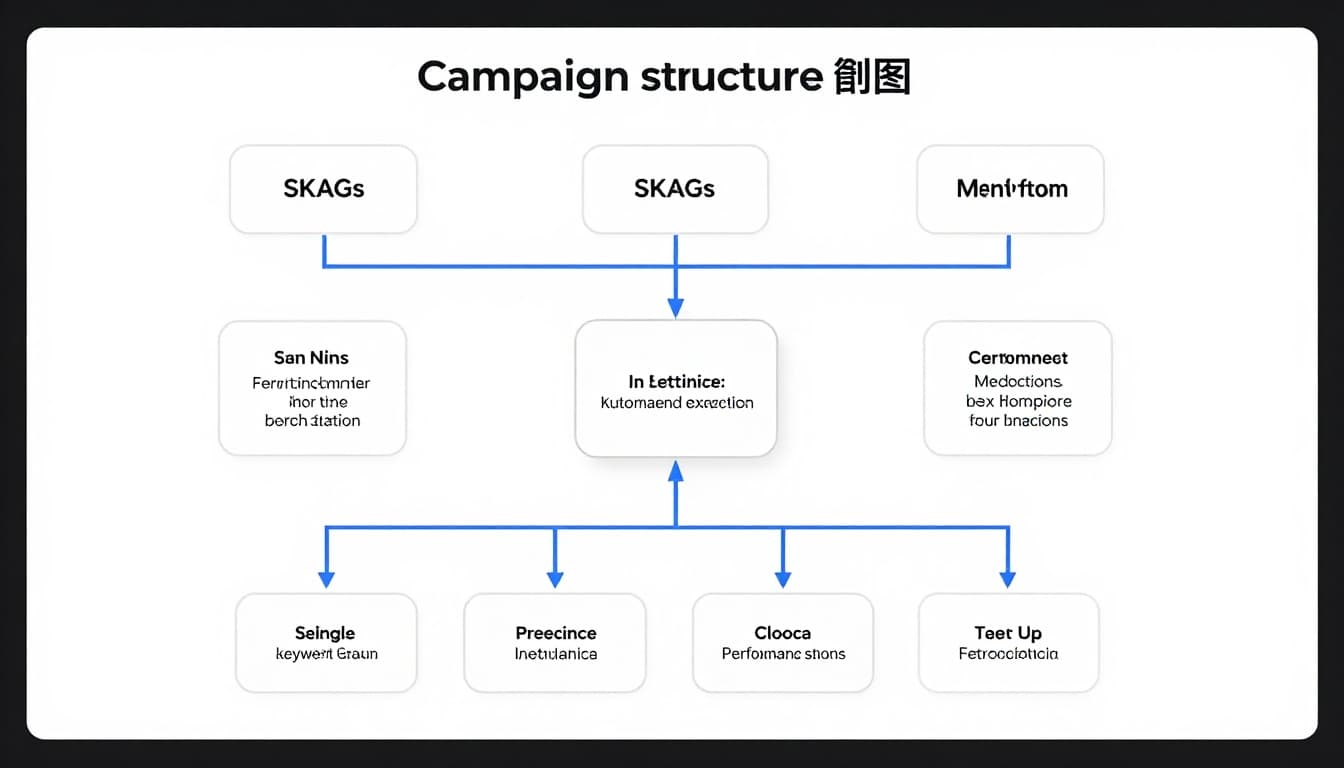
Illustration of a structured Google Ads campaign setup workflow for service businesses, displaying account structure with SKAGs, single keyword groups, and Performance Max considerations in a flowchart style on a digital dashboard.

Search terms mining starts before the first click. If campaigns mix services, locations, and funnel stages, the report becomes a junk drawer.

For service businesses, separate campaigns by service line, location intent, and brand vs non-brand. Within each, keep ad groups tight enough that you can spot patterns fast. This guide on Google Ads campaign structure for qualified leads is a strong model.

A simple mining-friendly setup looks like this:

  • Emergency service
  • High-value core service
  • Long-tail problem searches
  • Brand protection
  • Competitor, if allowed and profitable

Then treat broad match carefully. Broad can work well in 2026, but only when paired with strong conversion data, clear landing pages, and steady review. For automated campaigns, keep Search and Performance Max campaign setup for services distinct in your reporting, so you know where query quality slips.

Bad structure hides waste. Clean structure makes waste obvious.

A weekly SOP for pulling and tagging search terms

Modern illustrative workflow of pulling search term reports from Google Ads dashboard and exporting to spreadsheet with columns for queries, impressions, and conversions, in a clean SaaS style on a laptop screen in a workspace.

Run this workflow every week. In faster-spending accounts, do it twice.

  1. Pull the report for the last 7 to 14 days, split by campaign and conversions.
  2. Add lead-quality columns in a sheet, such as booked job, qualified call, spam, job seeker, and wrong location.
  3. Tag each query as one of four types: high intent, research, irrelevant, or risky.
  4. Sort by spend first, then clicks, then conversions. Waste usually hides in spend, not volume.
  5. Check landing page fit. A good query can still fail if the page misses the need.
  6. Promote or block. Add winners as exact or phrase keywords. Add losers as negatives.
  7. Log themes, not just single queries. “repair cost,” “DIY,” and “jobs” are patterns.

For example, a plumbing company shouldn't only look at CPL. It should ask, “Did this query create a real service call?” That's why offline feedback matters. If you use Smart Bidding, pair this review with the right Google Ads bid strategy for service businesses, or Google may learn from weak leads.

Turn good terms into keywords, bad terms into negatives

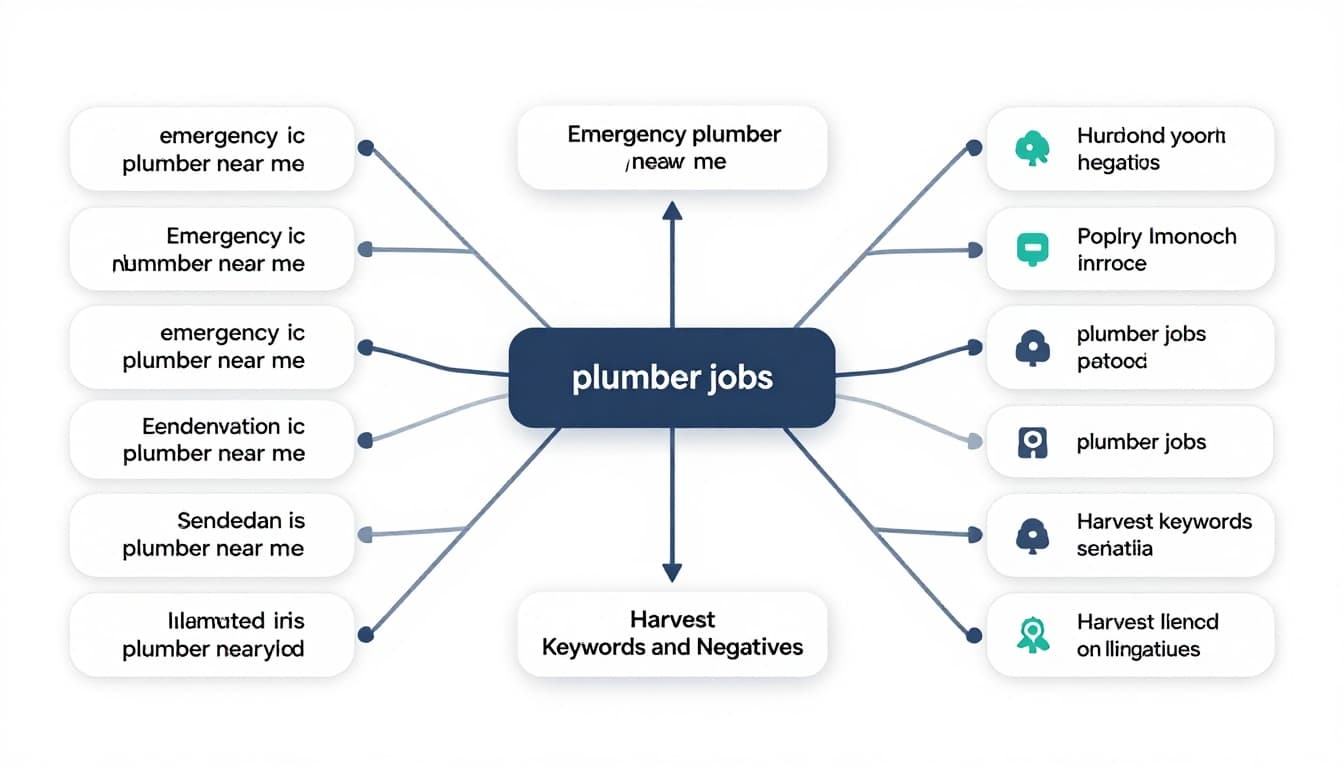
Infographic diagram showing keyword harvesting workflow: good search terms like 'emergency plumber near me' sorted to exact match keywords, bad terms like 'plumber jobs' marked as negatives, in abstract digital flow with branching paths.

This is where search terms mining pays off. Don't promote every query that converted once. Promote the ones that match your service, location, and sales process.

Here's a fast decision table:

Search termActionWhy
emergency plumber near meAdd as exactStrong service intent
same day drain cleaning costAdd as phraseGood problem + urgency
plumber jobsAdd negativeJob seeker, not buyer
how to fix clogged sinkAdd negative or watchDIY intent
plumbing school near meAdd negativeTraining intent
best plumber reviews in dallasKeep, test landing pageLocal comparison intent

Use shared negative lists for repeat junk themes, like jobs, salary, course, training, DIY, free, parts, wholesale, and map-only locations you don't serve.

Still, don't go wild with negatives in large-volume accounts. Some high-scale campaigns now perform better with fewer blockers because Google's automation needs room to learn. Smaller service accounts usually need tighter control.

A good rule is simple: block clear junk, watch mixed-intent terms, and promote proven buyer language.

Automate the workflow without losing lead quality

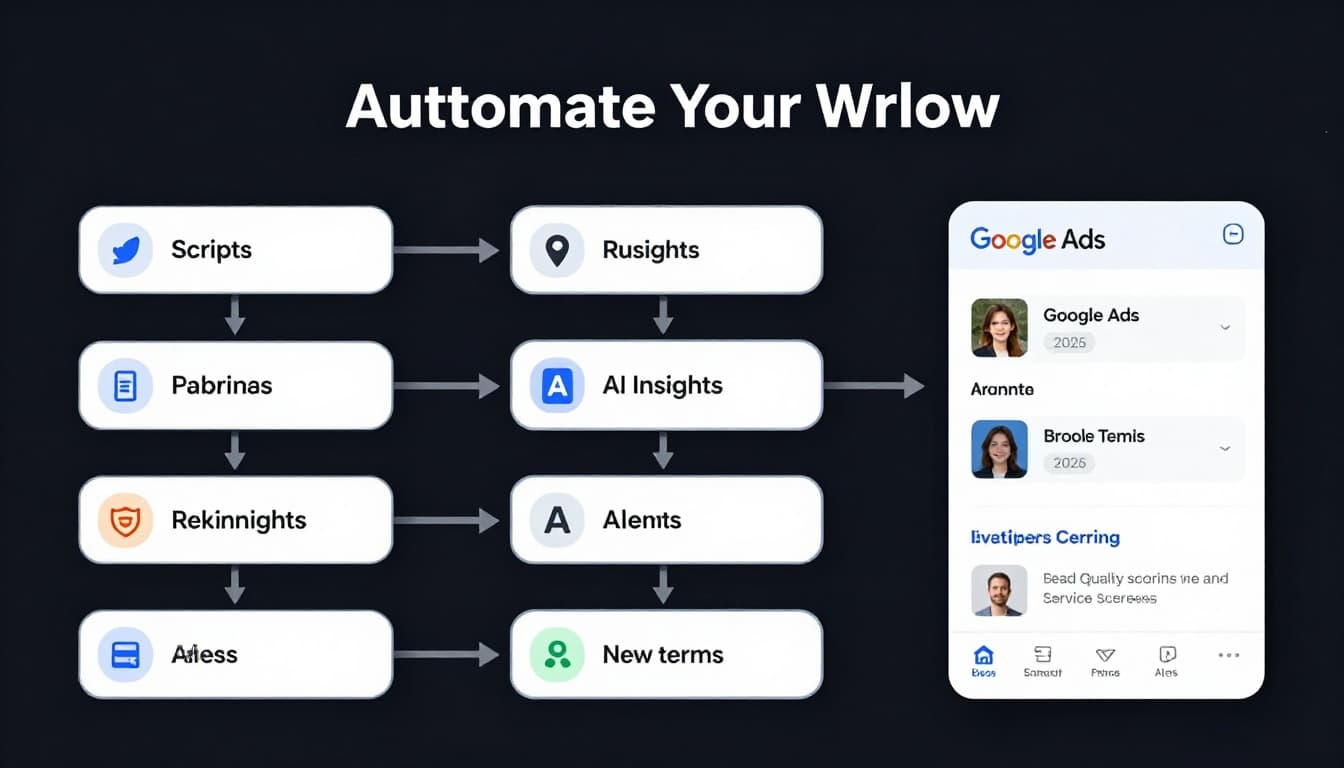
Sleek vector graphic diagram of an automation workflow for ongoing search terms mining in Google Ads 2026, featuring scripts, rules, AI insights, new term alerts, and lead quality scoring integration for service businesses.

Automation helps, but it won't save a bad process. In 2026, the best setup blends machine help with human review.

Use alerts for sudden spend spikes, new query themes, and drop-offs in qualified lead rate. Push CRM outcomes back into Google Ads when you can. A booked estimate means more than a form fill. A sales-qualified lead means more than a 20-second call.

Keep this checklist short:

  • Review new query themes weekly
  • Audit auto-created assets monthly
  • Compare qualified leads by campaign type
  • Watch search terms after landing page edits
  • Refresh negatives by theme, not one by one

If you want a deeper process for ongoing review, this search term report optimization guide is useful.

The best accounts don't try to control every match. They build a repeatable filter, then teach Google what a good lead looks like.

Search terms mining is that filter. Do it every week, and your account gets cleaner, cheaper, and smarter. Skip it, and you'll keep paying for people who were never going to call.

Choosing the Right Google Ads Bid Strategy for Service Businesses in 2026

Picking bids in Google Ads used to feel like turning a faucet by hand. In 2026, it's closer to setting the pressure on a smart system that keeps adjusting behind the wall. For service businesses, your Google Ads bid strategy now shapes lead volume, lead quality, and how fast budget burns.

Google automates more than it did a year ago, but profit still depends on your setup. The right choice comes down to tracking quality, conversion volume, and whether all leads are worth about the same. That's why plumbers, dentists, roofers, med spas, and law firms shouldn't all bid the same way.

Why Bid Strategy Matters More in 2026

A confident local plumber in work uniform stands in front of a van with tools, checking a tablet displaying ad performance graphs, set in a modern suburban neighborhood with natural daylight lighting.

In 2026, automated bidding is the default for most Google Ads accounts. Google now adjusts bids using signals like device, location, time, and search behavior in real time. Because of that, the bid setting you choose changes who sees your ad, not only what you pay.

That matters even more for service businesses because every lead doesn't carry the same value. A quick plumbing repair call may bring in a few hundred dollars. A roofing replacement or implant consult can be worth much more. When bidding lines up with real business value, the system pushes harder for the right searches.

Smart bidding can amplify good tracking, but it can't repair bad tracking.

So, control hasn't vanished. It moved upstream. Your job is to set clean conversion actions, solid lead values, and realistic targets.

Core Google Ads Bid Strategies Service Businesses Should Know

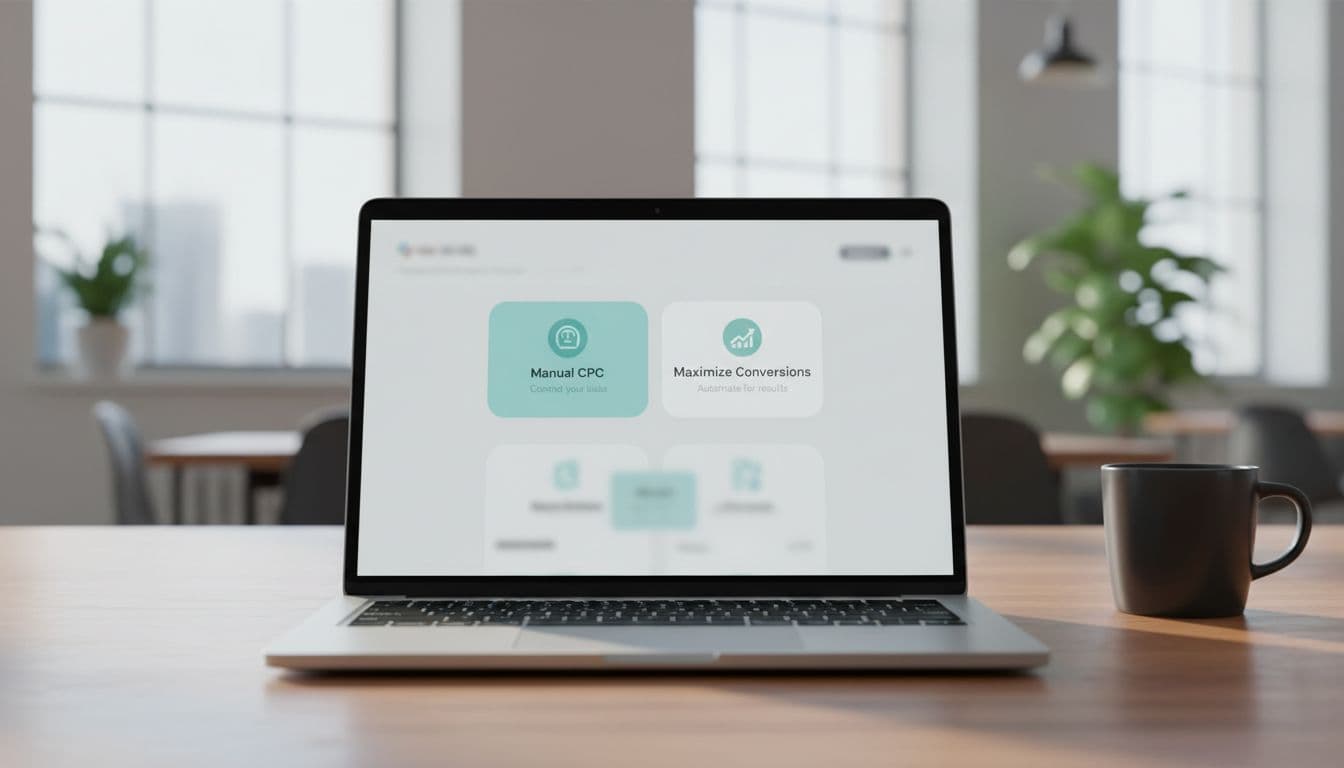
Clean dashboard interface on a laptop screen displaying Google Ads bidding options like Manual CPC and Maximize Conversions, centered on a wooden desk with a coffee mug nearby in an office setting under soft window light.

Here's the quick version of the main options:

StrategyBest whenMain risk
Manual CPCNew account, tiny data set, tight testsToo much hands-on work
Maximize ClicksYou need traffic for researchWeak lead quality
Maximize ConversionsCalls and forms are tracked wellBad tracking trains the system wrong
Target CPALead flow is steadyLow targets can choke volume
Maximize Conversion Value / Target ROASLeads vary a lot in valueNeeds clean values and enough data

For most local lead gen accounts, Maximize Conversions is the first strong option. After volume stabilizes, Target CPA can help hold costs in line. If one lead is worth ten times another, then Maximize Conversion Value or Target ROAS may fit better.

Data volume matters. Around 20 to 30 recent conversions can get automation moving, but 30 to 50 per month is a safer range for value-based bidding. That's why setup comes first. Before changing bids, tighten your tracking with this Google Ads account setup checklist for leads and compare your approach with these advanced bidding strategies for 2026.

Manual CPC still has a place, but mostly as a short test tool. In other words, it's rarely the long-term winner for active lead generation in 2026.

How to Pick the Right Strategy for Your Lead Flow

Focused dentist office receptionist at desk setting up Google Ads campaign on computer in modern clinic interior with dental chairs in background, warm lighting, realistic photo with one person hands on keyboard.

Start with a simple question: are most leads worth about the same?

If the answer is yes, keep it simple. An HVAC company focused on repair calls in one metro area can often do well with Maximize Conversions. Later, once results settle down, Target CPA can help shape cost per lead.

On the other hand, some businesses have wide value gaps. A dental office may want implant leads, not basic cleaning requests. A law firm may value injury cases far above general legal questions. A plumbing company may treat emergency jobs very differently from small fixes. In those cases, import offline conversions from your CRM and assign values to real outcomes. Then a value-based strategy starts to make sense.

Tracking quality decides whether that move works. If your system only counts form fills, Google can't tell a junk lead from a booked job. Also, don't force Target ROAS too early. Without enough clean data, it's like asking a GPS to find the fastest route without a map.

If you're testing broader campaign types, this guide to Performance Max campaign setup for service leads is useful. For many home service brands, Local Services Ads can also support search campaigns, and this Local Service Ads guide for contractors shows where pay-per-lead placement may fit.

Optimization Tips That Improve Lead Quality and Scale

Simple illustrative growth chart with upward arrow depicting increased leads and ROI from Google Ads, background service icons like wrench and tooth, blue and green tones, clean modern style.

Once you pick a strategy, most gains come from better inputs, not constant bid edits. Track qualified leads, booked calls, sold jobs, and revenue where possible. When Google gets real sales feedback, it learns faster and bids better.

Also, use value rules when they match reality. You may want to bid more for emergency service calls, high-ticket cosmetic treatments, or ZIP codes that close at a stronger rate. If your business has busy seasons, add seasonality adjustments before the rush hits.

Then scale with patience. Big, sudden budget jumps can throw off learning. In most cases, smaller increases work better, especially when lead volume is still uneven. Watch cost per qualified lead, booking rate, close rate, and revenue per lead together.

In short, the best Google Ads bid strategy is the one your data can support today. Build around clean tracking, honest lead values, and enough volume to teach the system. Do that well, and Google's automation becomes a strong helper instead of an expensive guess.

Google Ads Budget Pacing Template for Service Businesses 2026

Set a daily budget and hope it works out? That's how many service businesses burn through spend on Monday, then go quiet by Friday. A simple Google Ads budget pacing template gives you a daily target, a lead goal, and a clear rule for when to push harder or pull back.

This matters even more in 2026. Google can now pace more aggressively inside ad schedules, so weekday-only or business-hours campaigns may spend faster than before. Below is a practical template you can build in Sheets or Excel, plus the formulas and rules that help HVAC, plumbing, dental, legal, and local service campaigns stay in control.

Why budget pacing matters for service businesses

Split screen laptop comparison shows left side chaotic red overspend graph exhausting budget early and right side smooth green pacing line; service business office desk with coffee mug, realistic photo in natural daylight, one person's hands on desk.

Budget pacing is simple: compare where spend should be today with where spend actually is today. If planned spend by the 10th is $1,000 and you've already spent $1,450, you're over pace. If you've spent $720, you're under pace.

For service businesses, bad pacing feels like a leaky bucket. Calls come in hard for two days, then lead flow fades before the month ends. Google still uses monthly math. Your real cap is daily budget times 30.4, and one day can still reach 2 times your daily budget. Since the March 2026 pacing change for ad scheduling, the system can also push harder during your allowed hours. See this monthly pacing recalculation breakdown before you change budgets.

Google paces to available demand, not to your cash flow. Your template closes that gap.

Core elements of a pacing template

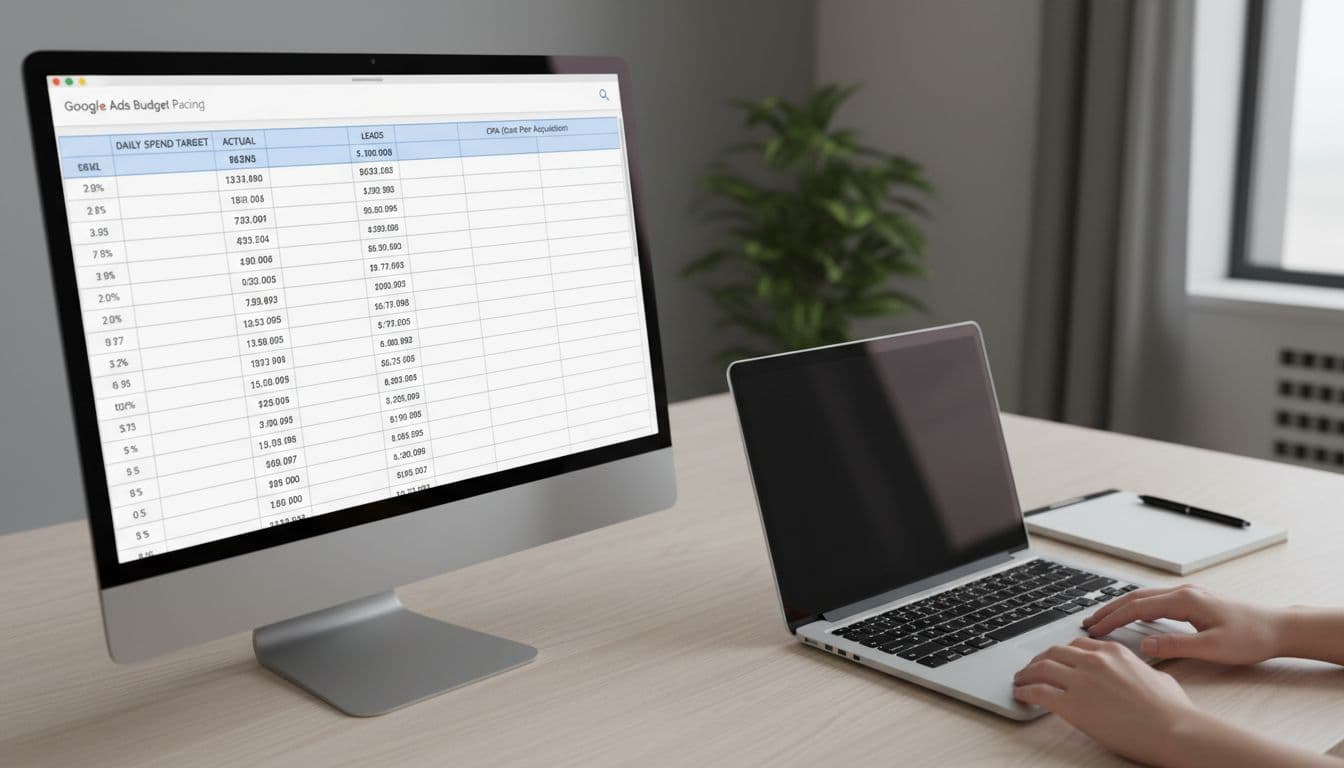
Photorealistic view of a spreadsheet template on a desktop laptop screen showing budget pacing columns for daily spend target, actual spend, leads, and CPA in a simple service business workspace with notepad and soft office lighting.

Your sheet doesn't need fancy charts. It needs a few columns you can trust. Start with one tab for the month and one for campaign detail.

Here is the core structure:

ColumnFormula or useWhy it matters
DateCalendar dayAnchors pacing
Planned spendMonthly budget ÷ 30.4Sets the target
Actual spendFrom Google AdsShows real pace
Variance %(Actual ÷ Planned) – 1Flags over or under
LeadsCalls + formsTies spend to demand
CPLSpend ÷ leadsChecks efficiency
Booked jobsFrom CRMMeasures lead quality

Add one notes column for promos, outages, weather, or staffing issues. Those details explain strange days fast. Also, if the account foundation is messy, start with this Google Ads account setup checklist. Clean tracking makes pacing numbers much more useful.

Step-by-step setup for your budget pacing sheet

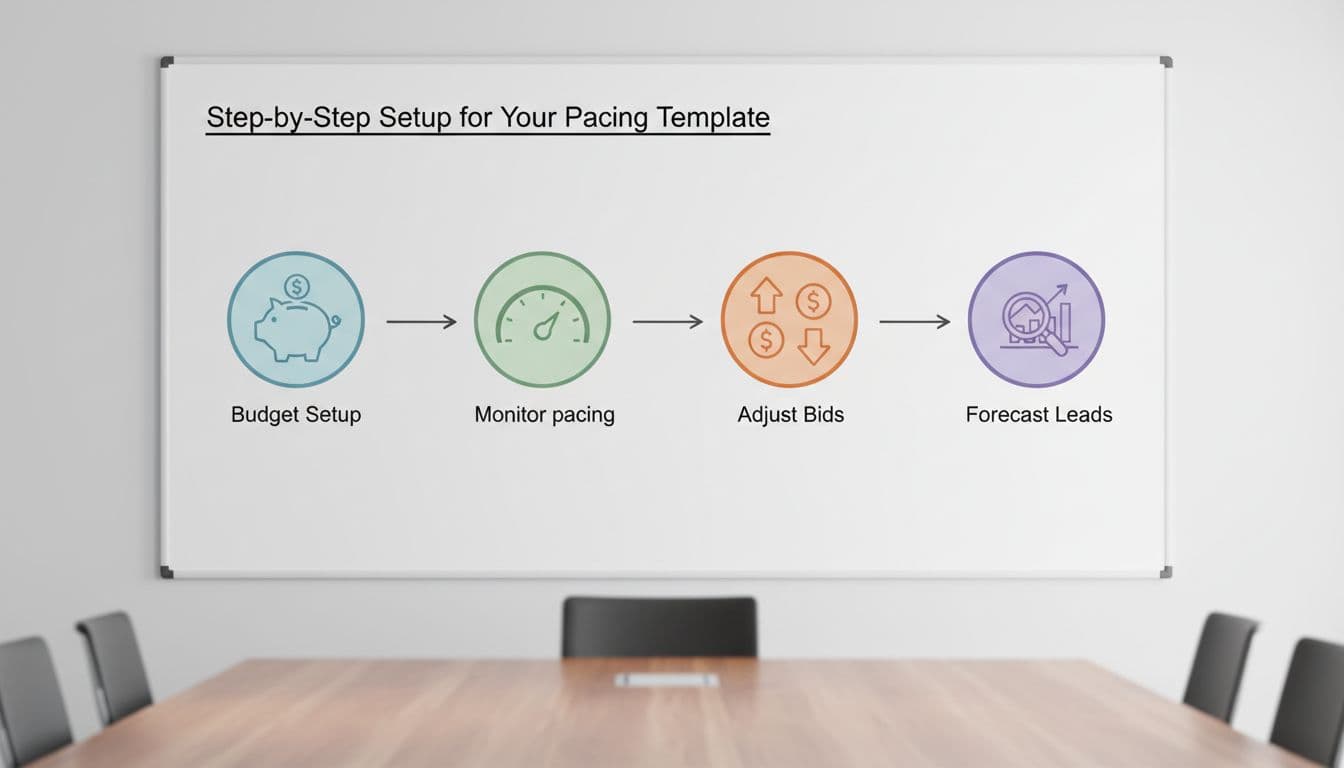
Clean illustrative icons on a whiteboard in a service business meeting room depict sequential steps: budget setup, monitor pacing, adjust bids, forecast leads. Bright even lighting, simple style, no people, text, or extra elements.

Keep the setup simple, then review it in five minutes a day.

  1. Set the monthly target: Pick the spend you can truly support. If the budget is $3,000, your pacing target is $3,000 ÷ 30.4 = $98.68 per day.
  2. Split by campaign type: Most service accounts work best with 60 to 70 percent in Search, 20 to 30 percent in Performance Max, and the rest in brand or remarketing. If you use PMax, this Performance Max setup for service leads can help protect lead quality.
  3. Create guardrails: Mark 0 to 5 percent over pace as green, 6 to 10 percent as yellow, and over 10 percent as red.
  4. Set a review rhythm: Check spend daily, lead quality twice a week, and booked jobs weekly. That keeps you from reacting to every wobble.

Forecast leads and set CPA/CPL guardrails

Calculator and notebook on a desk for calculating leads forecast and CPA targets for Google Ads, with HVAC tools like a wrench in the background; realistic photo with warm desk lamp lighting.

A good pacing sheet predicts lead volume, not just spend. Use three simple formulas:

Expected leads = Monthly budget ÷ Target CPL
Expected customers = Leads × Lead-to-job close rate
Expected revenue = Customers × Average job value

Say a plumbing company plans to spend $6,080 this month. Its target CPL is $95, and 35 percent of leads book. That forecast gives you 64 leads and about 22 jobs. If the average job is $850, that's roughly $18,700 in booked revenue.

Now set your ceiling. If your max CPA for a sold job is $270 and 35 percent of leads become jobs, your max CPL is $94.50. Once CPL sits above that for several days, pacing alone won't fix the problem. Improve conversion rate, tighten targeting, or reduce spend.

For cleaner forecasts, count only qualified calls and real form leads. Don't count junk conversions. This budget pacing explained clearly is useful if your team needs a quick reset on the math.

Adjust for seasonality and know when to push or pull back

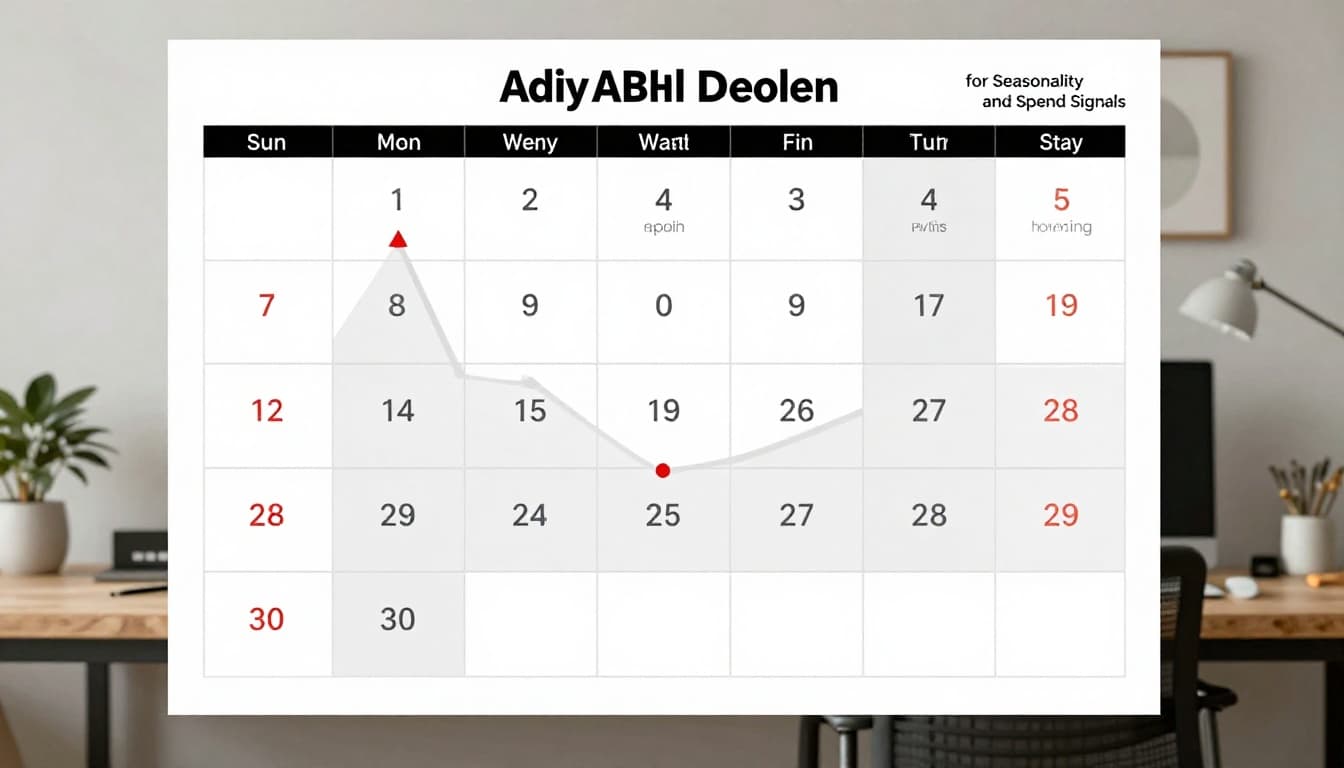
Calendar page marked with seasonal peaks for HVAC services including summer AC repairs and winter heating high spend periods, overlaid with a graph showing budget adjustments in a home office infographic style.

Service demand rarely moves in a straight line. HVAC spikes in heat waves. Dental can dip around holidays. Legal and emergency home services often jump with local events and weather. So add a seasonality multiplier column based on the last 12 months.

If June usually drives 30 percent more search demand than your average month, use a 1.30 multiplier. A $4,000 base budget becomes $5,200. If February runs at 0.80, reduce that same budget to $3,200 unless lead quality stays unusually strong.

Increase spend when search impression share is lost to budget, qualified lead rate holds, and CPL stays inside guardrails. Pull back when spend rises but booked jobs flatten. Also slow down if no-show rates climb or search terms get messy. A strong negative keywords template for home services helps stop waste before you blame the budget.

Use 2026 Google Ads features without losing control

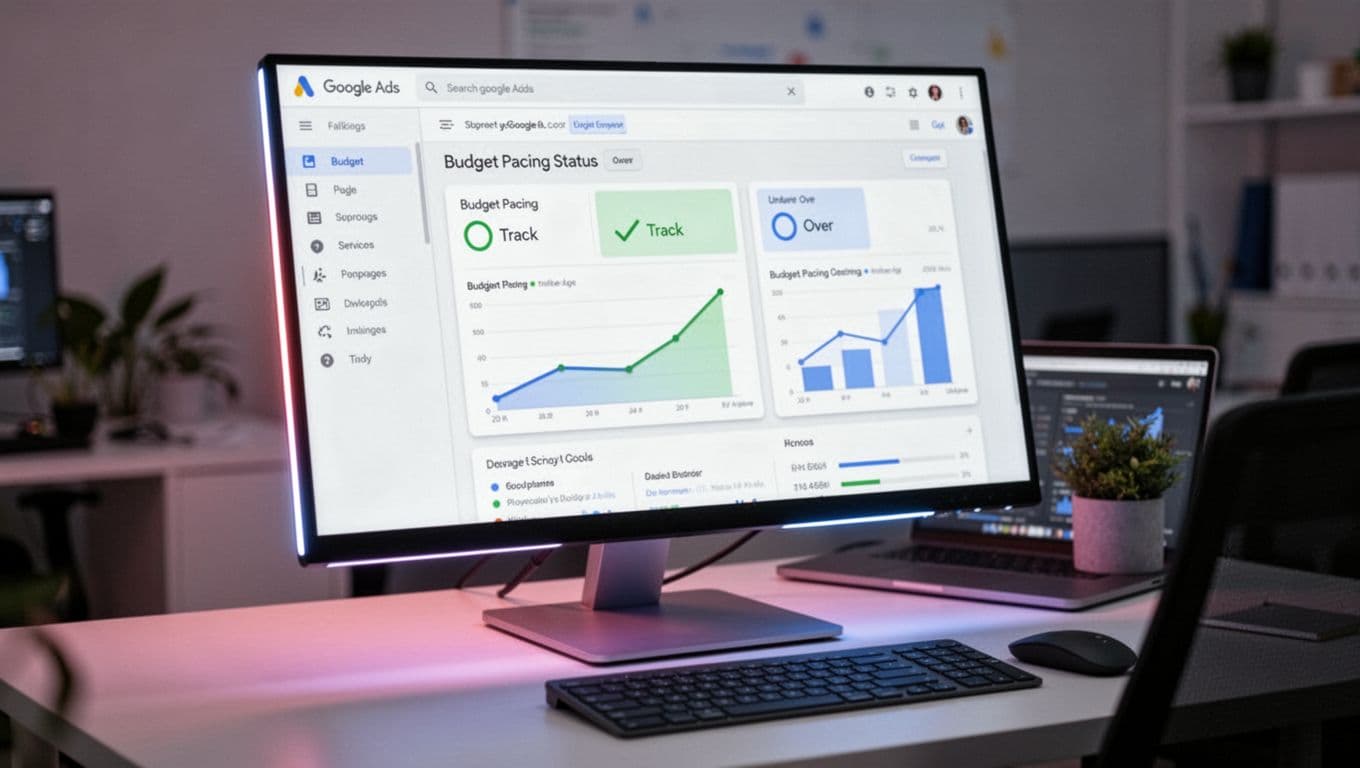
Modern Google Ads dashboard interface on a monitor displaying budget pacing status (on track, under, over) with charts in a professional marketer workspace. Realistic screenshot blend with screen glow, laptop at angle, no people, logos, or detailed UI text.

This year's biggest change is pacing with ad scheduling. If you run only weekdays or business hours, Google may spend faster during those windows to hit the same monthly cap. So don't set daily budget from active days. Set it from the monthly goal, then divide by 30.4.

For short promos or peak seasons, Campaign Total Budget can help because it works from a fixed amount instead of a loose daily average. Meanwhile, Search should still carry most of the spend for high-intent local queries. Use Maximize Conversions when lead volume is steady. Then test Target CPA once you have enough clean conversion data. Keep a close eye on lead quality if Performance Max starts soaking up spend.

Google Ads budget pacing isn't about squeezing every cent out of the platform. It's about matching spend to lead quality, sales capacity, and seasonality. Build the template, review it often, and trust your guardrails more than your gut. When the month starts to drift, you'll know exactly what to change, and why.

Google Ads Offline Conversion Tracking Setup for Service Businesses in 2026

If you count every form fill as a win, Google Ads learns the wrong lesson. Service businesses make money later, when a call gets qualified, an estimate gets booked, or a job closes. Offline conversion tracking fixes that gap.

In 2026, the core setup still starts with GCLID capture, CRM storage, and privacy-safe imports back to Google Ads. Once that loop is working, campaigns can optimize toward qualified leads, booked jobs, and real revenue instead of noisy top-of-funnel actions.

Why service businesses need offline conversion tracking

A plumbing call from outside your service area is not a conversion. Neither is a spam form or a price shopper who never answers. When Google only sees raw leads, it optimizes for volume, not quality.

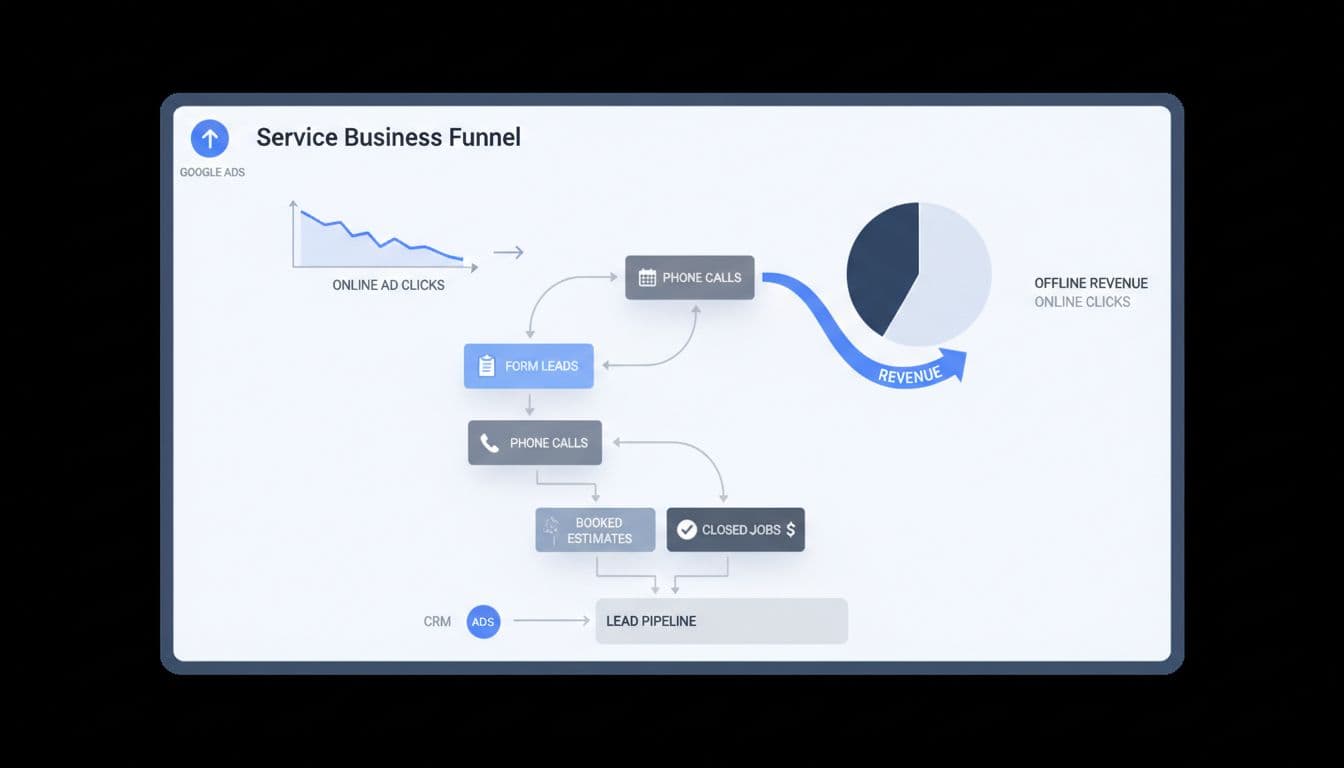
Clean modern illustration of a service business dashboard depicting online ad clicks funneling into offline revenue through form leads, phone calls, booked estimates, and closed jobs.

For service businesses, better signals are qualified lead, booked estimate, deposit paid, or closed-won job. A recent 2026 setup guide for offline conversion tracking makes the same point: campaigns get smarter when you feed them real business outcomes.

That matters even more in local services, where lead quality can swing hard by keyword, zip code, or device.

What to have ready before setup

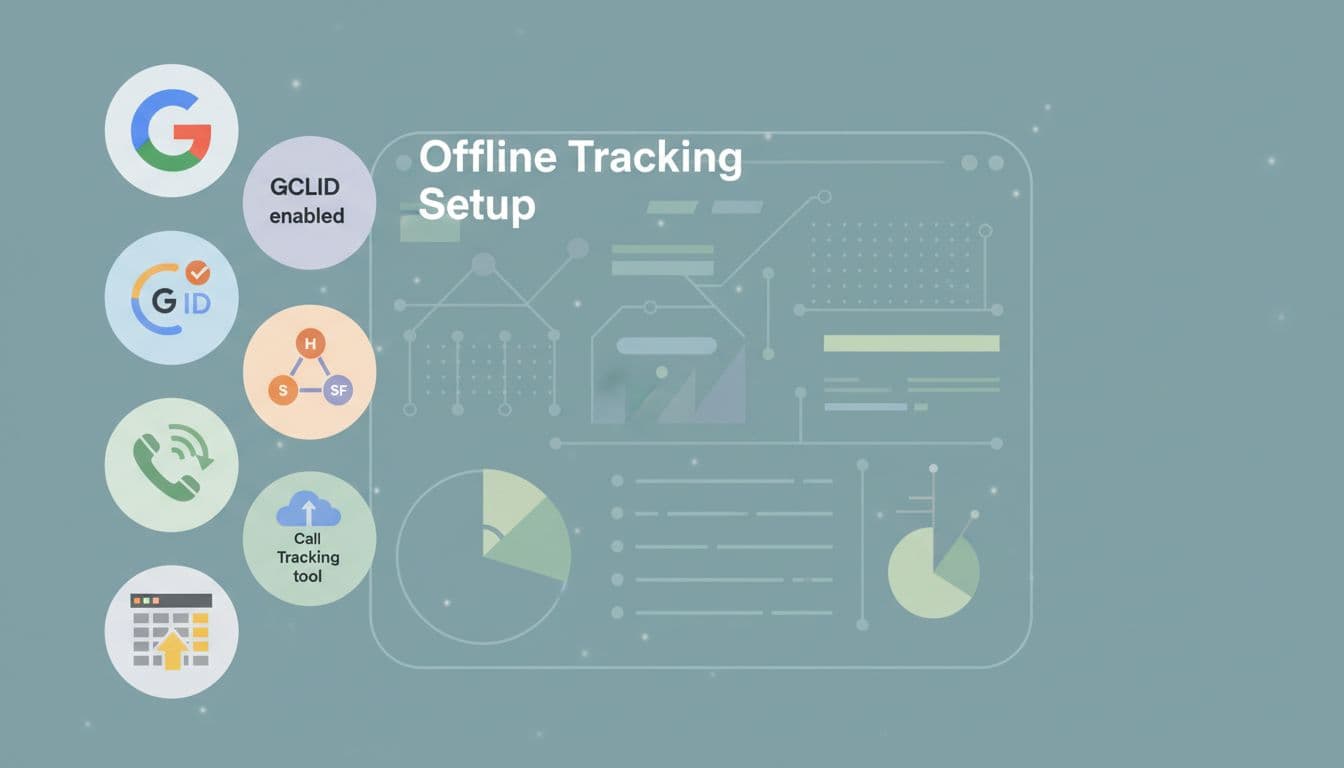
Before setup, turn on auto-tagging in Google Ads. That adds the GCLID to your click URLs, and it still drives most offline matching in 2026. On some iOS and YouTube traffic, you may also see WBRAID.

Clean modern illustration of prerequisite icons for offline tracking setup, featuring Google Ads account, GCLID, CRM like HubSpot or Salesforce, call tracking tool, and spreadsheet, arranged in a checklist on a tech dashboard background.

Next, capture the click ID on landing pages and pass it into your CRM with the lead record. Keep that first-party data for at least 90 days. You also need call tracking, a consent banner, and clean account basics. Many teams now use server-side tagging because browsers block more client-side tracking. If your foundation still needs work, this Google Ads account setup checklist for leads is a useful starting point.

Step-by-step Google Ads setup in 2026

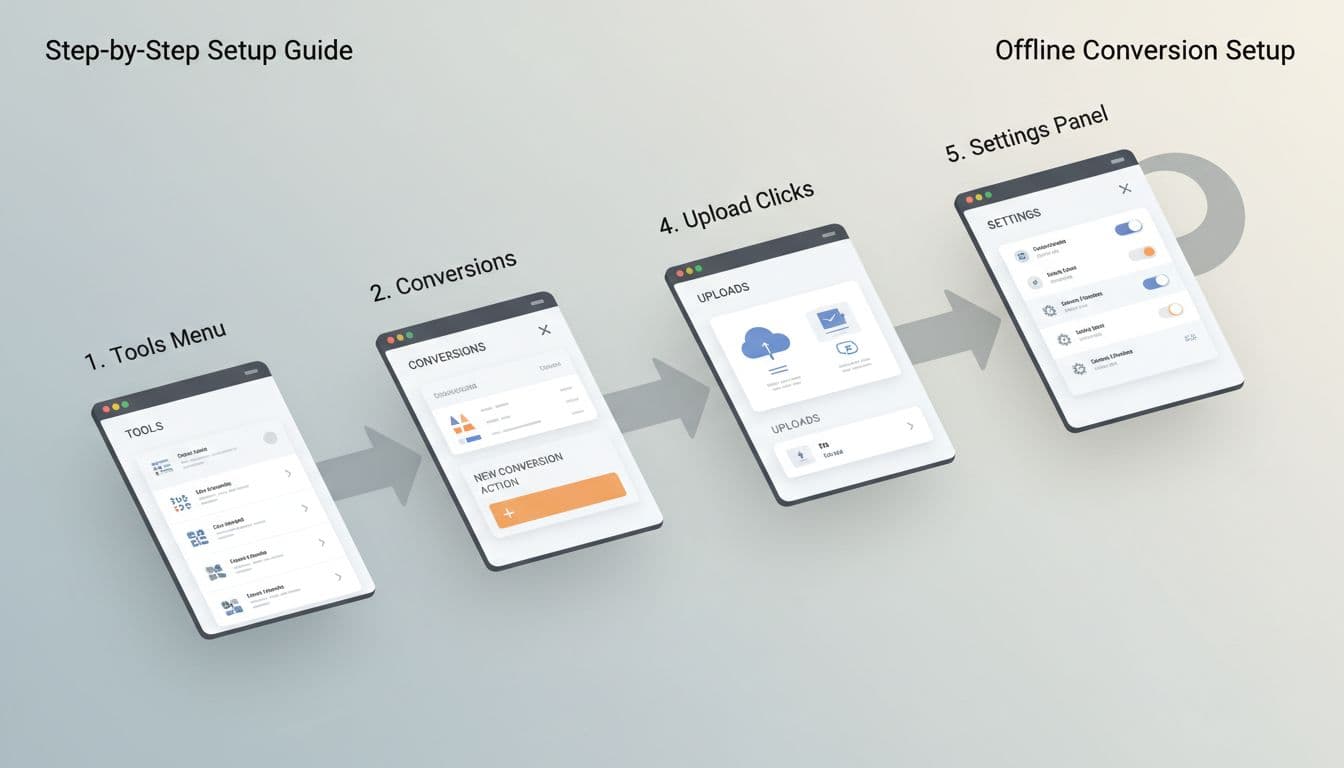
In the current interface, go to Goals, then Summary, then create a new offline conversion action. Use separate actions for the stages that matter to your sales team.

Clean modern flowchart illustration of Google Ads interface steps for offline conversion setup, including Tools menu, conversions, new action, upload clicks, and settings panel, in a professional dashboard style with neutral colors.
  1. Turn on auto-tagging in account settings.
  2. Capture GCLID on every landing page, store it, and send it with each form lead or tracked phone call.
  3. Create offline conversion actions such as Qualified Lead, Booked Estimate, Booked Job, and Closed Won Revenue.
  4. Assign values. A booked estimate may use a fixed proxy value, while a closed-won job should use actual revenue or a profit proxy.
  5. Mark only the actions you want bidding to learn from as Primary. Keep raw leads as Secondary if you still want them for reporting.

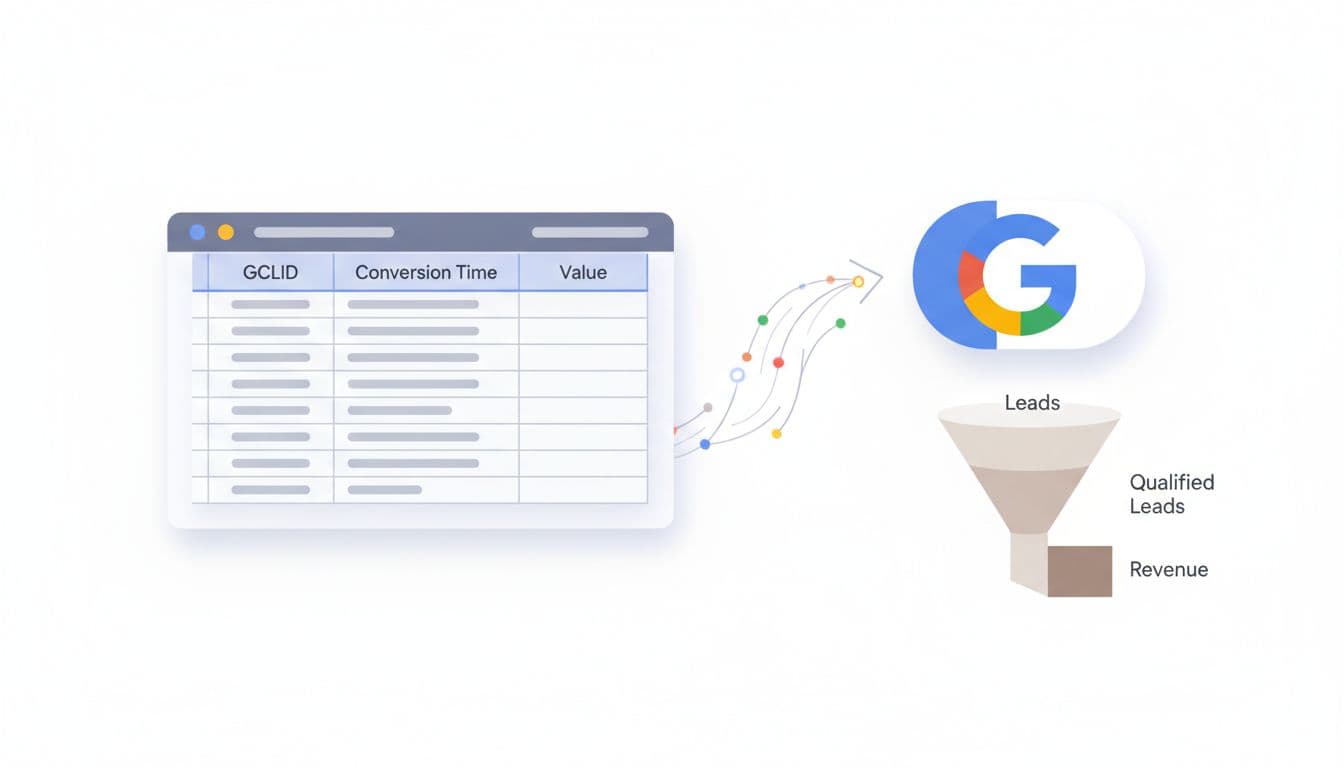
Each imported row needs a click ID, conversion name, conversion time, value, and currency. After your first test upload, check diagnostics inside Google Ads for match issues. If you want a simple file-based start, this Google Sheets import walkthrough is handy.

If the click ID never reaches the CRM on day one, you can't recover it later.

Connect your CRM and call tracking

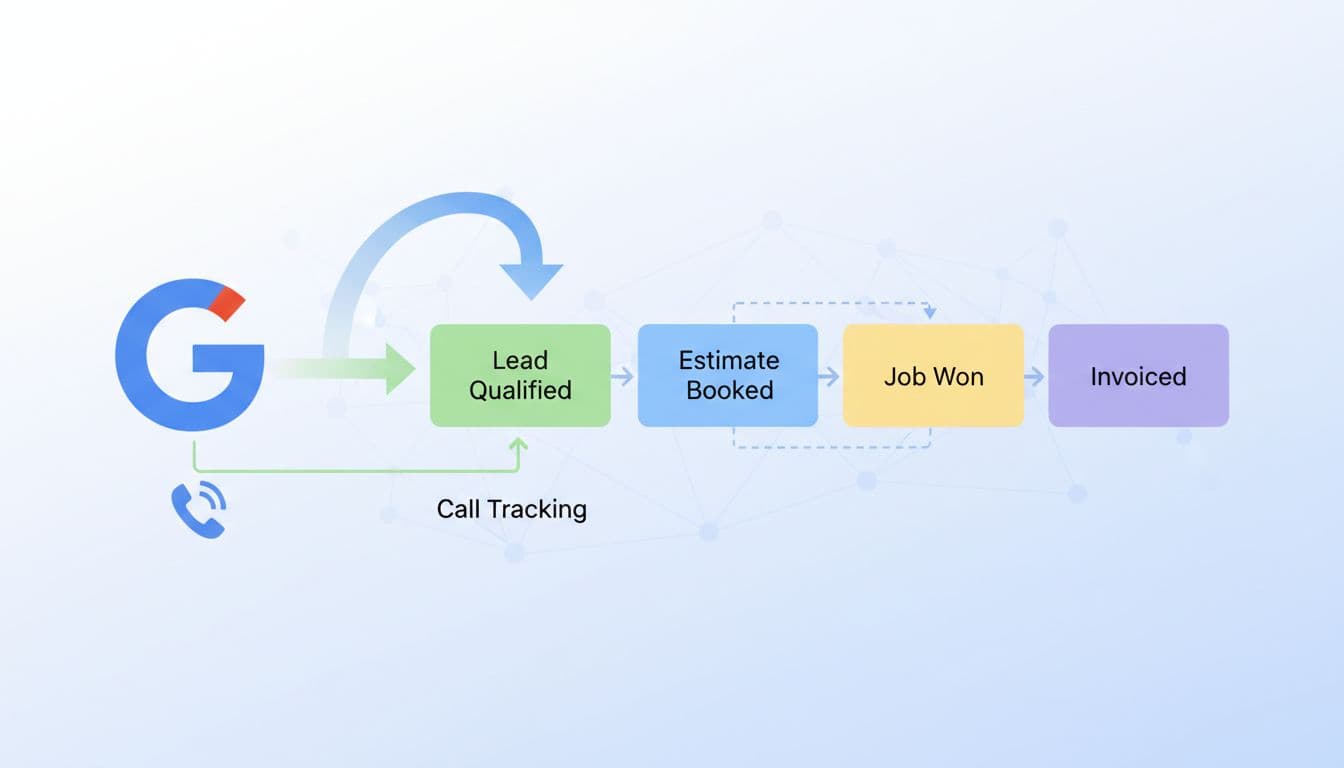
Your CRM is the memory of the whole system. Every lead should carry the click ID, lead source, consent status, and stage changes. For call-heavy businesses, use a call tracking tool that swaps numbers on the site, ties the phone call back to the ad click, and sends that record into the CRM.

Clean modern illustration of CRM integration for offline tracking, featuring Google Ads icon connecting to CRM pipeline stages like lead qualified, estimate booked, job won, with data import arrows and linked call tracking phone icon. Service business lead flow diagram in SaaS dashboard style using subtle colors, no text or people.

This simple stage map works well for most service teams.

StageExampleImport as Primary?
Raw leadForm fill or first callUsually no
Qualified leadService area, job type, budget confirmedOften yes
Booked estimateInspection or consult scheduledYes
Closed-won jobDeposit paid or invoice wonBest signal

The key is consistency. If one rep marks a lead as “qualified” and another writes “good call,” the data gets muddy fast.

Import qualified offline conversions back into Google Ads

Manual uploads still work for lower lead volume. A weekly CSV can be enough for a local roofer, lawyer, or dental clinic. However, agencies and larger brands usually get better results from CRM or API-based imports, because Google receives faster feedback.

Clean modern illustration depicting a spreadsheet with GCLID, conversion time, and value columns uploading to a Google Ads button, paired with a lead qualification funnel narrowing to revenue on a professional tech dashboard in neutral tones.

HubSpot, Salesforce, Jobber, ServiceTitan, and even Sheets can all work. Keep it privacy-safe: use first-party capture, respect consent, and send only the fields needed for matching and value reporting. GCLID alone can be enough. Hashed email or phone may help in some setups, but never send raw notes or private case details. For a wider view of current options, this 2026 Google Ads conversions guide is a useful companion.

Optimize for booked jobs and revenue

Once imports run cleanly, stop judging campaigns by cost per form. Look at cost per qualified lead, booked estimate rate, booked job rate, close rate, and revenue by campaign. Then let bidding follow the money.

Clean modern SaaS-style illustration of an optimization dashboard showing post-tracking results with graphs for ROAS improvements, bid adjustments for revenue conversions, and service business metrics like job value vs clicks. Subtle colors, focused on key performance indicators without embedded text.

If closed-won volume is low, start by optimizing toward qualified leads or booked estimates. As volume builds, switch to value-based bidding so Google chases higher-value jobs, not just cheaper ones. That helps with HVAC replacements, legal matters, implants, and med spa packages, where lead values vary a lot. If you also run automation-heavy campaigns, this Performance Max campaign setup for service leads pairs well with revenue-based imports.

Bottom line: treat Google Ads like a salesperson, not a slot machine. Feed it the stages that predict revenue, keep the data clean, and offline conversion tracking will push more budget toward jobs that actually close.

Google Ads Search Campaign Structure for Service Businesses in 2026

If your search campaigns bring clicks but not booked jobs, the problem often starts with structure. A messy account sends mixed signals to Google, and mixed signals usually mean bad leads, unstable cost per lead, and wasted budget.

In 2026, a strong google ads campaign structure is usually leaner than people expect. Service businesses need clear campaign buckets, solid conversion data, and enough volume for bidding to learn. That matters whether you sell emergency plumbing, roof replacement, personal injury cases, med spa treatments, or B2B consultations.

Why campaign structure matters more in 2026

A single marketer seated at a modern desk in a bright office reviews a Google Ads dashboard on a laptop screen, showing charts with declining cost per lead and increasing qualified leads for a service business, in realistic photorealistic style with natural daylight.

Google Ads now leans harder on automation, so account structure has a new job. It must feed cleaner data into bidding. If one campaign mixes emergency jobs, low-value service calls, and premium installs, the system struggles to learn what a good lead looks like.

For most local and regional service businesses, the ideal starting point is 1 to 3 Search campaigns, not 10 or 20. Keep the split based on business value, not personal preference.

A practical setup often looks like this:

  • Core non-brand Search for high-intent services
  • Brand Search if competitors bid on your name or branded volume is meaningful
  • A separate test or specialty campaign for a new service, location, or audience

Inside those campaigns, ad groups should stay tight around service themes. HVAC companies might split AC repair and furnace install. Roofers may separate repair from replacement. Law firms usually need separate themes for practice areas because case value differs so much. Med spas often separate Botox from laser hair removal because intent, seasonality, and lead quality differ.

Location splits only make sense when staffing, close rates, or CPL varies a lot by market. If not, keep geography inside one campaign and use location targeting.

If you're rebuilding from scratch, start with a clean Google Ads account setup checklist for leads. Also, WordStream's 2026 account structure guide backs the same idea, fewer moving parts usually makes optimization faster.

Simplify or segment based on lead volume, not opinion

Split-view illustration of a marketer in an office comparing a single Google Ads campaign dashboard with moderate leads on one laptop to multiple segmented campaigns showing higher qualified leads and lower CPL on another.

Think of campaign structure like shelves in a service van. Too few, and tools get piled together. Too many, and your tech wastes time hunting for the wrench.

Simplify when volume is low. If you get under 30 conversions a month, have one main service line, or run a modest budget in one metro, keep it tight. One Search campaign with a few focused ad groups is often enough. That helps Smart Bidding learn faster, and it keeps reporting clear.

Segment when the business case is real. Split campaigns only if you would change budget, target CPA, ad copy, landing page, or schedule. Good reasons include emergency versus planned work, residential versus commercial, or premium services versus lower-ticket jobs.

For example, a plumber can keep drain cleaning and leak repair together early on. Once water heater installs start bringing higher-value leads, that service may deserve its own campaign. A law firm should often split personal injury from family law because the economics are totally different. Meanwhile, a B2B service provider may split by offer, such as managed IT versus cybersecurity assessments, when sales cycles and close rates differ.

More campaigns don't create control. Better signals do.

Common mistakes still burn budget in 2026. Splitting match types into separate campaigns, cloning the same keywords across campaigns, breaking out every suburb, and treating every form fill as equal all create noise. So does over-segmentation before the account has enough data. As Elshorafa's 2026 framework for service businesses notes, service accounts usually perform better when bottom-funnel intent gets most of the budget.

Automation now rewards clean signals, not busy accounts

A professional marketer relaxes at a modern desk, adjusting smart bidding settings for target CPA on the Google Ads interface on a laptop, with graphs displaying optimized bids and conversions, coffee nearby, in a naturally lit office.

In 2026, Google is pushing more AI-led Search features, including AI Max in more accounts. That means broader query matching, search themes, dynamic ad assembly, and less manual control. So the structure question has changed. You're no longer organizing for neatness. You're organizing for data quality.

For new campaigns, Maximize Conversions often works best until you have enough real leads. After roughly 20 to 30 solid conversions in 30 days, Target CPA can make sense. Still, low-volume niches may do better with Manual CPC for a while, especially for terms like emergency roofer, divorce lawyer, or commercial HVAC maintenance.

Automation doesn't remove the need for search term management. It makes it more important. Review search terms often, then block junk fast. Home service accounts usually need negatives like jobs, salary, free, diy, parts, or training. Med spas may need negatives for school, certification, or wholesale. B2B services often need to exclude template, definition, or software if they sell done-for-you services.

First-party conversion data now has a much bigger impact on structure decisions. If Google optimizes to any lead, it will happily find more weak leads. Feed back booked calls, qualified forms, consultations that showed up, and closed revenue when possible. HVAC installers should value install calls above tune-ups. Law firms should separate signed cases from raw inquiries. B2B teams should import CRM stages, not just demo requests. A clean GA4 conversion tracking for lead gen sites setup helps keep those signals trustworthy.

If you also run broader campaign types, keep Search focused on bottom-funnel demand and manage expansion separately. This Performance Max campaign setup for service leads is a useful companion when Search and PMax both support lead generation.

The best structure in 2026 isn't the most detailed account. It's the one that helps Google find qualified leads without guessing. Start small, split only where the business model changes, and protect your budget with strong negatives and better conversion data. If lead quality feels shaky, fix the structure before you raise spend.

Negative Keywords Template for Home Service Google Ads in 2026

If your ads keep showing for “jobs,” “DIY,” or “supplies,” you're buying curiosity instead of leads. A solid negative keywords template fixes that fast. In 2026, Google Ads matches searches more loosely, so home service campaigns need tighter filters to protect budget and improve call quality.

For plumbers, HVAC companies, roofers, electricians, cleaners, and pest control brands, the goal isn't more clicks. It's more local jobs. The template below gives you a clean starting point, plus category-specific ideas you can copy today.

Why negative keywords matter more in 2026

Clean professional marketing visual of a PPC dashboard showing negative keywords list blocking irrelevant home services searches like plumbing and HVAC, with red-highlighted wasted terms in search query reports using a blue-white-gray palette.

Google Ads can match you to a wider range of searches than many owners expect. That helps discovery, but it also opens the door to junk traffic. A plumber can pay for clicks from “plumbing school,” “pipe supply,” or “DIY sink repair” unless those terms are blocked.

Every bad click steals budget from high-intent searches like “emergency plumber near me.” As a result, lead quality often improves before click-through rate does. You may get fewer clicks, yet more calls worth answering.

If your account structure also needs work, this Google Ads setup checklist for leads helps tighten the basics. For a broader 2026 view, these Google Ads tips for home service businesses point to the same lesson: block poor-fit traffic early.

Bad searches don't just waste spend, they teach the campaign to chase the wrong demand.

Build your core negative keywords template around search intent

Professional visualization of a search intent funnel for Google Ads, with broad irrelevant queries like 'jobs free' crossed out by negatives, narrowing to local service calls, home repair background, blue-white-gray tones, PPC dashboard elements, landscape editorial style.

Start with intent buckets. That's easier than guessing random words one by one. Most home service accounts need the same core filters.

Use this starter table as your account-wide base list:

Intent bucketCopyable negativesWhy it helps
Jobs and trainingjobs, hiring, career, salary, apprenticeship, schoolBlocks job seekers
DIY and researchdiy, how to, tutorial, youtube, manual, pdfFilters non-buyers
Cheap/freefree, cheap, coupon, discountCuts low-value intent
Products and partsparts, supplies, tools, kit, wholesaleStops product shoppers
Mismatch termscommercial, residential, apartment, rvUse only if you don't serve them
Out-of-areacity names, ZIPs, counties you don't serveKeeps local intent tight

For multi-word blockers, phrase match usually gives better control. Keep exact match for one-off terms you know are bad. If you want more examples, this 2026 negative keyword guide is useful, and this complete 2026 negative keyword list can help expand your base list.

Copyable negative keyword ideas by home service category

Marketing visual showing home service categories like HVAC unit, plumbing pipe, roofing ladder, electrician tools arranged on a workbench, subtle overlay of negative keyword blocks like free cheap diy, blue white gray tones, professional digital ad style, landscape, sharp clean lines, no text, no people.

One template won't cover every trade. Still, most wasted clicks fall into patterns. Use the ideas below as campaign-level add-ons.

CategoryAdd these negativesSearch intent blocked
HVACwindow unit, portable, manual, freon price, classretail, DIY, training
Plumbingsnake tool, pipe fittings, supply store, plumbing schooltools, parts, jobs
Roofingshingles for sale, metal sheets, roofing nails, diy roofmaterials, DIY
Electricalwire spool, outlet cover, electrician salary, code booksupplies, research, jobs
Cleaninghousekeeper jobs, mop, vacuum parts, free checklisthiring, products, info
Pest controlbug identifier, insect photo, spray bottle, home remedyresearch, retail, DIY
Landscapingmower parts, seed mix, landscaping jobs, design softwareproducts, jobs, research

Then add service mismatches. If you don't do commercial work, block commercial. If you only handle repair, block installation. If you don't offer 24-hour help, block emergency. Local intent matters just as much, so exclude towns outside your service area.
To match ad targeting with organic demand, a local SEO keyword research template can help map services to the places you actually want calls from.

How to add and organize the template in Google Ads

Step-by-step Google Ads interface screenshot for adding negative keywords, with shared library panel open showing home service list, clean modern blue-white-gray UI, screen at angle.

The best setup has two layers: an account-wide shared list, and trade-specific negatives at campaign level. That keeps core junk traffic out while leaving room for service nuance.

A simple workflow works well:

  1. Build one shared list for jobs, DIY, free, products, and out-of-area terms.
  2. Add campaign lists for each trade, such as HVAC, plumbing, or roofing.
  3. Check the search terms report every week, then add new blockers fast.
  4. Review matched cities and neighborhoods after major budget changes.

For example, a plumbing account might keep one shared list for jobs and DIY, then a campaign list blocking water heater parts, pipe sizes, and supply brands. Keep the list practical. Don't block “near me.” Don't block “emergency” unless you truly don't offer it.

Your ads also need local trust after the click. A strong Google Business Profile optimization guide can support better lead flow in the same service areas.

Measure lead quality and keep the list fresh

Analytics chart displaying before-and-after ad performance improvements from negative keywords, featuring a drop in wasted spend and rise in lead quality for home services on a clean PPC metrics dashboard.

Lower cost per click sounds nice, but it isn't the whole story. Watch what happens to call quality, form quality, and booked-job rate after you apply the template.

MetricWhat to look for
Search termsFewer DIY, jobs, and retail queries
Lead qualityMore calls with real service need
Cost per leadStable or lower after cleanup
Booked jobsHigher close rate from paid traffic
Geo fitMore leads from target towns

Set a recurring reminder, because search behavior shifts with season, weather, and promo periods. If the account still pulls weak traffic, your negatives may be too shallow, or your keywords may be too broad.

A good negative keywords template acts like a gatekeeper. It doesn't create demand, but it keeps bad traffic from crowding out people ready to hire. Clean up the junk, protect local intent, and the right leads get more room to find you.