

At checkout, Shopify shipping rates are recalculated using the customer’s address, cart, shipping profiles, fulfillment origin, and discounts. Product-page estimates can differ from checkout quotes, which use the full address, entire cart, package details, and available services. Carrier-calculated prices also depend on package dimensions and weight.
For Kolkata merchants, the important distinction is between the customer’s shipping charge and your courier bill. They can differ even when checkout works correctly.
Start by identifying which calculation changed, then reproduce the order with the same products and address.
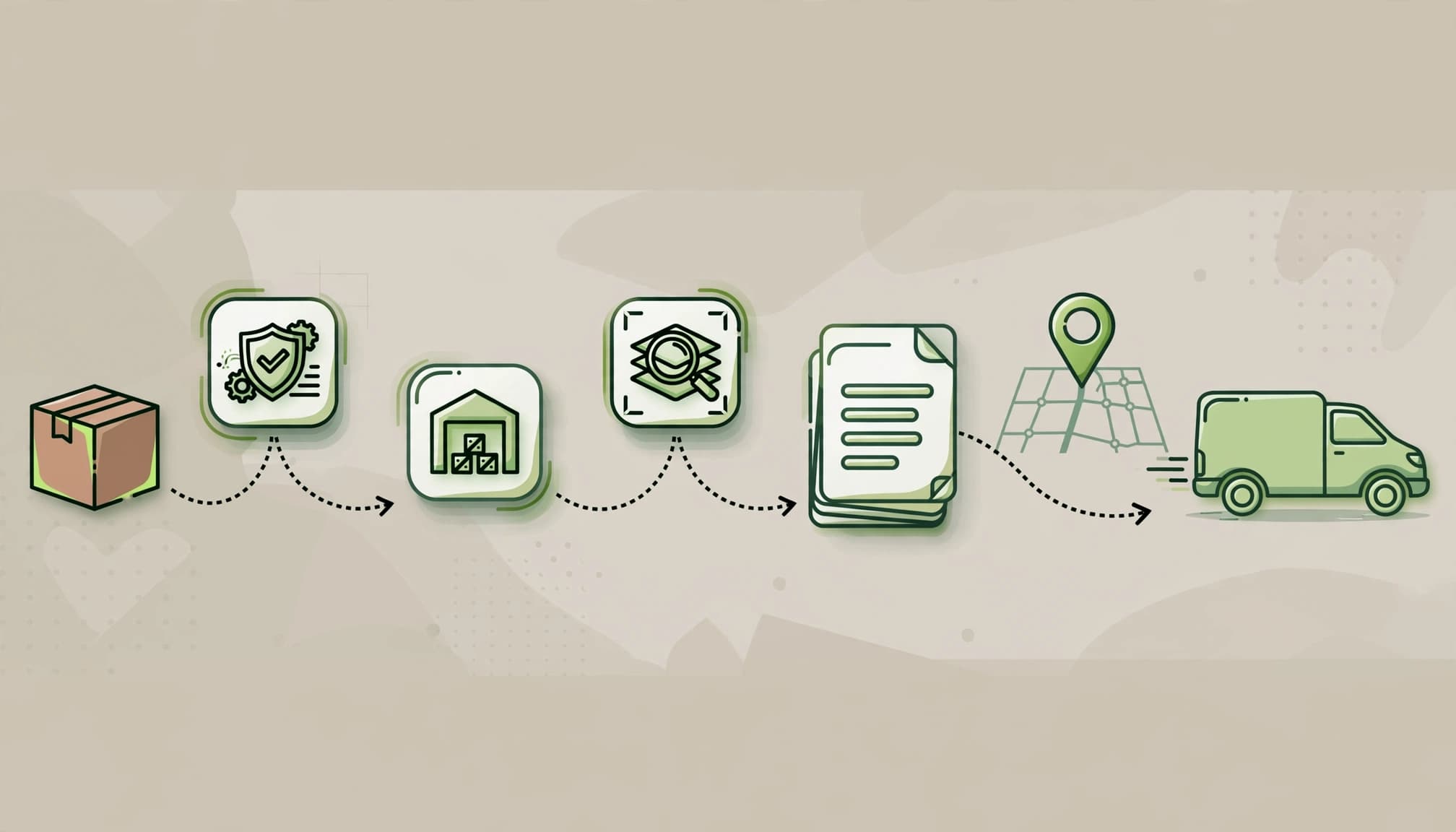
Key takeaways

- A new address, fulfillment origin, or shipping profile can change the available price.
- Package weight, tier gaps, and discounts often explain unexpected increases.
- Test a fresh checkout, then compare the customer charge against your complete fulfillment cost.
How profiles and zones change Shopify shipping rates
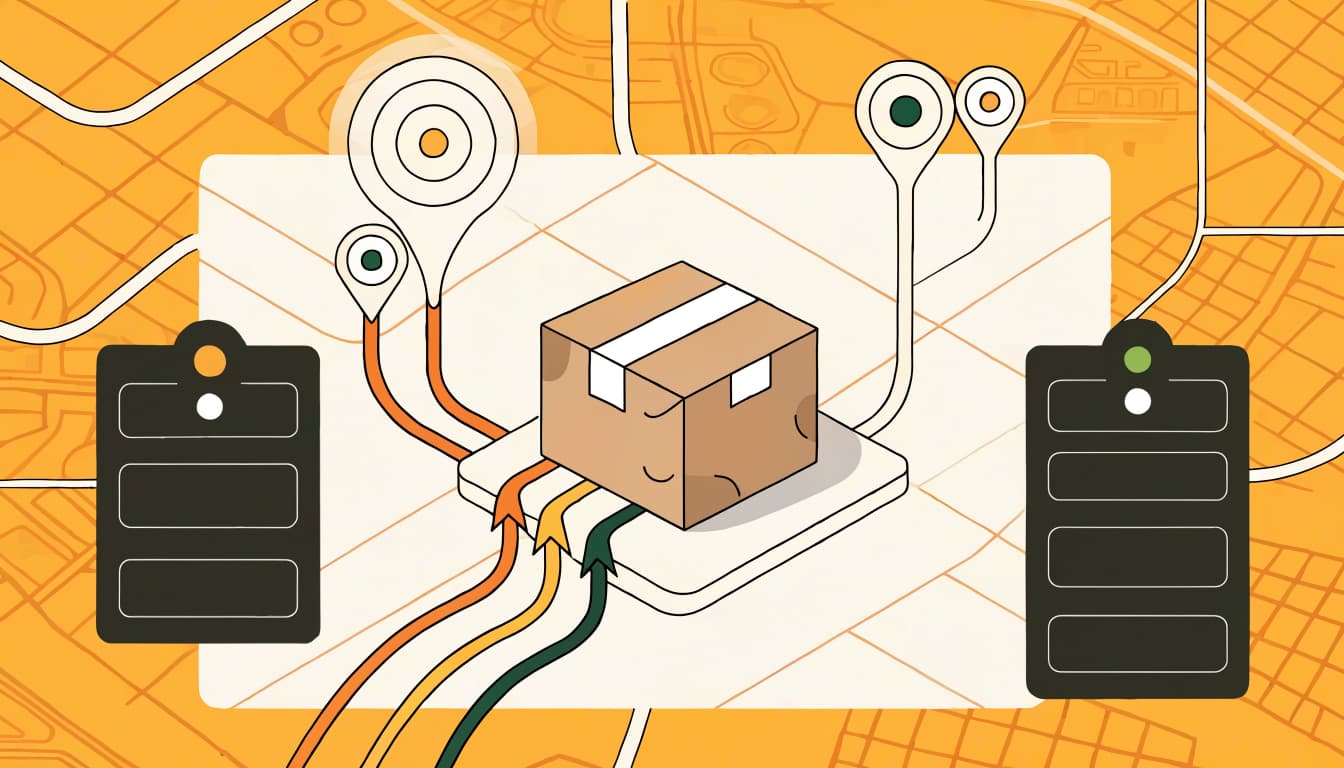
Customer location and fulfillment origin

A shipping profile groups products and fulfillment locations under shared rules. Within it, each shipping zone maps countries or regions to the rates available there.
A complete delivery address can replace an earlier estimate. A Kolkata delivery and international shipping may qualify for different services or rates. If a rate changes or disappears, check that the customer’s region is covered by the intended shipping zone.
The origin matters too. Inventory allocation can route an order through another location, changing the distance or splitting fulfillment. For Indian courier apps, PIN-code serviceability can determine whether a service appears at all.
Mixed carts can add multiple charges
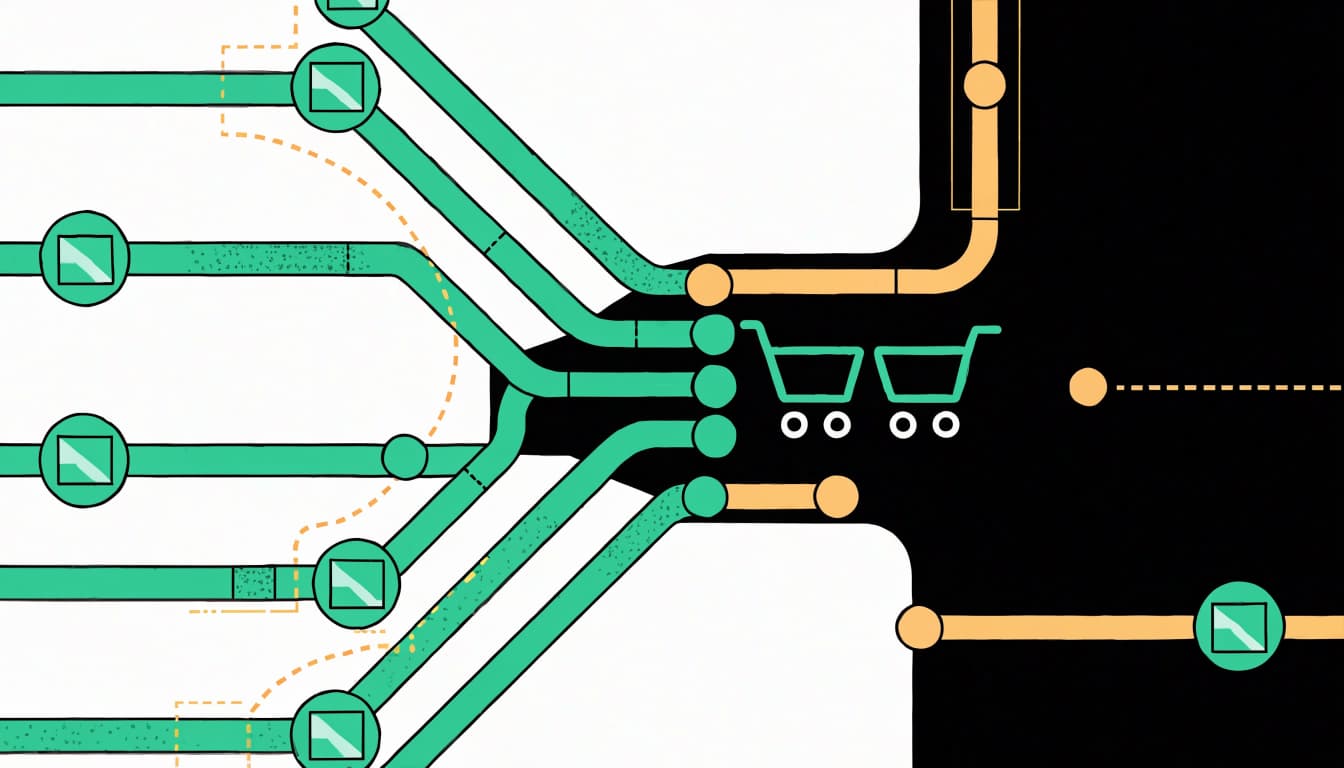
When products belong to separate profiles, Shopify can combine their charges. Rates with matching names across profiles are added together.
If no names match, Shopify combines the cheapest option from each profile into one rate named “Shipping.” An oversized product can therefore increase delivery charges when added to an otherwise ordinary basket.
Shopify’s explanation of combined shipping rates covers this behavior. Test mixed-profile baskets alongside single-product orders. A single-item test won’t expose these combinations.
Understand the four shipping rate types
Shopify supports fixed flat rates, order-amount tiers, weight-based tiers, and rates calculated by a carrier or app.
Flat rates and order-amount tiers

A flat rate stays fixed within its applicable rules. An $8 rate charges $8 whether the eligible basket contains $40 or $100 of products.
Price-based rates change when the qualifying order amount crosses a boundary. These dollar examples illustrate configuration, not Indian delivery quotes.
| Order amount | Shipping charge |
|---|---|
| $0 to $100 | $24.99 |
| $100.01 to $200 | $9.99 |
| $200.01 upward | Free |
A $150 order therefore qualifies for $9.99 shipping. Because discounts can lower the qualifying subtotal, the same basket might move into another tier.
Weight-based and calculated rates
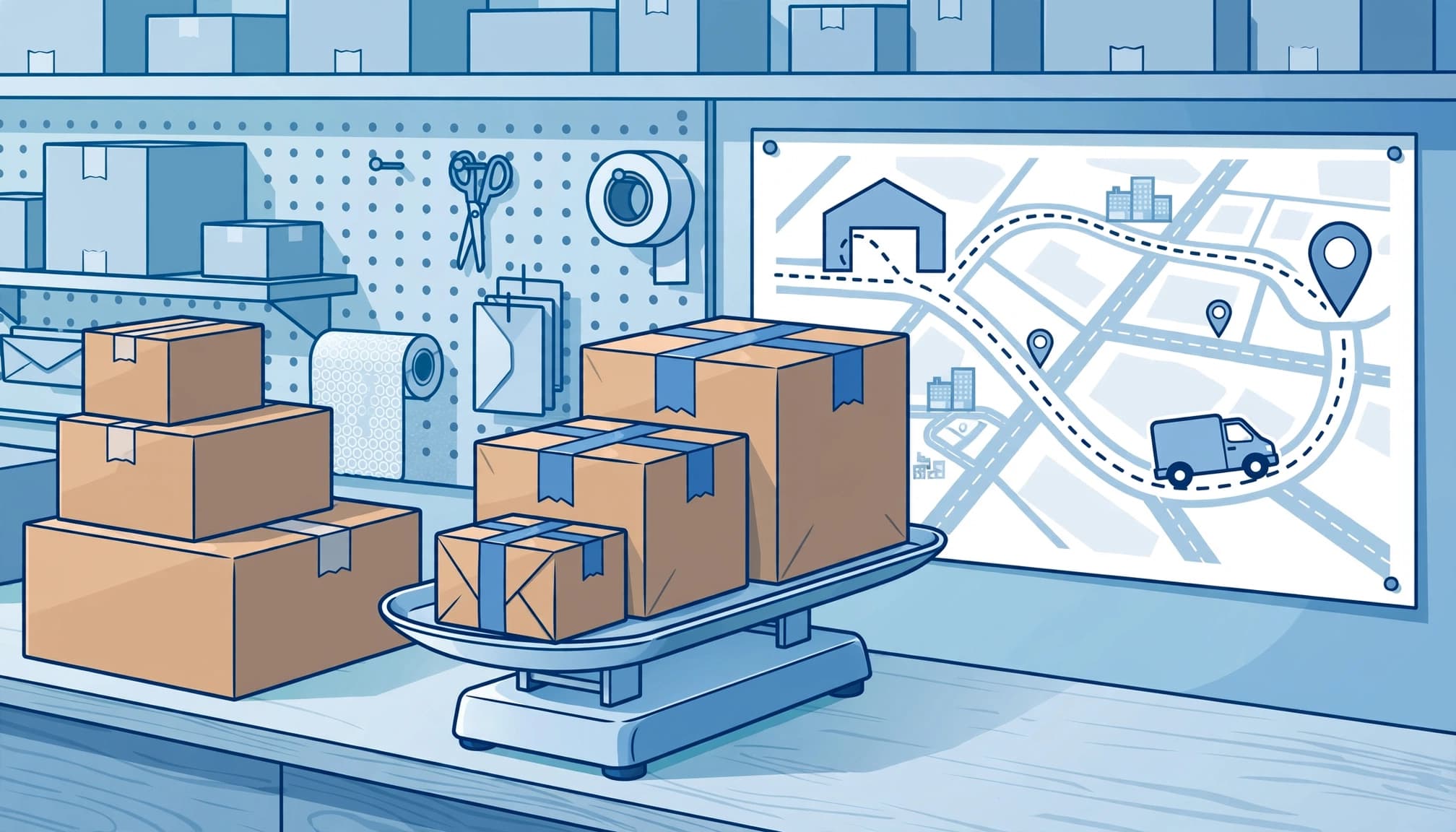
Weight-based pricing applies a charge to each configured weight band.
| Cart weight | Shipping charge |
|---|---|
| 0 to 0.99 lb | $4.99 |
| 1 to 4.99 lb | $9.99 |
| 5 to 9.99 lb | $19.99 |
A 3 lb cart falls into the $9.99 band. Carrier-calculated rates request a quote from a carrier or app using shipment details.
Shopify’s carrier availability guidance distinguishes fulfillment regions. Available options include USPS, DHL, and UPS in the US; Canada Post and Purolator in Canada; and DPD UK, InPost UK, and Royal Mail in the UK. FedEx or other carrier-account connections depend on supported integrations.
Match carrier availability to your actual fulfillment origin. UPS, DHL, and Canada Post options vary by region, and access can depend on your Shopify plan and supported integrations. Compare service levels and transit time as well as price.
These regional options don’t automatically apply to Kolkata origins. Indian stores need a supported courier integration or manual rates.
Set up rates around your actual orders

Shopify’s shipping rate setup instructions start under Settings > Shipping and delivery.
- Open the relevant shipping profile and assign its products and fulfillment locations.
- Create or edit the destination zone. Include only regions you intend to serve.
- Add a flat rate, price or weight conditions, or a supported carrier/app service.
- Cover the entire intended order-value or weight range. Add a zero-price rate only where free shipping should apply.
- Save, then test single-product, mixed-profile, discounted, and heavier baskets using complete addresses.
Name equivalent services consistently across profiles, such as “Standard,” when their charges should combine under that name.
For weight-based rates, Shopify adds the default package weight to product weight. Setting that package weight to zero makes the calculation use product weight alone. However, label purchases still need the actual packed weight.
Record the expected result before each test. Otherwise, a successful checkout can hide an incorrect charge.
Estimate the label cost before buying
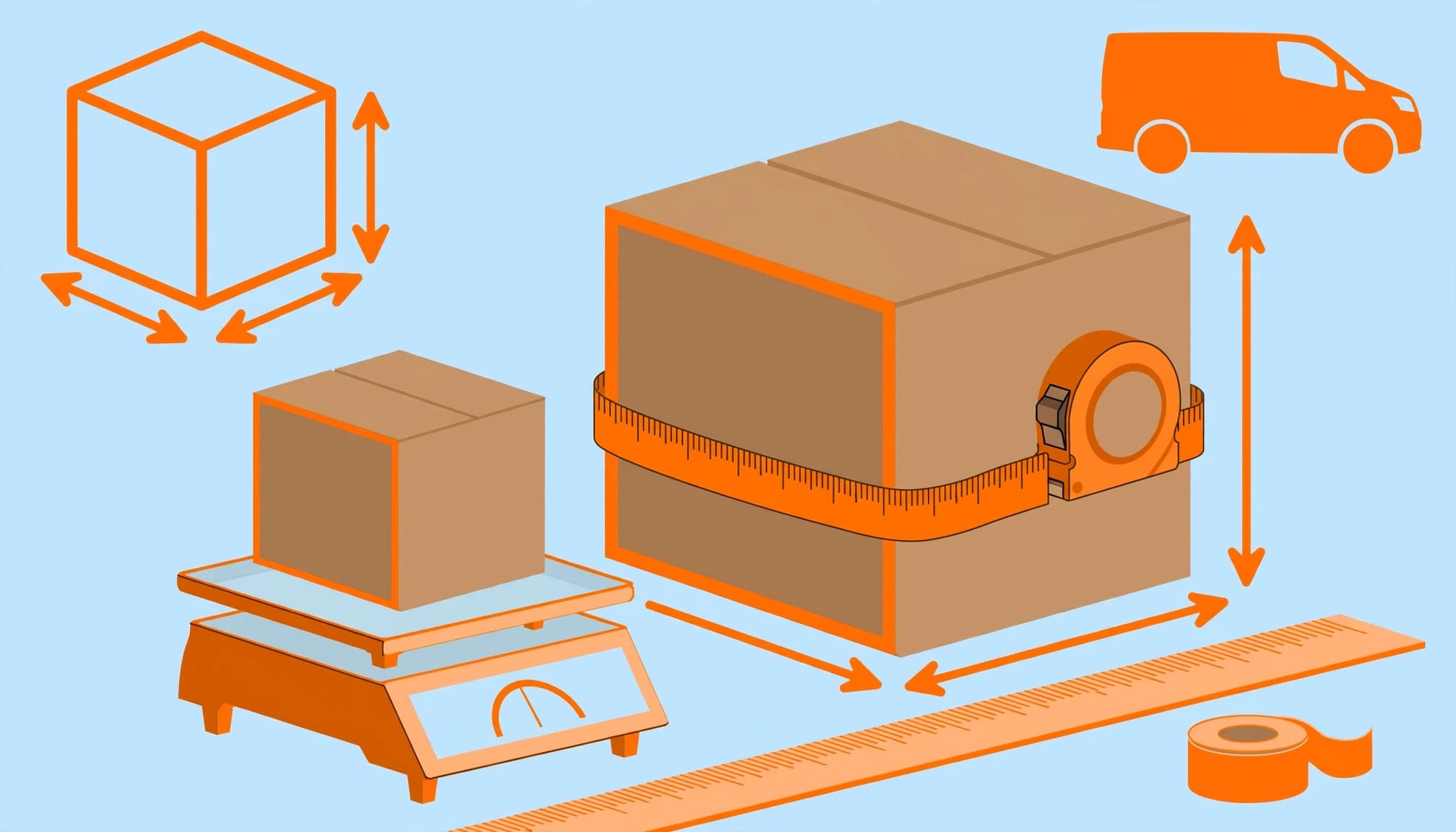
For eligible Shopify Shipping origins, open Settings > Shipping and delivery > Shipping labels > Calculate rates. Enter the origin, destination, package dimensions, and total shipment weight.
This estimates the shipping label purchase, which can differ from your customer’s checkout charge. For Kolkata orders fulfilled through a courier app, use that integration’s shipment estimate instead.
If you use UPS, compare the label quote with the checkout charge for the same service and package.
Large, lightweight boxes can cost more because carriers may bill dimensional weight:
Dimensional weight = length × width × height ÷ carrier divisor.
For a FedEx calculation using inches and a divisor of 139, a 12 × 10 × 8 inch carton produces 6.9 lb. The service’s rounding rules determine the final billable weight. Don’t apply 139 automatically to another carrier or unit system.
Also inspect handling adjustments. Shopify applies a percentage markup before a flat handling fee. A $5 quote with a 50% markup and $1 fee becomes:
$5 × 1.5 + $1 = $8.50.
A negative handling adjustment discounts the calculated charge. It doesn’t automatically increase product prices to recover the subsidy.
Include applicable fuel, residential, delivery-area, insurance, and packaging charges. Discounted rates depend on the carrier, route, package, and eligibility, so a lower base label price doesn’t establish the complete fulfillment cost. Carrier adjustments after dispatch can also change the final bill.
Diagnose a rate that changes or disappears

Use this troubleshooting sequence before changing several settings at once.
- Rebuild the cart in a private browser window. Abandoned checkouts retain rates from their creation, so an old recovery link can show stale pricing.
- Match the exact variant, quantity, customer address, discount, and fulfillment location. Change one input at a time.
- Inspect product weights and package weight. Shopify stores whole grams and rounds upward: 0.03 lb becomes 14 g. Repeated quantities can cross a tier boundary.
- Inspect tier boundaries and profile assignments. A weight falling into a gap uses the next-highest weight-based rate, which can explain a sudden jump.
- Test without discounts, then reapply them. Price-based shipping conditions use the discounted subtotal before taxes.
For promotion conflicts, our guide to Shopify discount code errors covers eligibility and combinations. A free-shipping discount can’t create a delivery service unavailable for the address.
If no rate appears, inspect destination coverage, missing weights, inventory origins, and app responses. A failed carrier-calculated rate request may display a configured backup rate instead.
Taxes can change the payable total or tax on shipping without changing the underlying rate. International duties also aren’t included automatically in every quote.
Shopify’s shipping troubleshooting guidance provides further configuration checks.
Protect margin while showing costs early
Carrier discounted rates reduce your label cost, but they don’t set what customers pay. A $12.50 charge against a $13.80 label creates a $1.30 subsidy before packaging or handling.
Compare what the customer pays with your complete order-level shipping costs, including product cost, payment fees, packaging, and applicable COD or return-to-origin costs. Keep fixed rent and salaries outside this calculation.
You can absorb delivery in product prices or charge separately. Either way, disclose the likely total early. Baymard’s 2026 checkout research reports 70.22% average cart abandonment; 40% of surveyed abandoners cited extra costs such as shipping or taxes. Those benchmarks aren’t a forecast for your store.
For Kolkata customers, offer PIN-code availability and shipping estimates before checkout. Keep SEO product data consistent with actual regional charges. Conditional free shipping shouldn’t appear as unconditional.
Shopify shipping rates FAQ

Does Shopify make shipping cheaper?

For eligible shipments, advertised Shopify label discounts reach up to 77% on Basic and 88% on Grow and Advanced. Savings depend on carrier, route, and package. These advertised ceilings aren’t Indian courier quotes, and discounted labels don’t automatically set your customer’s checkout charge.
How do I offer free shipping over ₹1,500?

Add a ₹0 price-based rate with a ₹1,500 minimum in the relevant profile and zone. Retain paid coverage below that threshold. A ₹1,450 qualifying basket needs another ₹50. Test after discounts, because a reduced subtotal can remove eligibility. Free shipping applies only within its configured conditions.
Make every checkout charge explainable

A dependable shipping setup connects the right destination, profile, origin, and package details. Test those inputs in a fresh checkout before changing prices.
Then compare the customer charge with your complete order-level cost. That protects margin while keeping delivery promises clear.
If you need help fixing your Shopify setup, Get In Touch With Us to discuss your store’s checkout requirements.